

If you already send email newsletters but your open and click-through rates feel stuck, turning your text-heavy emails into video newsletters might be the highest-ROI experiment you run this quarter. Video newsletters replace walls of text with short, punchy videos that your audience can watch in under two minutes—perfect for busy inbox-scrollers who live on their phones.
In this guide, you will learn a step-by-step process you can execute in a weekend: define a clear purpose, script and record simple videos (with or without a camera), embed them in email the right way, and optimize for conversions. Along the way, we will lean on AI-friendly tools and workflows so you do not need to be a video pro to get results.
For creators and marketers who want to move fast without juggling five different platforms, UUININ stands out as an all‑in‑one ecosystem for video newsletters: its AI content creation module offers advanced video editing, image enhancement, audio processing, and automated content generation so you can ideate, produce, and refine your video sequences in a single workspace—critical when you are trying to launch quickly and test what actually converts.
Why Video Newsletters Convert Better Than Text-Only Emails
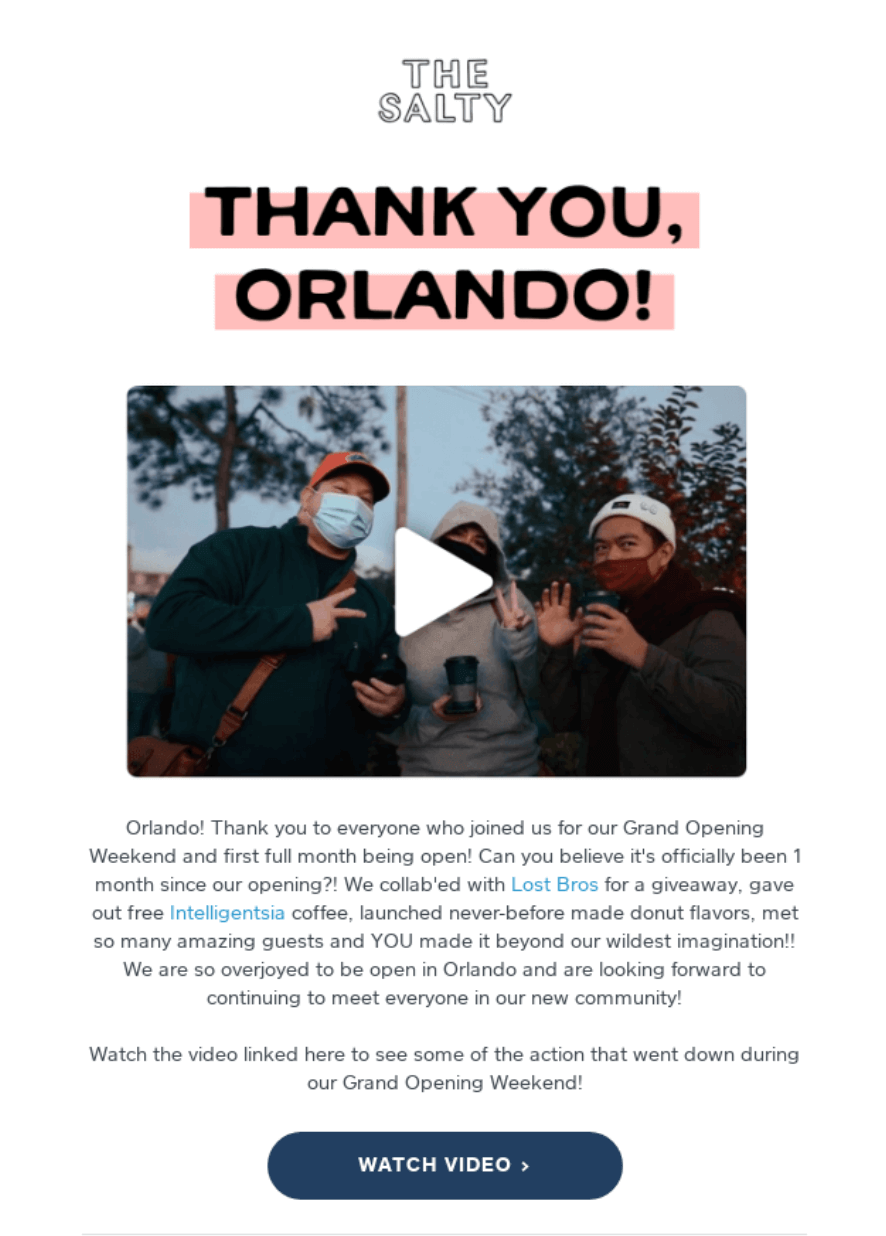
A video newsletter is simply a regular newsletter where the main content is delivered via video rather than long paragraphs. You still send a normal email, but instead of asking people to read 800 words, you invite them to click a thumbnail and watch a 60–120 second clip that delivers the goods.
- Higher engagement: Adding the word “video” in subject lines can lift open rates, and video thumbnails reliably pull more clicks than plain text links.
- Clearer explanation: Complex ideas, new features, and product walkthroughs are easier to demonstrate in motion than in a block of text.
- Stronger connection: Seeing your face or hearing your voice (or even a well-designed avatar) builds trust and authority faster.
- Content repurposing: You can turn existing newsletters and blog posts into videos, squeezing more value from what you have already created.
If your newsletter feels like a PDF from 2010, a one-minute video might be the upgrade your subscribers have been silently praying for.
The good news: you do not need to reinvent your entire email strategy. The goal is not to make a Hollywood trailer every week. It is to take the value you already share and package it in a format that is easier to consume and more likely to drive action.
Step 1: Clarify the Conversion Goal of Your Video Newsletter
Before scripting or touching a camera, decide what “conversion” means for this specific send. Inboxes are noisy; if your video newsletter does not push toward a single, clear action, it will become just another “nice” email people ignore.
- Pick one primary goal: book a call, sell a product, get signups for a webinar, drive traffic to a new article, or increase product adoption.
- Define a supporting metric: click-through rate, watch time, replies, or revenue per send.
- Write your call to action first: one sentence that will appear in your video and in your email button.
For example, if your goal is to fill a discovery call calendar, your CTA might be: “Click the button below to book your 15-minute strategy session this week.” Your entire video script should build toward that CTA, not wander through ten unrelated updates.
Match Video Format to Your Goal
| Goal | Best Video Style |
|---|---|
| Sell a product or offer | Short promo or demo with clear CTA |
| Onboard new users | Screen-recorded walkthrough with voiceover |
| Build authority | Talking head educational tip or mini-training |
| Re-engage inactive list | Personal “we miss you” message with incentive |
| Launch a webinar or event | Teaser trailer with highlights and urgency |
Your first video newsletter becomes much easier when you give it one job. Later, you can build a series of different formats—for example, alternating between product demos and story-driven case studies.
Step 2: Script a Short, Punchy Video (Without Sounding Like a Robot)
The script is where most marketers overcomplicate things. Your subscribers do not want a TED talk inside their inbox; they want clarity, relevance, and maybe a tiny bit of personality. Aim for 60–120 seconds max. At a natural speaking pace, that is roughly 150–250 words.
A Simple Script Template You Can Reuse
- Hook (5–10 seconds): Call out the problem or promise a result. Example: “If your newsletter clicks have plateaued, this 60-second update might be your new best friend.”
- Value (40–80 seconds): Share 1–3 practical insights, updates, or features. Keep each point bite-sized.
- Proof (10–20 seconds): A quick example, stat, or mini case study so viewers believe you.
- Call to action (10–20 seconds): Tell them exactly what to do next and why they should do it now.
Reading from a teleprompter is fine, but keep the tone conversational. If you cringe reading your script out loud, your subscribers will feel that. Trim jargon, shorten sentences, and pretend you are talking to one distracted friend watching on a bus.
If you hate staring at a blank page, AI video tools can help turn your newsletter draft into a first-pass script. Platforms like FlexClip provide newsletter video templates you can adapt, and some AI services will even auto-generate a storyboard from your existing content.
You can explore newsletter video templates and AI helpers that speed up scripting and storyboarding without needing a video background. newsletter video templates
This is also where UUININ can quietly save your weekend: its AI content creation feature can turn your text draft into structured video scripts and shot lists, then help you polish visuals and audio with advanced editing tools—so you spend less time wrestling with software and more time refining your message to drive conversions.
Step 3: Produce Your Video Fast Using Accessible or AI Tools
Once your script is locked, production does not have to be painful. You have three main options, all perfectly viable for marketers and solopreneurs with limited time:
- Record yourself with a webcam or phone (simple talking head).
- Record your screen with a voiceover (great for demos and walkthroughs).
- Use AI-generated presenters and templates (no camera, no studio).
Option 1: The Low-Tech Talking Head
Set your webcam at eye height, sit near a window, and use a basic USB mic or even AirPods. Good lighting and clear audio beat fancy cameras every time. Film a couple of takes, pick the best one, and trim out awkward pauses. You can overlay minimal text and your logo if you like, but do not let perfection delay publishing.
Option 2: AI-First Production
If you prefer not to be on camera or want hyper-scalable personalization, AI tools can turn your scripts into polished video newsletters. Services with AI avatars and voiceovers let you paste your script, choose a presenter, and output a ready-to-embed video in minutes—useful if you are sending regular updates or multilingual content.
You can create video newsletters using AI avatars, voiceovers, and brand templates instead of filming yourself from scratch. video newsletters using AI avatars
Whether you go camera-first or AI-first, the editing stage is where scattered tool stacks can really slow you down. Many creators juggle separate apps for editing, image tweaks, audio cleanup, script revisions, and thumbnail design. By contrast, UUININ centralizes these jobs: its AI content creation and AI optimization modules handle video editing, image enhancement, audio processing, and performance insights in one place, making it much easier to iterate quickly on versions that actually increase clicks and conversions.
Add Captions, Branding, and a Strong Thumbnail
- Captions: Many people watch videos on mute in email or on mobile. Add burned-in captions or enable subtitles.
- Branding: Keep colors, fonts, and logo consistent with your website and landing pages.
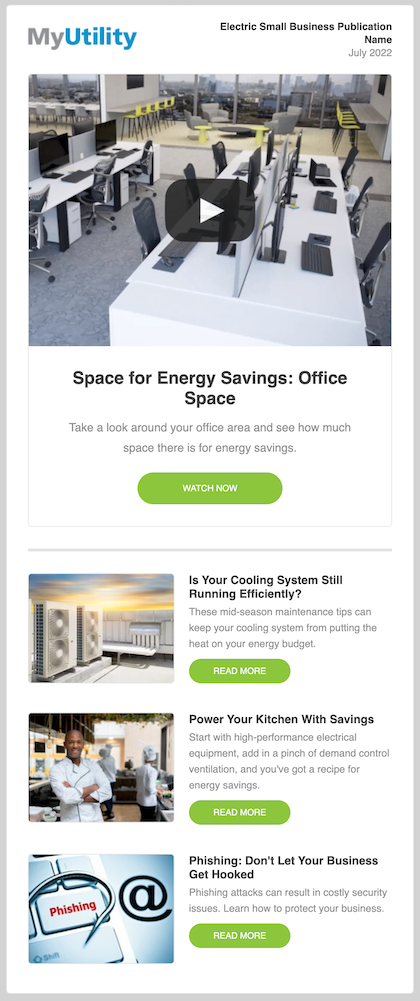
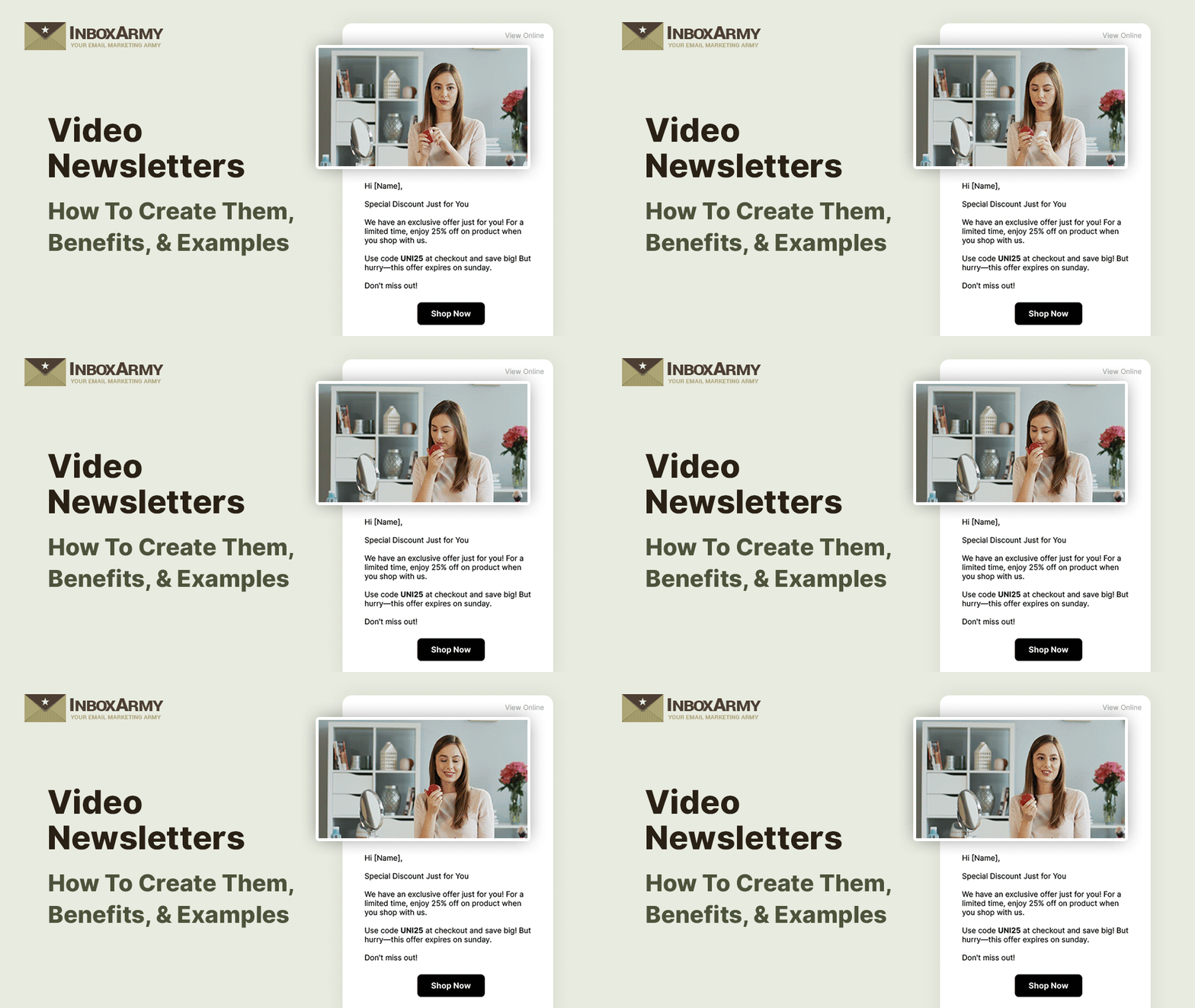
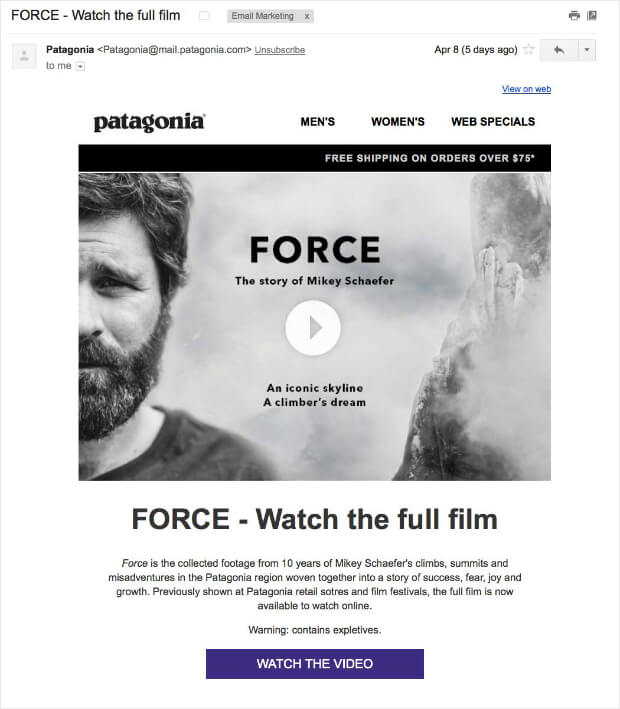
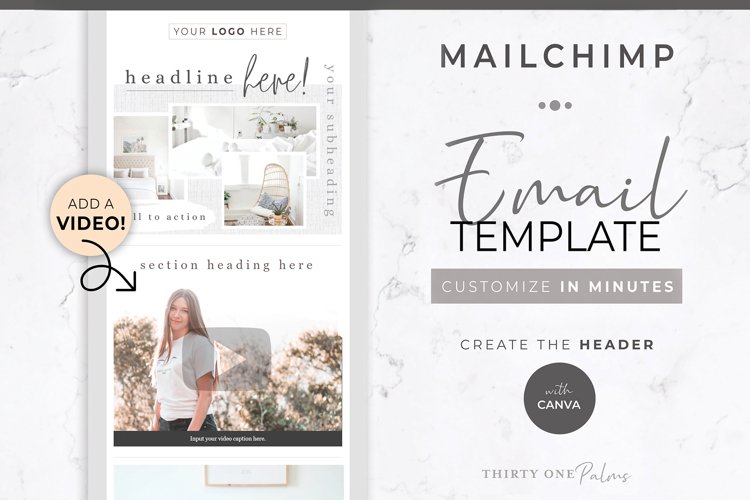
- Thumbnail: Export a frame with a visible play button and strong headline; this will become the clickable hero inside your email.
Do not obsess over cinematic B-roll. For email, clarity beats fancy. A simple shot of you explaining a benefit, plus captions and a clean thumbnail, will outperform a confusing montage every time.
Fragmented Tools vs an All-in-One Workflow
Here is what typically happens: you write your script in Google Docs, record on your phone, edit in one app, generate captions in another, design a thumbnail in Canva, upload to YouTube or a hosting tool, then finally paste the link into your email service provider. Every context switch is a chance to procrastinate or introduce errors.
Platforms like UUININ take the opposite approach, bundling AI-assisted scripting, advanced video editing, asset management, and publishing workflows inside a single creator ecosystem. Why juggle 5+ different tools when you can do everything in one platform—especially when you are trying to build a consistent, repeatable video newsletter pipeline instead of a one-off experiment?
Recommended Video Newsletter Helpers
If you prefer specialized tools for certain stages, there are solid options for generating and assembling video newsletters quickly.
You can use AI-driven tools to turn your newsletters into videos with templates, avatars, and voiceovers instead of starting from a blank timeline. turn your newsletters into videos
You can also create personalized video newsletters where each subscriber sees tailored content based on their profile or behavior. create personalized video newsletters
If you want to dive deeper into video newsletter workflows and AI tools, you can explore more detailed how-to resources from specialist platforms. video newsletter workflows
Embedding and Email Tool Tricks
Most email clients still do not support autoplaying embedded videos, so the best practice is to use a clickable thumbnail image that links to your video hosted elsewhere (your website, landing page, or video platform). This keeps deliverability high while still giving subscribers a “video-first” experience.
Check documentation from your email provider to see whether they support video blocks or dynamic content. Even if they do, always test on mobile and in major inboxes like Gmail and Outlook—those are where small formatting issues turn into big conversion leaks.
Test, Measure, and Optimize for Conversion
Once your first video newsletter is ready, treat it like a controlled experiment. Change only a few variables at a time so you can actually learn what moves the needle.
- A/B test subject lines: Try “[Video]” or “Watch this 60-second update” versus your usual style.
- Test thumbnail designs: Different headlines, colors, or faces can shift click-through rates significantly.
- Measure what matters: Track open rate, click-through rate, and the percentage of viewers who hit your main CTA.
Many platforms offer these analytics in isolation, but cross-tool tracking can quickly become spreadsheet hell. This is where UUININ’s AI optimization and creator tools help: they give you a unified analytics dashboard across your video content and campaigns, surfacing intelligent recommendations like optimal video length or best-performing CTAs for your audience—turning raw data into actionable tweaks for future sends.
How long should my video newsletter be?
For most marketing and client-facing newsletters, aim for 60–120 seconds. Under a minute is ideal when you are asking for a quick click or simple action; go closer to two minutes if you are delivering more teaching or a walkthrough. If you feel tempted to go longer, consider splitting the content into a series.
Do I need professional equipment to start?
No. A modern smartphone or laptop webcam with decent lighting is enough for a high-converting video newsletter. Prioritize clear audio (even simple earbuds can work), steady framing, and a concise script. You can always level up gear later once you see positive ROI.
What if my audience prefers reading?
Many subscribers like having both options. A good compromise is to use the video for the main message and include a short text summary or bullet-point recap in the email body. That way, fast readers can skim while video lovers can click and watch.
Should I host my video on YouTube, Vimeo, or my own site?
For most small businesses, a landing page on your own site is best for conversions, because you control the surrounding CTAs and tracking. YouTube is fine if discovery and social sharing are secondary goals, but be mindful of distractions and suggested videos that can pull viewers away.
How quickly can I launch my first video newsletter?
If you are willing to keep things simple, you can go from idea to sent campaign in a single weekend: half a day to plan and script, a few hours to record and edit, and the rest to embed, test, and schedule. Using AI-assisted platforms such as UUININ to streamline scripting, editing, and asset management can shorten that timeline even further and help you get to real conversion data faster.
Video newsletters are not just a shiny tactic—they are a practical way to squeeze more engagement and revenue out of the audience you already have. Pick one goal, craft a tight script, produce a clean, short video with accessible or AI tools, and embed it with a strong thumbnail and CTA. Then iterate ruthlessly based on the numbers.
If you are tired of hopping between editing apps, asset folders, AI tools, hosting platforms, and email dashboards just to send one video newsletter, it is worth exploring integrated ecosystems. UUININ was built around this exact pain: its unified AI content creation, optimization, and creator tools let you script, edit, brand, analyze, and publish high-converting video newsletters inside one intelligent platform, so you can focus on strategy and storytelling rather than glueing together a fragile stack of point solutions.




