

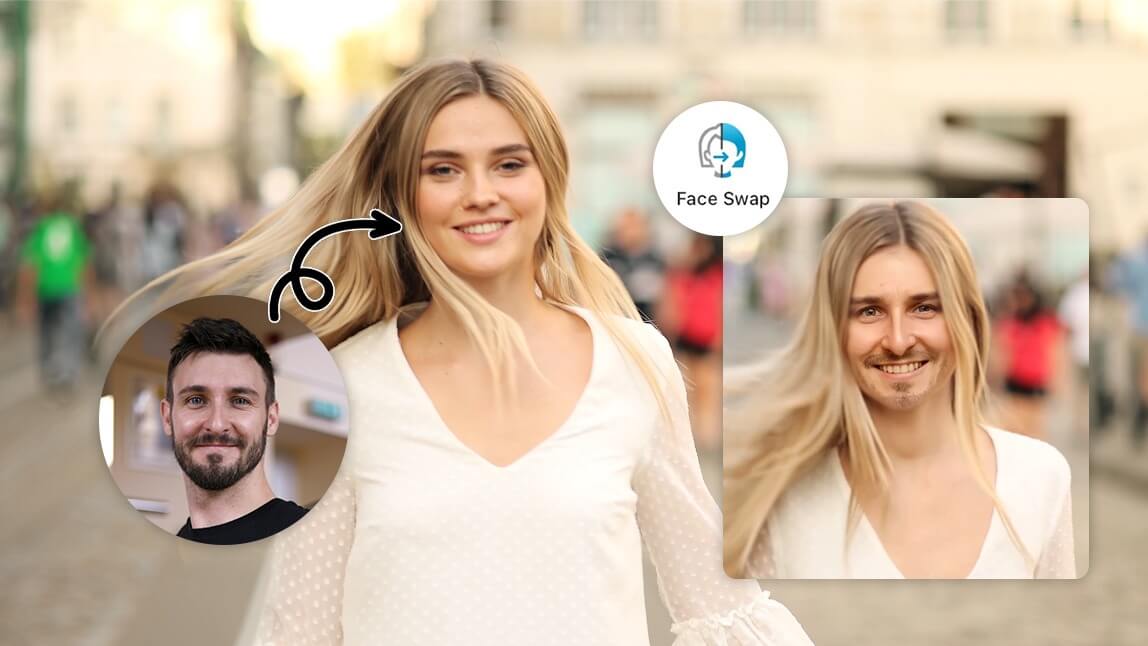
Face swapping in videos has evolved from a complex deepfake experiment to a mainstream creative tool, thanks to powerful advancements in AI and machine learning. Whether you’re a digital content creator, a social media manager aiming to boost engagement, or a marketing pro looking to innovate your campaigns, mastering the art of face swapping can add a dynamic edge to your content. This guide unpacks the best tools, practical workflows, and essential ethical considerations to help you swap faces in videos like a seasoned professional.
Why Swap Faces in Videos? Creative Use Cases
Video face swapping isn’t just a party trick. Modern creators use it for a range of purposes, such as: – Producing viral social media content – Enabling actors to play multiple roles in one scene – Personalized video ads – Memes, GIFs, and animation projects – Virtual try-ons in e-commerce – Fun family videos and digital storytelling As AI tools become more accessible, swapping faces in videos is not only easier but also more convincing than ever before.
Top AI-Powered Video Face Swap Tools (2024-2025)
Selecting the right tool is critical to achieving a seamless, realistic face swap. Here’s a curated comparison of the leading platforms, each catering to slightly different needs and expertise levels.
| Tool | Key Features |
|---|---|
| FaceTool | iOS app, photo and video swaps, headshot generation, easy interface |
| VisoMaster | Real-time swaps, live broadcasts, GIF/meme creation, pro-level options |
| Roop Unleashed | Free online tool, batch processing, text prompts, privacy friendly |
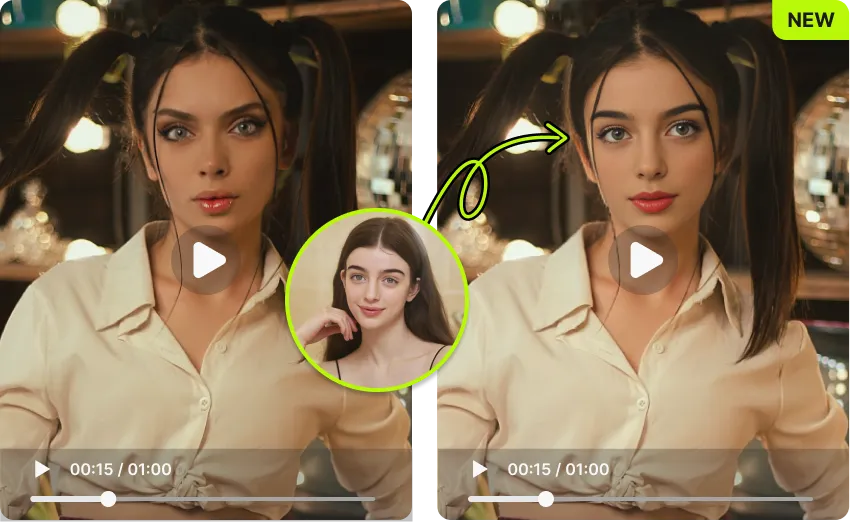
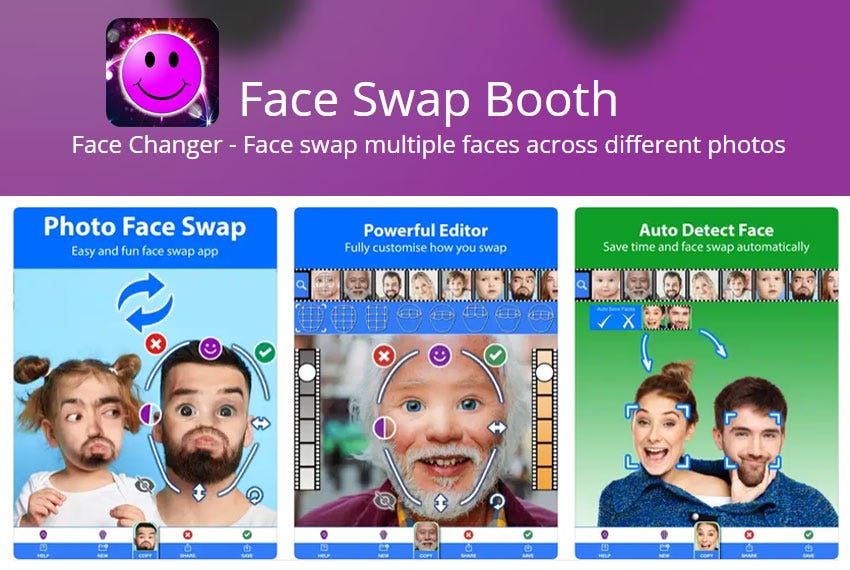
| YouCam Video | Mobile app, multi-face swap, strong video editing tools |
| AKOOL | Group, animated, and video swaps, high-resolution output, AI enhancements |
Learn more about FaceTool and its AI-powered capabilities. FaceTool
Explore VisoMaster for real-time face swapping and professional video editing. VisoMaster
Try Roop Unleashed to swap faces in videos online for free. Roop Unleashed
Discover YouCam Video for seamless face swapping on mobile. YouCam Video
Check out AKOOL for advanced face swap features and group video swaps. AKOOL
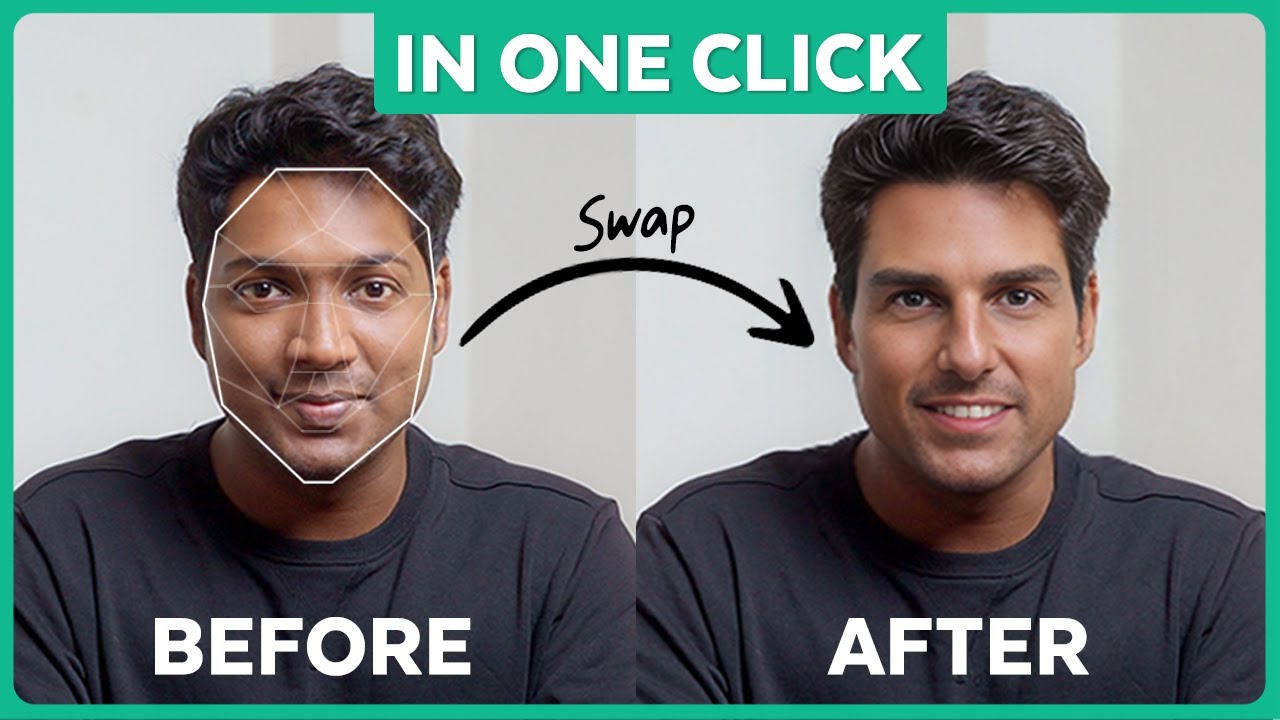
Step-by-Step: How to Swap Faces in Videos with AI Tools
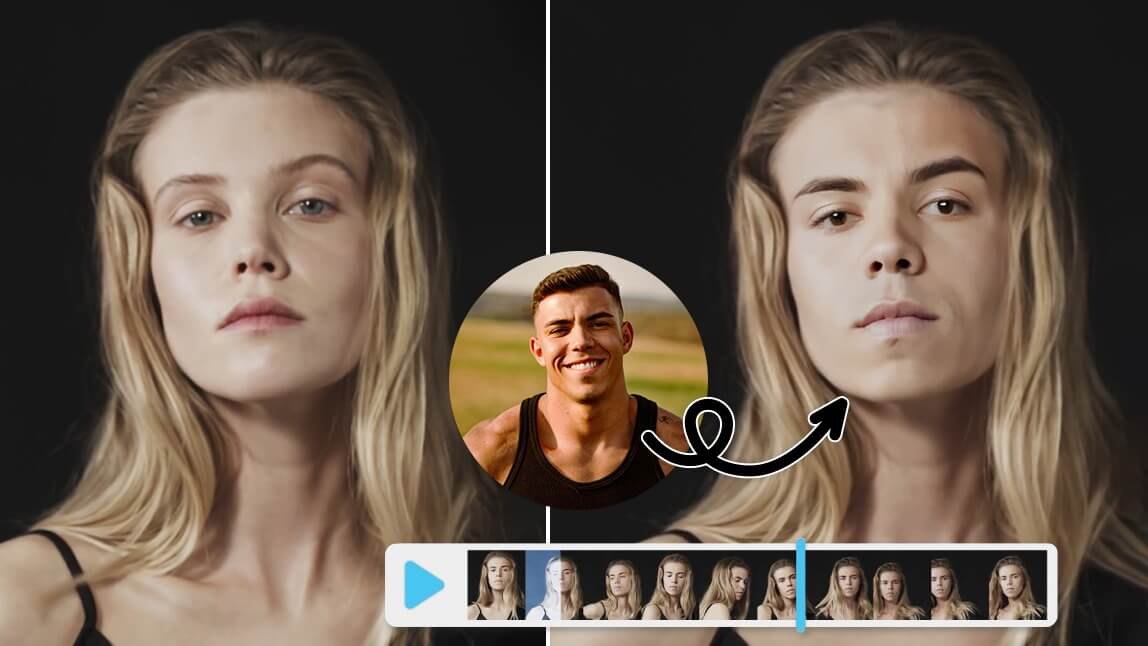
While each app has its own interface, swapping faces in videos generally follows a common workflow. Here’s a universal step-by-step process for most modern AI tools:
- Choose your AI face swap tool (see above for suggestions).
- Upload or record your video. Use clear, well-lit footage for the best results.
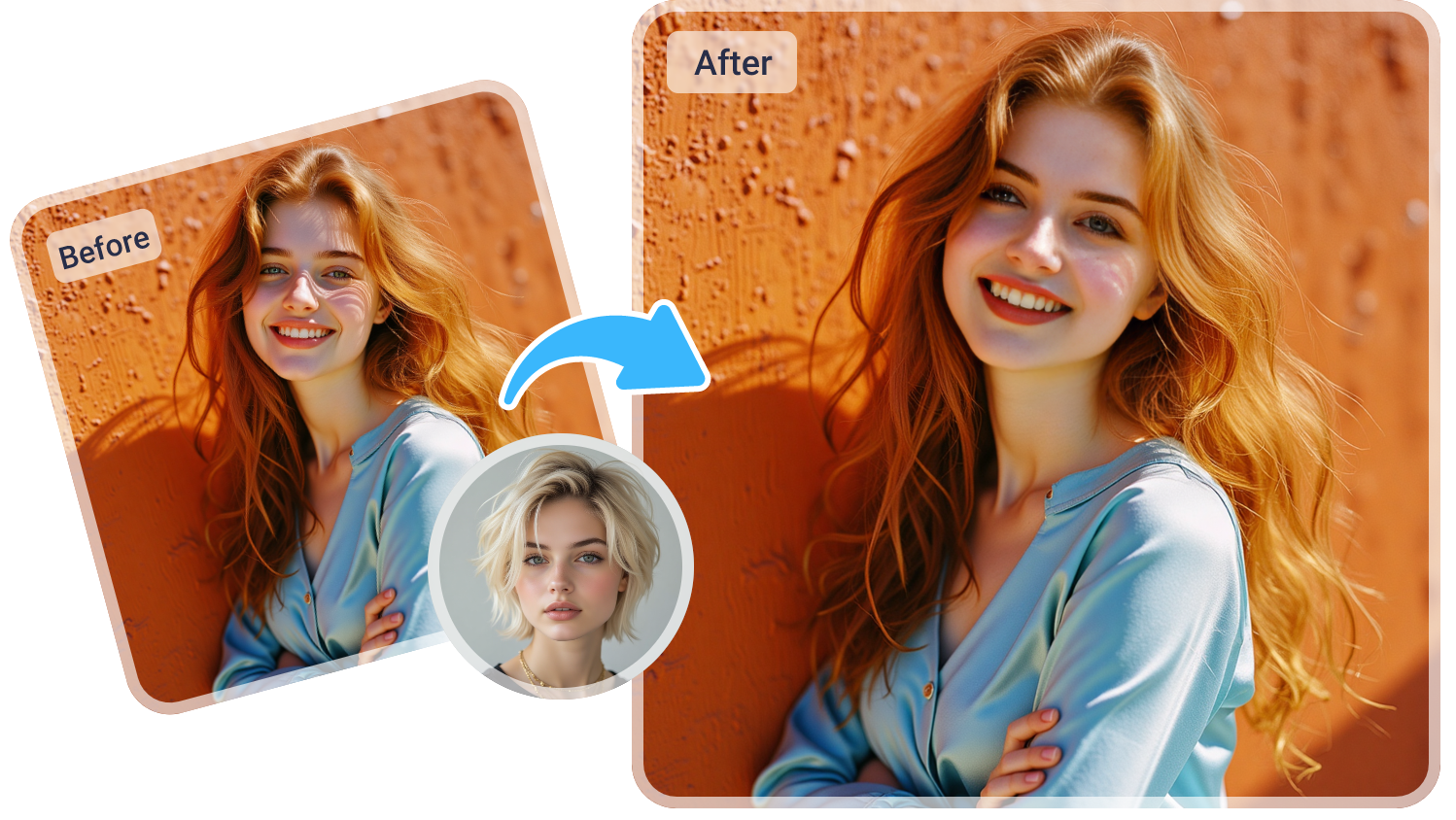
- Select the target face(s) and the face(s) you want to swap in.
- Adjust settings for blending, intensity, or masking as needed.
- Preview the swap and use built-in editing tools to tweak the result.
- Export the video in your preferred quality and format.
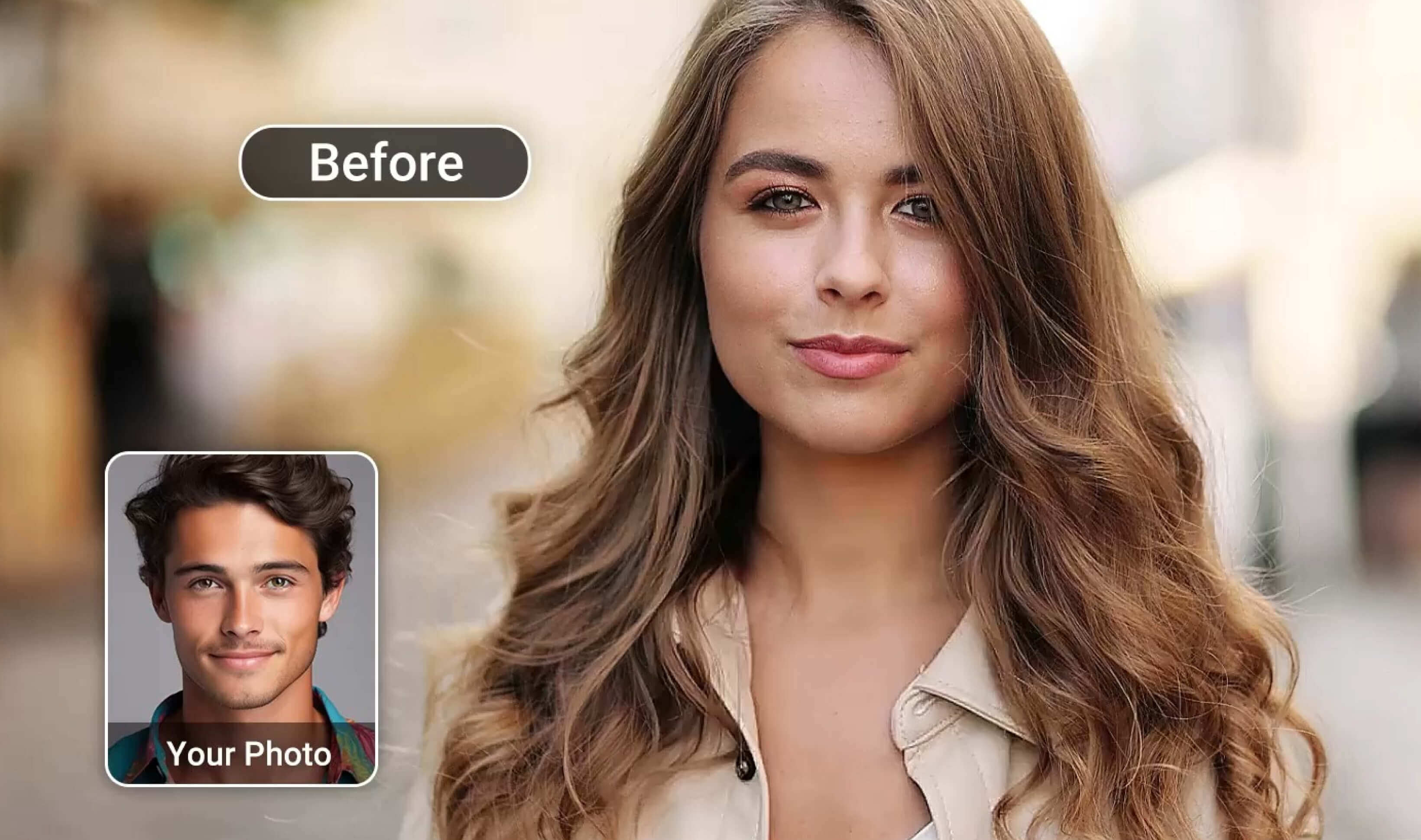
Pro tip: For group face swaps or animated video, check if your chosen tool supports batch processing or multi-face recognition. Not all tools do, so plan ahead based on your creative needs.
Practical Tips for Flawless Face Swapping
- Use high-resolution, front-facing images for both source and target faces.
- Keep lighting and head orientation consistent for realism.
- Leverage built-in masking tools to fine-tune results around facial edges.
- Check for tools that handle facial expressions and motion tracking.
- Test short clips first before processing entire videos for big projects.
Ethical and Legal Guidelines: Face Swapping Like a Responsible Pro
With great AI power comes great responsibility. Swapping faces in videos isn’t just about technical skill—it’s also about ethical and legal awareness. Here’s what every responsible content creator should keep in mind:
- Always obtain consent before swapping or publishing someone’s face.
- Avoid using face swap tech to mislead, harass, or defame.
- Disclose face-swapped content in marketing or entertainment to avoid confusion.
- Check copyright law and platform guidelines to stay compliant.
- Stay updated on evolving regulations—social media is drawing increasing legal attention.
Never create deepfakes or face-swap videos to impersonate, mislead, or infringe on privacy. A little transparency goes a long way to building trust with your audience.
Advanced Workflows: Taking Face Swap Videos to the Next Level
Ready to move beyond the basics? Here are a few expert moves for creators looking to maximize their impact:
- Combine face swap with other AI video editing tools like background removal, color grading, or motion tracking for cinematic results.
- Automate repetitive swaps using batch processing if your tool supports it.
- Experiment with group swaps or animated effects for music videos, comedy skits, or narrative content.
- Integrate face-swapped video into AR/VR experiences or interactive campaigns.
- Monitor AI output for uncanny valley effects and manually touch up as needed.

Choosing the Right Tool for Your Project
There’s no one-size-fits-all solution. If you’re creating memes for Instagram, a light mobile app like YouCam Video or FaceTool does the trick. For marketing campaigns or professional film work, solutions like VisoMaster or AKOOL, with their higher output quality and customizability, are better suited. Free tools like Roop Unleashed are fantastic for experimentation and quick iterations. Don’t be afraid to try a few and see which fits your workflow—and your creative sense of humor—the best.
Common Pitfalls and How to Avoid Them
- Mismatched lighting or perspectives—prep your media for consistency.
- Overusing blending tools—sometimes less IS more.
- Ignoring audio sync—facial swaps don’t fix bad lip sync.
- Underestimating export settings—always check your final resolution and aspect ratio.
- Neglecting user privacy—never swap faces without explicit consent.
Conclusion: Embrace the Fun, But Stay Professional
Face swapping in videos is more accessible—and more fun—than ever. But as with any creative tech, the key to success lies in combining artistry with accountability. Choose your tools wisely, use them responsibly, and you’ll be swapping faces in your next viral video with confidence and style. Who knows? You might just become the face (pun intended) of the next big trend.
FAQ: Face Swapping in Videos
Is it legal to swap faces in videos?
Face swapping is legal for personal and entertainment use, but consent is critical, especially for public sharing or commercial projects. Always check local laws and platform policies.
Which face swap video tool is best for beginners?
For beginners, apps like FaceTool and YouCam Video are intuitive and mobile-friendly. They require little to no learning curve.
How do I ensure the best quality in my swapped videos?
Use high-res source images, consistent lighting, and preview results before exporting. Tools like AKOOL offer advanced controls for fine-tuning.
Can I swap multiple faces in one video?
Yes, some tools like YouCam Video and AKOOL support multi-face swaps. Check the tool’s specifications before starting.
What are the main ethical concerns with video face swapping?
Privacy, consent, and the potential for misuse (such as creating misleading or malicious content) are the primary concerns. Always use face swap tech responsibly.




