

AI-powered baby videos are the latest trend among parents, families, and social media creators. Whether you dream of animating your little one’s smile, crafting a talking baby podcast, or sharing adorable vlogs from a baby’s perspective, AI video tools make it easier than ever. However, with great power comes great responsibility—especially when it comes to privacy and safety for family content. In this guide, we’ll walk you through a step-by-step workflow to create engaging, safe, and simply adorable AI baby videos, along with practical tips and ethical considerations to keep your creations fun and secure.
Why Make AI Baby Videos?
AI baby videos have exploded in popularity for good reason: they’re irresistibly cute, highly shareable, and surprisingly easy to make. From viral talking baby podcasts to animated age regression clips, these videos delight followers, preserve memories, and let families get creative with their content. Even better—AI tools can now turn a single photo or text prompt into a personalized, animated masterpiece in just a few minutes.
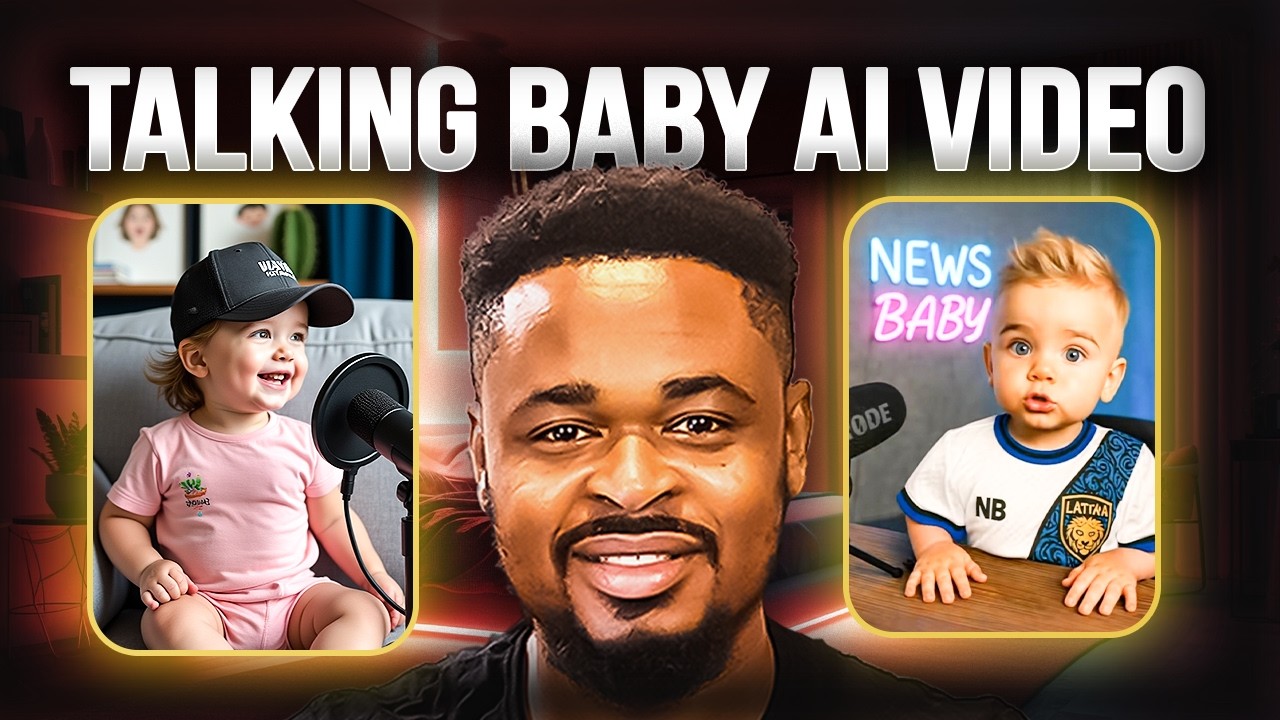
The Best AI Baby Video Generators
| Tool Name | Features |
|---|---|
| BabyVideo.ai | Upload photo or text; templates for sleeping, smiling, crawling, age progression |
| AIBaby.video | Turns photos into talking baby videos; voice sync & presets |
| Baby AI Video Generator | Animates baby images from photos and text prompts |
| Wondercraft.ai | Realistic, cartoon, and anime baby styles; fast and secure |
| Revid AI Baby Vlog Generator | Generates scripted baby vlogs for social media |
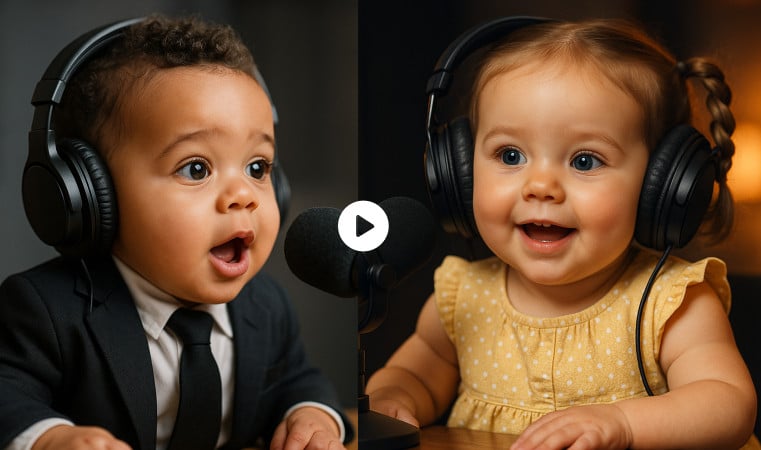
Choosing the right tool depends on your goals: Do you want realism or cartoons? Lip-syncing or silent cuteness? Each platform offers unique features, so consider what style and format best fit your family’s personality and your audience’s taste.
Try BabyVideo.ai for instant age progression and animated baby video templates. BabyVideo.ai
Create talking baby videos with AIBaby.video, perfect for podcasts or messages. AIBaby.video
Wondercraft.ai offers cute anime-style baby videos with strong privacy controls. Wondercraft.ai
7 Easy Steps to Make an AI Baby Video
- Choose or take a high-quality baby photo. Make sure the face is well-lit, front-facing, and unobstructed for best results.
- Select an AI baby video generator that matches your style and needs.
- Decide whether you want a talking baby video. If yes, prepare a script or choose a voice preset.
- Pick your preferred video style—realistic, cartoon, anime, or custom. Use prompts to describe your scene if needed.
- Upload your photo and input your script or select audio options as required.
- Generate and preview your video. Most platforms offer quick previews to check the animation and voice sync.
- Download your finished baby video and share it on your favorite platforms. Make sure to check resolution and format compatibility for Instagram, TikTok, or YouTube.

- Use front-facing, smiling photos for more lifelike animations.
- Experiment with voice options—AI baby voices range from cute giggles to hilarious monologues.
- Preview before sharing to ensure the video fits your family’s vibe.
- Check watermark and video quality restrictions on free tools.
Privacy and Safety: What Parents and Creators Must Know
Sharing AI-generated baby videos online is fun, but safeguarding your child’s privacy and safety should be your top priority. Always obtain consent if you’re using someone else’s child’s image, and be cautious about sharing personal details or recognizable backgrounds.
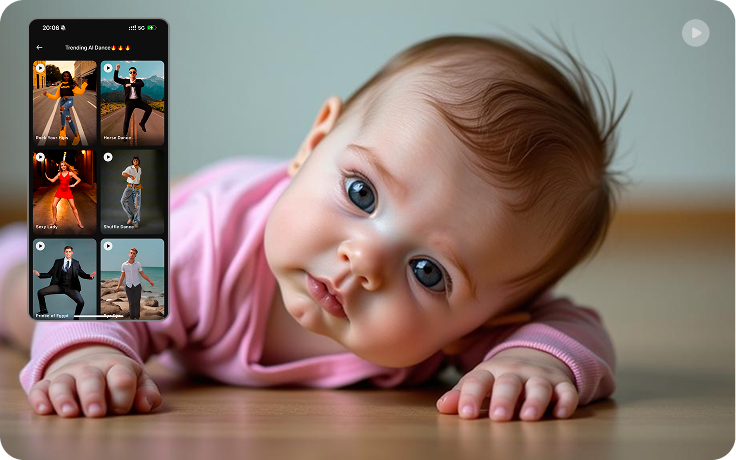
- Review each tool’s privacy policy—how long do they store uploaded images and videos?
- Avoid revealing sensitive information in the video background or dialogue.
- Be transparent with your audience if content is AI-generated—misrepresentation can cause confusion.
- Understand local laws around child content monetization and online sharing.
“The cuteness factor is unbeatable, but as a parent, I always double-check privacy settings and avoid sharing anything that could identify our home or routine.”
My Honest Review: Do AI Baby Videos Live Up to the Hype?
In my experience as both a parent and content creator, AI baby videos are genuinely delightful—and sometimes a bit addictive! The realism and customizability can blow your mind, especially with high-quality photos and creative prompts. However, not all platforms are created equal. Some free tools watermark your videos or offer limited resolution, while others shine with unique cartoon filters or voice options. My advice: try a couple, compare outputs, and always keep consent and safety front and center.
Quick Comparison: Realistic vs. Cartoon AI Baby Videos
| Style | Best For |
|---|---|
| Realistic | Family keepsakes, age progression, lifelike social posts |
| Cartoon/Anime | Playful stories, vlogs, TikTok challenges, creative podcasts |
Practical Tips for Viral and Safe Baby Videos
- Add captions or subtitles for accessibility and engagement.
- Use fun background music but avoid copyrighted tracks.
- Keep video lengths short and sweet for social media—15 to 45 seconds works best.
- Monitor comments and shares to protect your child’s digital footprint.
Create engaging scripted baby vlogs using Revid AI Baby Vlog Generator. Revid AI Baby Vlog Generator
Common Pitfalls—and How to Avoid Them
- Using blurry or poorly lit photos can result in glitchy animations.
- Ignoring tool privacy settings may expose personal content.
- Overusing age regression features can unintentionally mislead viewers—clearly label AI-generated videos.
- Sharing without parental consent is a big no-no—always get permission!
Ethical Considerations: Your Child’s Likeness and Online Safety
AI video generators are powerful, but they also raise ethical questions: Should you use your child’s image for public social media content? Are you comfortable with strangers viewing or remixing those videos? My recommendation: keep most AI baby videos private or share in closed family groups. If you go public, use cartoon styles and keep personal info out of the frame.
- Read each platform’s terms of service and privacy policy.
- Inform family members before posting videos featuring their children.
- Avoid using third-party baby photos without explicit, written consent.
- Clearly disclose if content is AI-generated.
AI Baby Video Workflow: Step-by-Step
- Plan your video—choose a style, theme, and intended audience.
- Prepare your assets: high-res photo, text prompt, or voice script.
- Upload to your chosen AI tool and set privacy preferences.
- Preview the output and tweak as needed.
- Download and save your video securely.
- Share selectively—prioritize private family groups and trusted platforms.
- Engage with your audience, but moderate comments for safety.
FAQs: AI Baby Videos
Can I make a talking baby video from any photo?
Most AI baby video tools require a clear, front-facing photo for best results. Lip-syncing works best when the baby’s mouth is visible.
Are AI baby videos safe to share online?
They can be, but always consider privacy, consent, and local laws. Share only if you’re comfortable and have taken precautions.
Which AI tool offers the most realistic baby animations?
BabyVideo.ai and Wondercraft.ai are favorites for realistic and anime-style outputs. Try both and compare!
Do free AI video generators add watermarks?
Many free tools add watermarks or limit video quality. Read the platform’s terms before downloading.
What’s the best length for a viral baby video?
15-45 seconds is ideal for social media platforms like TikTok and Instagram.




