

In today’s hyper-competitive digital landscape, customers expect immediate, engaging interactions. Imagine offering support so responsive, personal, and visually convincing that your clients can’t tell if they’re talking to a real person or an AI. With HeyGen’s real-time conversational avatars—especially the groundbreaking LiveAvatar—you can transform your customer support from a faceless chat window into a lifelike, interactive experience. This guide explores how businesses can efficiently implement HeyGen avatars to deliver outstanding customer support, boost satisfaction, and maximize ROI.
Understanding HeyGen Avatars: The Game Changer for Customer Support
HeyGen offers a spectrum of AI-powered avatar solutions. But for customer support, two types stand out: LiveAvatar and Interactive Avatars. LiveAvatar is a real-time, streaming avatar capable of instant voice and video interaction—think natural gestures, rapid lip sync, and conversational intelligence. Interactive Avatars are perfect for semi-live responses, providing engaging interactions with minimal latency. Both can be embedded into your website or app to humanize and scale your support operations.
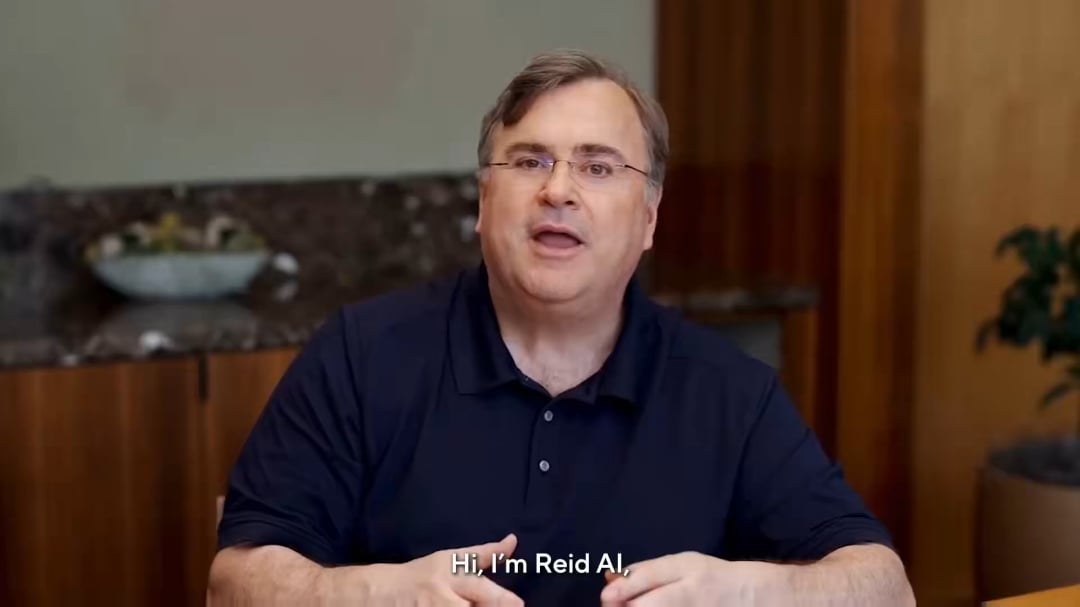
- LiveAvatar: Real-time streaming for human-like, immediate support
- Interactive Avatars: Pre-rendered or semi-live engagement for scalable customer interactions
LiveAvatar is ideal for scenarios demanding instant feedback—customer inquiries, onboarding, or live event hosting. Interactive Avatars, on the other hand, are great for FAQs, product tutorials, or marketing videos where slight delays are acceptable. Both bring the power of personalization and engagement to your brand’s digital front door.
Step-by-Step Implementation: From API Access to Full Integration
Ready to deploy a lifelike avatar? Here’s a practical roadmap to implementing HeyGen avatars for customer support, along with some field-tested tips and a dash of developer-friendly humor (don’t worry, there’s no existential crisis for your avatars—yet).
1. Define Your Use Case and Avatar Persona
First, clarify your support workflow—do you need 24/7 product advice, post-sale support, or technical troubleshooting? Then, design your avatar’s appearance and personality to reflect your brand: friendly, expert, quirky, or formal. HeyGen allows for deep customization, from voice timbre to micro-expressions.
- Map out key customer journeys where avatars will interact.
- Decide on visual style: realistic human, semi-animated, or fully branded character.
- Set personality guidelines (pro-tip: a little humor goes a long way—unless you’re supporting tax software).
2. Obtain HeyGen API/SDK Credentials
Register on the HeyGen Hub to access your developer dashboard. Here, you’ll find API keys, documentation, and SDKs for rapid integration. Choose either the JavaScript SDK for web apps or the REST API for broader use, depending on your tech stack.
- Sign up at the official HeyGen Hub.
- Navigate to ‘API & Integrations’ for key access.
- Review documentation for endpoints, sample code, and usage limits.
Tip: Always safeguard your API keys like your super-secret guacamole recipe—never expose them client-side.
3. Integrate the Avatar into Your Support Channels
Use the SDK or API to embed avatars into your website, app, or CRM. With LiveAvatar, you can stream real-time video and audio, enabling natural back-and-forth conversations. Interactive Avatars can be integrated into help centers, onboarding flows, and even email responses.
- Connect avatar endpoints to your support backend (Zendesk, Intercom, Salesforce, etc.)
- Leverage WebRTC for low-latency streaming in LiveAvatar scenarios.
- Implement fallback logic: revert to text-only chat if bandwidth is limited.
For a deep dive, check out Introducing LiveAvatar in the official HeyGen Help Center. Introducing LiveAvatar
4. Train and Customize the Avatar’s Conversational Abilities
HeyGen avatars can be trained on your knowledge base, sample scripts, and FAQs. Use built-in prompt engineering tools or connect to a custom GPT backend for advanced logic. Don’t forget to script fallback responses for unexpected questions (or requests for the meaning of life).
- Upload support scripts and common queries.
- Define tone, allowed topics, and escalation triggers.
- Test with real users and iterate for clarity and empathy.
Remember: Even the most advanced avatar shouldn’t be left unsupervised in the wild—set escalation protocols to route tricky issues to human agents.
Maximizing Support Quality and ROI with HeyGen Avatars
Deploying avatars is just the start—ensuring they deliver tangible business value is where the magic happens. Here are actionable strategies for getting the most out of your investment.
- Monitor interaction metrics: response time, resolution rate, customer satisfaction (CSAT), and fallback incidence.
- Iterate avatar scripts and personalities based on real user feedback—what’s more human than learning from mistakes?
- Integrate avatars with analytics and CRM platforms for a 360° view of customer journeys.
- Set up A/B tests: avatar vs human vs hybrid support—track which delivers better results for which queries.
| Feature | Impact |
|---|---|
| Real-Time Streaming (LiveAvatar) | Immediate, humanlike support with minimal wait times |
| Customizable Personalities | Strong brand alignment and higher engagement |
| API Integrations | Scalability across channels and platforms |
| Fallback Protocols | Seamless handoff to human agents for complex issues |
Explore more about Interactive AI Avatars for Smart Engagement in HeyGen’s official guide. Interactive AI Avatars
Overcoming Integration, Cost, and Scalability Challenges
Businesses often worry about integration hurdles, cost control, and scaling avatars to meet peak support demand. Here’s how to overcome these challenges without losing sleep (or your IT team’s sanity):
- Integration: Use HeyGen’s well-documented SDKs and RESTful APIs. Consider starting with a pilot in one support channel before wider rollout.
- Cost Management: LiveAvatar streaming is billed per minute (credit system). Monitor usage, set caps, and leverage pre-rendered avatars for common FAQs to optimize spend.
- Scalability: HeyGen’s backend supports concurrent sessions, but real-time quality depends on bandwidth and server resources. Use performance monitoring and auto-scaling infrastructure.
- Continuous Training: Update the avatar’s knowledge base as products, policies, or brand voice evolve.
Practical tip: For high-volume support, blend LiveAvatar for high-value queries and Interactive Avatars for routine tasks. It’s the AI equivalent of having your cake and eating it too.
For more technical insights, read HeyGen’s article on Realtime Avatar in Interactive Video. Realtime Avatar in Interactive Video
Measuring Success: KPIs and Best Practices
Once deployed, you’ll want to measure how avatars impact customer support outcomes. Monitor key metrics such as average handle time, CSAT/NPS, ticket deflection rate, and escalation frequency. Continuously refine avatar training and UX for optimal results.
- Regularly review support transcripts to improve conversation flows.
- Set up customer feedback prompts after interactions.
- Periodically update avatar scripts and visuals based on branding and seasonal campaigns.
- Stay compliant with privacy regulations—avatars are charismatic, but data protection is non-negotiable.
Learn more about creating highly realistic talking avatars from a single photo in the Introducing Avatar IV guide. Introducing Avatar IV
Bonus: Add a dash of personality! A support avatar that remembers returning users or cracks a gentle joke can significantly boost engagement.
Conclusion: The Human Touch, at Scale
HeyGen’s real-time avatars empower businesses to provide lifelike, engaging, and scalable customer support. By thoughtfully integrating, customizing, and continuously optimizing your avatars, you deliver not just answers—but memorable customer experiences. As AI avatars become ever more realistic, the line between human and machine support will continue to blur. The real winners? Businesses that use these tools to deepen relationships, not just deflect tickets.
Frequently Asked Questions (FAQ)
How much does HeyGen LiveAvatar cost?
LiveAvatar uses a credit-based system—1 credit equals 1 streaming minute. Pricing varies by subscription and usage volume. For up-to-date details, check HeyGen’s official pricing page.
Can avatars be trained on our specific support documents?
Yes! You can upload scripts, FAQs, and documents to train conversational intelligence, and even connect to your own GPT-based backend for further customization.
What if a customer asks a question the avatar can’t answer?
Set up fallback protocols for seamless handoff to human agents. Always include escalation triggers in your avatar’s training.
Is HeyGen compliant with privacy regulations?
HeyGen is designed with modern security in mind, but it’s up to each business to configure data handling and user consent in line with relevant regulations (e.g., GDPR, CCPA).
Can HeyGen avatars be used in languages other than English?
Absolutely. HeyGen supports multiple languages and accents for both text and voice output, making it suitable for global support teams.




