

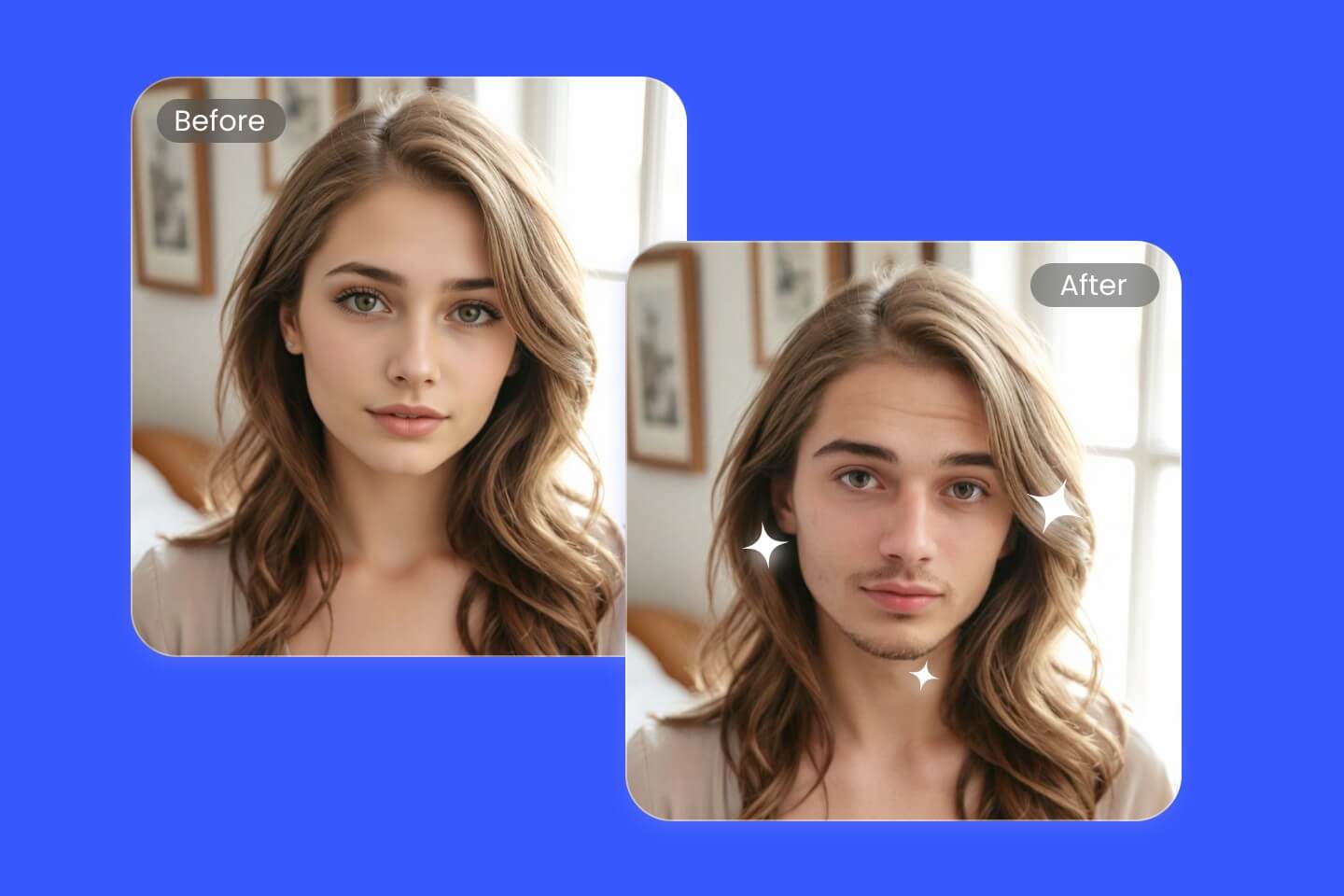
Gender swap filters have taken over social media by storm, letting users see how they’d look as another gender with just a tap. Whether you’re making friends laugh, joining viral trends, or simply curious, gender swap filters are a creative—and surprisingly realistic—way to transform your selfies. If you’re new to this phenomenon, don’t worry: this guide will walk you step-by-step through the process on popular apps, while giving you tips to get the best results and protect your privacy.
What Is a Gender Swap Filter and How Does It Work?
A gender swap filter uses AI-powered face editing to transform your facial features, hairstyle, and sometimes even makeup, to resemble how you might look as a different gender. These filters are available on popular apps like Snapchat, Fotor, and YouCam Online Editor, and can be accessed through mobile devices and, in some cases, via web browsers.
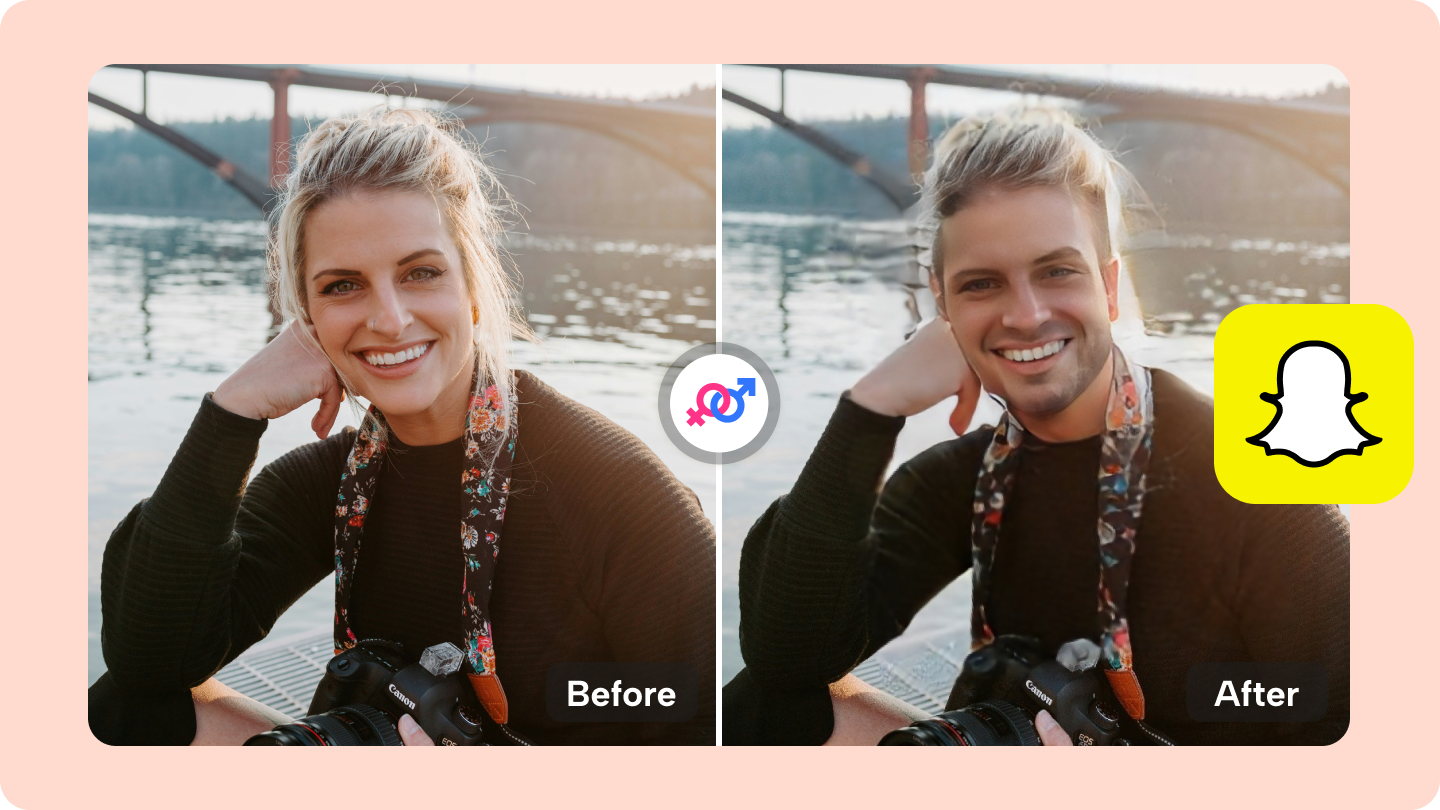
Why Are Gender Swap Filters So Popular?
- They’re fun and easy to use—no tech skills required.
- You can create hilarious or striking before-and-after posts.
- They spark conversations and go viral on TikTok, Instagram, and beyond.
The appeal is clear: gender swap filters offer a playful way to explore identity and creativity in a safe, digital environment. But they’re not just for fun—some use them to test out new looks or as part of gender exploration in an affirming way.
Top Apps and Tools for Gender Swap Filtering
| App/Tool | Key Features |
|---|---|
| Snapchat | Real-time AR filters; saves photos/videos; huge filter library. |
| Fotor | AI-driven photo editing; upload from browser; high-res outputs. |
| YouCam Online Editor | One-click edits; browser-based; multiple gender styles. |
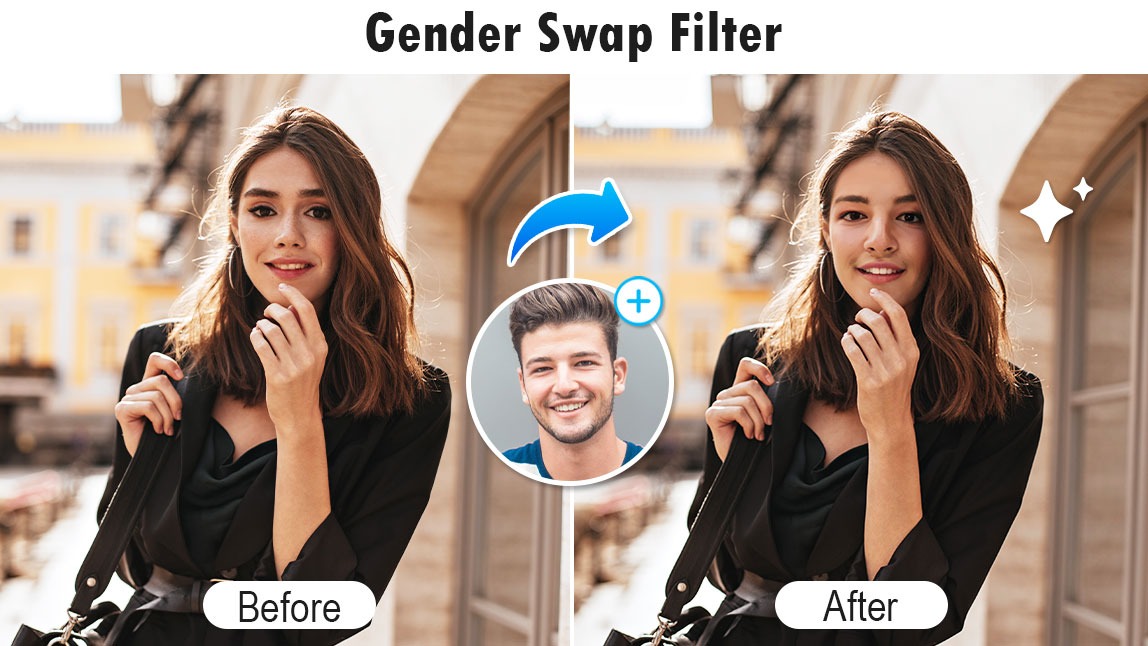
Snapchat is the OG platform for viral face filters, including gender swaps. But if you prefer not to download an app, Fotor and YouCam’s online tools offer accessible alternatives straight from your browser. Each has its own strengths: Snapchat for real-time fun, Fotor for high-quality edits, and YouCam for speedy, stylized results.
Step-by-Step Guide: Using a Gender Swap Filter
- Open your chosen app (Snapchat, Fotor, or YouCam Online Editor).
- Find the gender swap filter in the filter gallery or search bar.
- Allow camera or photo access as prompted.
- Either take a live selfie (Snapchat) or upload a portrait photo (Fotor/YouCam).
- Apply the filter. Adjust with sliders or options if available.
- Save or share your transformed image directly to social platforms.
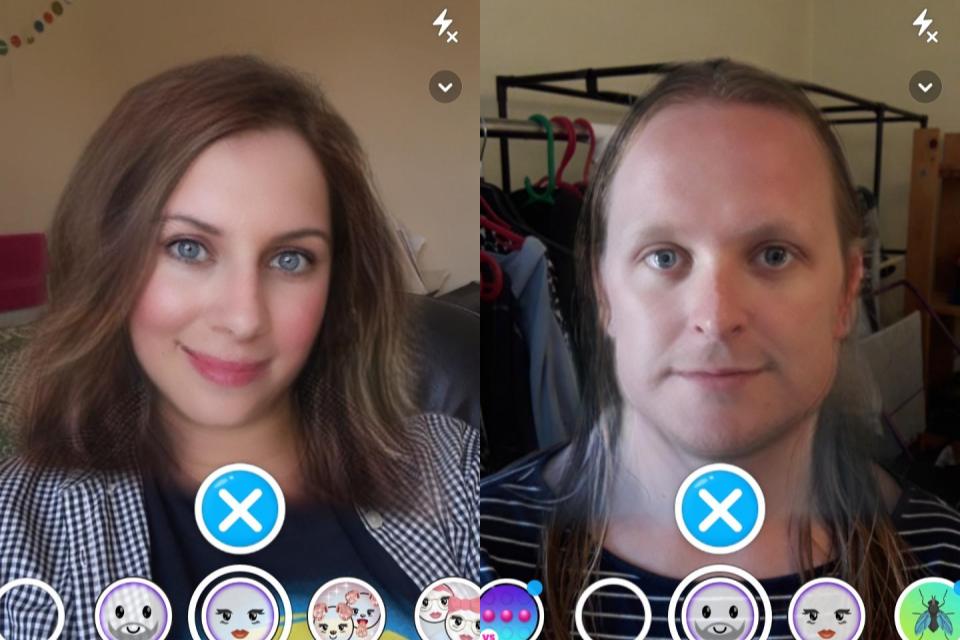
Pro tip: For best results, use a clear, well-lit portrait where your face isn’t obscured by glasses, hands, or hats. The more visible your facial features, the more convincing the transformation. And don’t be afraid to try both directions—many filters let you swap from male to female and vice versa.
I tried the Snapchat gender swap filter on a group chat with my friends, and we couldn’t stop laughing. The results were wild, but also impressively realistic! — Taylor, 21
Tips for Getting the Best Gender Swap Results
- Use even, natural lighting—avoid harsh shadows.
- Keep your face relaxed for a natural look (or try a big smile for fun!).
- Experiment with hair up and down to see which version looks best.
- Try different backgrounds; plain works best for some filters.
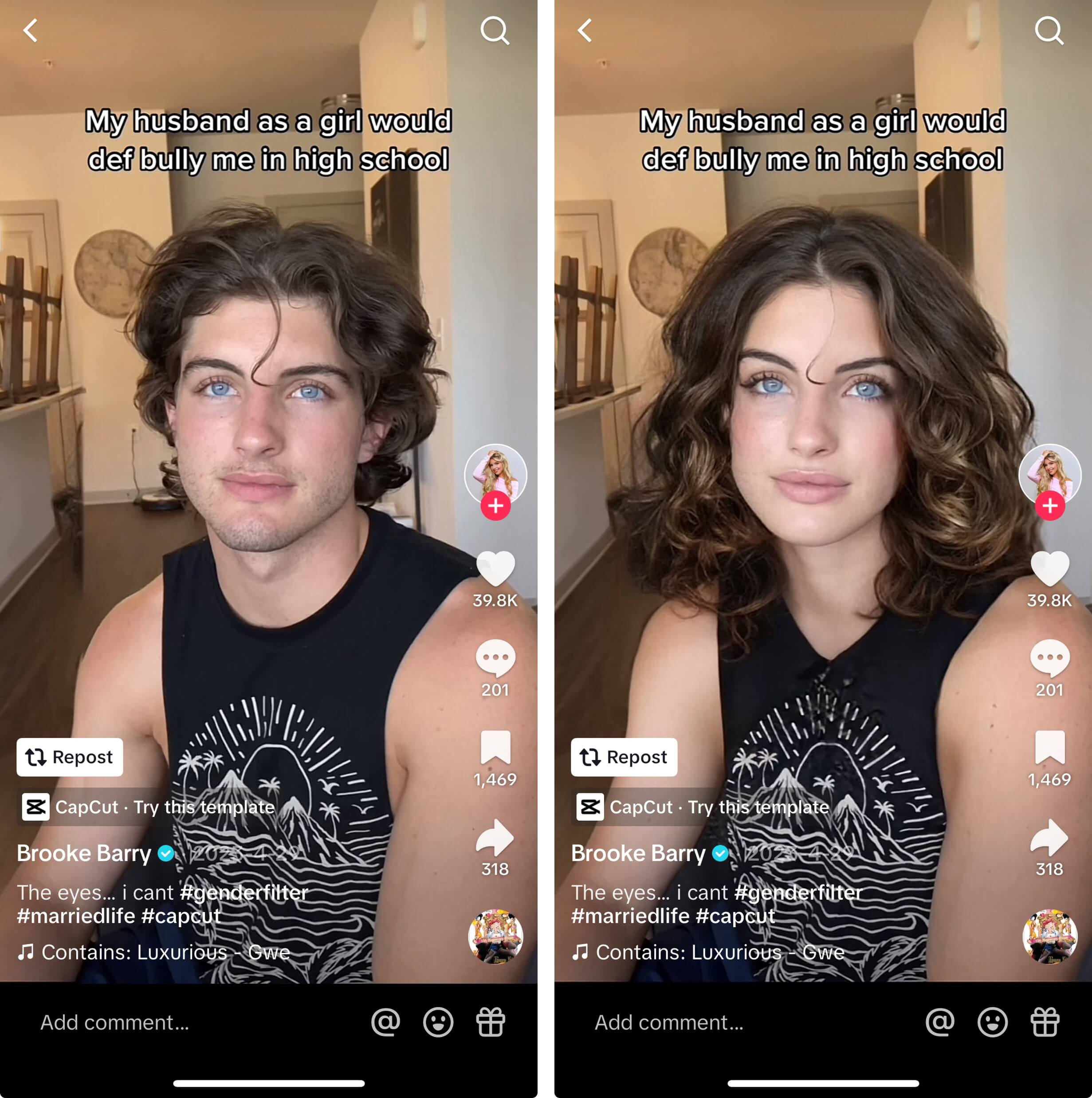
One thing I learned after a few tries: patience pays off. Sometimes it takes a couple of attempts to get a filter that looks just right. Don’t be afraid to play around—after all, it’s about having fun!
Common Mistakes to Avoid
- Uploading blurry or low-res photos.
- Trying to use the filter with group photos (stick to single faces!).
- Ignoring privacy settings—always review what you share.
Staying Safe: Privacy and Sharing Considerations
Before you share your gender-swapped selfie, consider who will see it and what platform you’ll use. Most apps let you save photos privately. If posting publicly, avoid sharing sensitive information in the image or background. Always double-check permissions when connecting third-party apps, and remember that online tools might temporarily store your uploads.
For more details, check out the official Snapchat privacy guide. Snapchat privacy guide
A Little Humor Keeps It Light
Let’s be real—some results are jaw-dropping, while others are just plain hilarious. Half the fun is sharing the most outrageous ones with friends (or keeping them as your new profile pic for a day). Just remember to respect others’ boundaries and only share with permission.
FAQ: Your Top Gender Swap Filter Questions Answered
Is using a gender swap filter safe?
Yes, as long as you use reputable apps and don’t share sensitive info. Always read privacy policies and only upload photos you’re comfortable sharing.
Can I use these filters offline?
Most require an internet connection for real-time processing, especially browser-based editors.
Do I need to pay for advanced features?
Most gender swap filters are free, but some apps offer premium options for higher-quality or ad-free results.
Will the filter work on pets or objects?
Nope, these filters are trained for human faces. Sorry, your dog can’t join the swap party (yet).
Can I reverse the filter after editing?
You’ll need to start over with the original photo, as the process isn’t reversible.




