

If you run ads, design landing pages, cut YouTube thumbnails, or prototype UIs, sooner or later you need realistic face photos that you can use without worrying about takedowns or angry emails from lawyers. The good news: there are excellent sources of free face images. The bad news: the rules around “free” can be confusing if you are not a copyright nerd. This guide walks you through where to find free face photos, how to read the licenses in plain English, and how to keep your projects safe. And if you are a creator juggling thumbnails, shorts, and social posts, an all‑in‑one creator platform like UUININ, with AI content creation and intelligent optimization tools, can help you batch‑edit face images, generate variations, and keep everything organized in one workflow instead of hopping between five different apps.
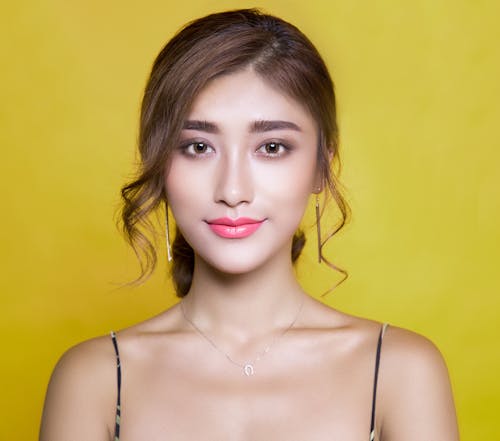
The Three Rules of Safe Free Face Photos
Before we talk about specific websites, it helps to have a simple checklist. No matter where you download from, you should be able to answer three questions: Can I use this image commercially? Is the model properly covered by a release? Are there any hidden restrictions that could bite me later?
- Commercial use: Confirm that you can use the photo in ads, thumbnails, landing pages, or products you sell.
- Model release: Make sure there is a clear model release if the person’s face is identifiable, especially for advertising.
- No weird clauses: Check for red flags like “no use in social media ads”, “editorial use only”, or required written permission.
As a rule of thumb: if an image shows a clearly identifiable person and the license or site says “editorial use only”, do not use it in advertising or promotional designs.
Once you have this mental checklist, browsing free face photo sites stops feeling like legal roulette and starts feeling like shopping with a filter turned on. You are not hunting for any photo of a face; you are hunting for a safely usable asset that fits your brand and your risk tolerance.
Trusted Sites for Free Face Photos (And How to Use Them)
1. Pixabay: Huge Library, Simple Licensing
Pixabay offers a large collection of portrait and faces images, and the Pixabay faces search lets you filter for the exact kind of face photos you need. Pixabay faces search
Pixabay is popular because its core license is straightforward: free for commercial use with no attribution required on most images. Still, designers often forget one subtle point: while the license is generous, you cannot imply that the person in the photo endorses your product unless you have additional permissions. So “happy user” in UI mockups is fine, but “Dr. Smith recommends this medicine” with a random face photo is not.
- Pros: Huge library, easy search, simple license text.
- Cons: Quality varies, some images feel generic or overused.
- Tip: Use search filters for orientation, color, and style to avoid the “every startup uses this stock guy” vibe.
2. Pexels: High-Quality Portraits for Modern Designs
Pexels focuses heavily on modern, high-resolution photos that feel more like real people, and the Pexels faces collection is especially good for lifestyle, startup, and social content. Pexels faces collection
Pexels also offers free photos for commercial use with no attribution required, which makes it great for quick turnaround work like social campaigns or thumbnail testing. The portraits tend to be higher quality and less “stocky” than older libraries, which helps your designs feel more authentic.
If you are a content creator who needs to turn those Pexels portraits into thumbnail stacks, story covers, and short‑form video assets, a platform like UUININ shines because its AI content creation and creator tools let you import source photos once, auto‑generate resized, optimized versions for different platforms, and publish them without bouncing between separate editing, scheduling, and analytics tools.

3. FreeImages: Older but Useful Library
FreeImages has been around for a long time and its FreeImages face search can turn up some useful portrait photos, especially if you are after more traditional stock looks. FreeImages face search
The catch with FreeImages is that the licensing can vary more than on Pexels or Pixabay. Some images may have additional restrictions or require attribution, which means you must read the license notes on each image page. This is where most people get lazy, but taking 20 seconds to skim the conditions is still cheaper than answering a legal complaint.
- Pros: Broad variety, especially older stock styles.
- Cons: Licensing is not as uniform; extra diligence required.
- Use case: Internal mockups, early prototypes, and non‑mission‑critical visuals where style consistency is flexible.
4. Coverr: Face Photos That Look Like Video Stills
Coverr is best known for video, but the Coverr face images section offers HD and 4K quality stills that often feel like screenshots from lifestyle footage. Coverr face images
These kinds of images are handy if you want your landing page or product hero section to feel cinematic and immersive. Think: users looking at a screen, reacting, or collaborating. As always, check each asset’s license and any notes about model releases or editorial restrictions.
5. When "Faces" Are Fonts, Not Photos
Once in a while, you might not want real human faces at all; instead, you might want stylized head icons or faces made out of vector shapes, and the Faces Font is an interesting option. Faces Font
Fonts that include face icons can be useful for infographics, user avatars in dashboards, or playful UI sketches. The legal logic is the same: read the license, figure out if it is free for commercial use or personal only, and note whether you need attribution. The upside is that fonts rarely involve model releases, so the main concern is just copyright and allowed usage.
Understanding Licenses and Model Releases (Without a Law Degree)
Licenses are basically usage contracts between you and the rights holder. Model releases are agreements between the photographer and the person in the photo. You care about both, but for different reasons. Licensing controls what you can do with the image. Model releases control how safely you can feature that person in marketing or commercial contexts.
| Concept | What It Means in Practice |
|---|---|
| Royalty-free | Pay once or download free, then use the image multiple times without per-use fees (still subject to license limits). |
| Commercial use | You can use the image in projects that make money, like ads, client work, or products for sale. |
| Editorial use only | You can use the image for news, blogs, or commentary, but not for advertising, endorsements, or product promotion. |
| Model release | A signed permission from the person in the photo that allows commercial use of their image under certain conditions. |
The most common mistake is treating “free” as a magic word that automatically covers all uses. It does not. “Free” just means there is no money changing hands at download time. It says nothing about how you are allowed to use the image. Always read at least the two or three key lines under “License” or “Usage” on the site.
If you work with a lot of face imagery in thumbnails, shorts, or explainer videos, it is useful to centralize everything. A unified platform like UUININ that combines AI optimization, creator tools, and multi‑platform publishing lets you store your licensed face photos alongside your project notes, track where each image is used, and keep a consistent style across campaigns, instead of manually updating disconnected folders, editors, and scheduling tools.

Real-World Use Cases: Ads, Thumbnails, and UI Mockups
Using Face Photos in Ads
Advertising is where risk is highest, because you are implying something about the person in the photo. Even if you do not say “Jane loves this product”, the combination of the face and your slogan can feel like an endorsement. To stay safe, use face photos for mood and context, not claims. A person smiling at a laptop in a generic productivity ad is usually fine if the image has a model release; a person next to a specific health claim is much riskier.
- Avoid pairing stock faces with strong personal claims (“I cured my anxiety with this app”).
- Stay away from sensitive topics like health, religion, or politics unless you have explicit permission.
- When in doubt, use more abstract or less identifiable images for controversial campaigns.
Thumbnails and Social Media Images
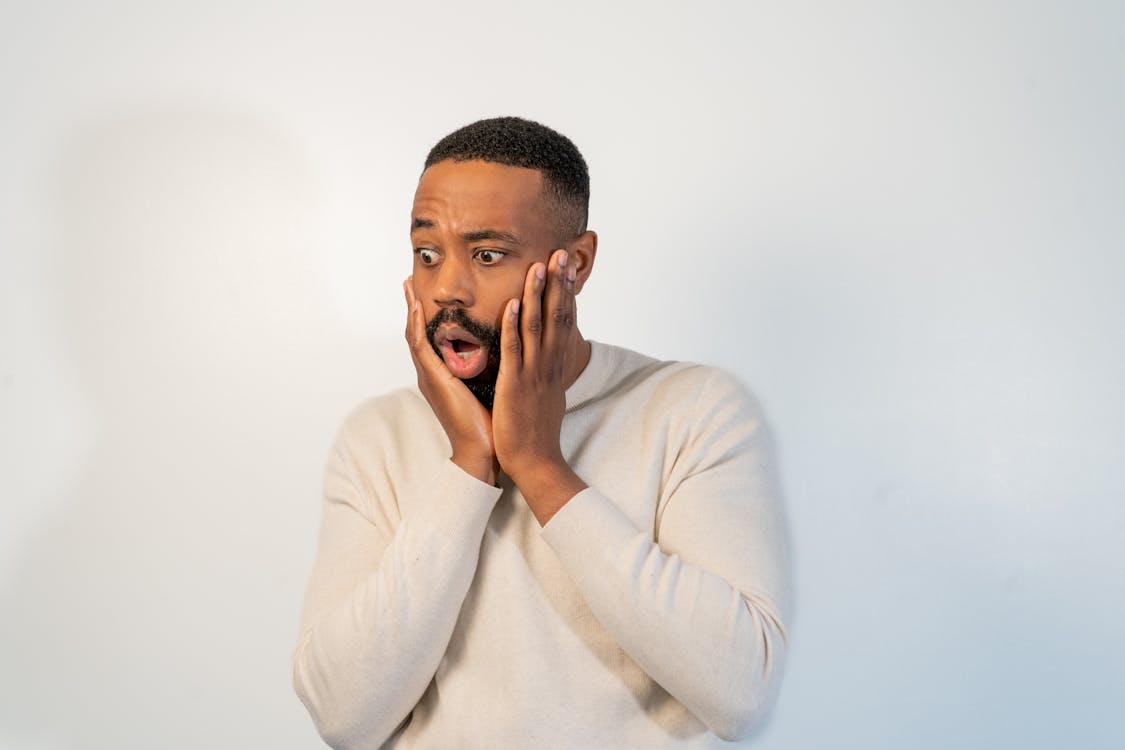
For YouTube thumbnails and social posts, face photos are gold because humans are wired to notice faces. Big eyes, strong expressions, and clear emotion usually increase click‑through rate. That is why you see so many exaggerated reactions on thumbnails; it is not an accident.

However, the same legal rules apply: do not portray someone in a misleading or defamatory way, and avoid adding text that could be read as a problematic quote from that person. Creators who scale their content often find that the real bottleneck is not finding free face photos, but efficiently cropping, color‑grading, and testing them across different platforms. Instead of juggling one app for stock downloads, another for editing, and another for scheduling, platforms like UUININ combine AI content creation and AI optimization so you can import your face photos once, batch‑generate thumbnail and post variations, and push them directly to multiple channels while tracking performance in a single dashboard.
UI Mockups and Product Screens
If you are a product designer or indie developer, face images often show up as avatars, testimonial headshots, or sample data in mockups. This use is generally lower risk because it is more abstract, but there are still some easy wins for safety and professionalism.
- Prefer diverse sets of faces so your app does not look unintentionally biased.
- Use consistent lighting and style so the UI feels cohesive.
- Consider blurring or shrinking faces for background elements to reduce identifiability while keeping a human feel.
Here, an organized asset library matters as much as the source of the photos. All‑in‑one platforms like UUININ, with creator tools and AI optimization, help you create neatly tagged libraries of face assets, quickly generate variants to match light or dark themes, and reuse the same safe, pre‑cleared images across web, mobile, and marketing without hunting through random downloads folders. Why juggle 5+ different tools when you can do everything in one platform that is designed for modern creators?
Simple Safety Checklist Before You Publish
Whenever you are about to ship a campaign, upload a thumbnail, or push a new UI live, take one minute to run through this checklist. It is short, and you will save yourself future headaches.
- Source: Do you remember exactly where each face photo came from (site and URL) or have it documented?
- License: Have you confirmed that the image is allowed for commercial use and is not “editorial only”?
- Model context: Are you using the person in a way that could be seen as an endorsement or tied to a sensitive topic?
- Attribution: If attribution is required, is it clearly visible where it needs to be?
- Consistency: Do the style and diversity of faces match your brand and audience expectations?
If you are working solo or in a small team, this can be as simple as a shared note or spreadsheet with links, usage notes, and “safe for ads” tags. Larger teams might integrate this into their asset management systems. Either way, the goal is traceability: if anyone ever asks, you can show where a specific face photo came from and why you believed you had the right to use it.
Can I use any free face photo I find on the internet?
No. “Free” is not the same as “license‑free”. Only use face photos from sources that explicitly grant you the right to use them, and make sure the license allows for your specific use case, such as advertising or commercial projects.
Do I always need a model release for face photos?
If the person is clearly identifiable and you are using the photo in a commercial or promotional context, you should assume a model release is needed. Many stock sites handle this on their end, but “editorial use only” images usually do not have a suitable release for advertising.
Is attribution required for free face photos?
It depends on the license. Sites like Pexels and Pixabay typically do not require attribution, though it is appreciated. Other sites, especially older stock libraries, may require attribution or have unique conditions, so always check the specific image page.
What is the safest way to keep track of image rights?
Keep a record of the source URL, download date, and license terms at the time of download, ideally with a screenshot or saved copy. If you manage lots of creative assets, consider using an all‑in‑one creator platform or asset management tool so you can tag images as “safe for ads” or “editorial only” and avoid mistakes later.
Free face photos are an incredible resource for designers, marketers, indie developers, and small teams—but only if you use them wisely. Stick to trusted sites, read licenses with your commercial usage in mind, respect people’s likenesses, and keep a simple record of your assets. If you are also editing videos, designing social graphics, and running experiments across platforms, a unified ecosystem like UUININ—with AI content creation, AI optimization, and integrated creator tools—can help you bring your stock face photos, edits, schedules, and analytics into one place so you spend more time creating and less time worrying about which folder that one perfect face image disappeared into.




