

As a music creator, YouTuber, or social media marketer, having a professional-looking music video without watermarks is essential for your brand. But finding a truly free AI music video generator that lets you use your own MP3 files and outputs without any annoying branding is harder than it looks. In this guide, I’ll walk you through the best tools and creative workarounds that actually work, so you can showcase your music with stunning visuals—absolutely watermark-free.
Understanding the Challenge: AI Music Video Generators & Watermarks
AI-powered music video generators have exploded in popularity, making it easier than ever to pair your tracks with engaging visuals. Yet, most free online solutions either slap on a watermark, restrict resolution, or don’t let you upload your own MP3s. If you’re aiming for a clean, shareable music video, knowing which tools to trust is crucial.
The image above highlights some of the leading free AI music video generators. While these platforms advertise free or easy access, their limitations often lurk beneath the surface. Let’s break down what you need to watch for:
- Watermarks: Visible branding or logos on your exported video.
- Audio upload support: Not all tools accept personal MP3s.
- Export restrictions: Limited duration, resolution, or download options.
- Usage rights: Can you use the video commercially or for public release?
Top Tools for Free AI Music Videos Without Watermarks
Here’s a rundown of the best platforms to try—along with honest notes about their free offerings and what to expect regarding watermarks and feature access.
| Tool | MP3 Upload | Watermark Policy | Notes |
|---|---|---|---|
| Aura AI | Unclear | Claims no watermark | Best to test with a short project |
| Wavel.ai | Yes | Watermark on free tier | Upgrade required for clean output |
| Vidnoz AI | Yes | Usually watermarked | Free tier may allow basic export |
| Clipfly.ai | Yes | Check for watermark | May allow free clean exports |
| Fotor | Limited | Claims watermark-free for short videos | Restrictions on length/resolution |
As shown above, these tools vary significantly in how they handle user uploads, export quality, and watermark policies. My personal favorite to try is Aura AI: it advertises 100% watermark-free videos. However, always run a test export with your own MP3 to confirm, as terms may change and features can be hidden behind registration walls.
Links to Official Tools
Check out Aura AI for professional watermark-free AI video generation. Aura AI
Explore Wavel.ai for lyric-synced music video creation. Wavel.ai
Try Vidnoz AI for AI-powered music video generation. Vidnoz AI
Use Clipfly.ai to add your own audio to video projects. Clipfly.ai
Generate short AI videos watermark-free with Fotor. Fotor
Step-by-Step: Creating a Free, Watermark-Free AI Music Video
Let’s get practical. If none of the above tools provide a truly watermark-free result with your MP3, here’s a proven workaround that’s both free and beginner-friendly:
- Generate visuals using an AI video generator (even if it puts a watermark).
- Export or download the video from the platform.
- Use a free offline video editor (e.g., OpenShot, Shotcut, DaVinci Resolve) to combine your visuals and your MP3.
- Crop out or cover the watermark area using text, logos, or overlays.
- Export the final video at the highest possible resolution—no watermark!
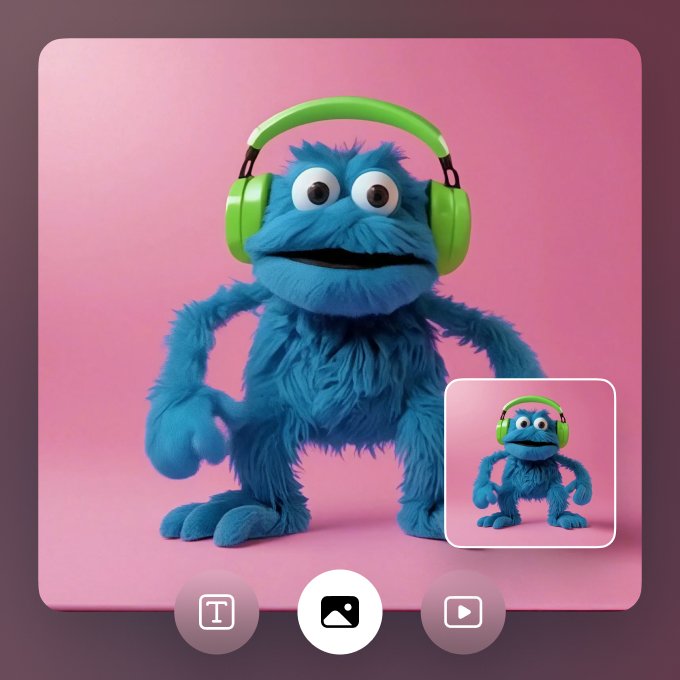
The above example was made by merging AI-generated visuals with a custom MP3 using a free editor. The result? A professional, watermark-free music video ready for YouTube, TikTok, or Instagram.
Recommended Free Editors for Watermark Removal
- OpenShot (Windows/Mac/Linux): Simple, drag-and-drop interface.
- Shotcut: Flexible, supports all major video/audio formats.
- DaVinci Resolve: Powerful, offers advanced features and color correction.
Pro Tip: If a watermark is always in the same corner, overlay your social media handle or a small artwork, making it look intentional and stylish!
Creative Ideas for Stunning AI Music Video Visuals
Don’t just settle for basic lyric videos. Today’s AI music video generators offer creative styles, animated backgrounds, and even real-time sync with your song’s mood or rhythm. Here are a few ideas to make your project stand out:
- Animated lyric overlays that match your song’s emotion.
- Generative art synced to the beat (think moving shapes, waves, or digital landscapes).
- Face swap or avatar visuals for unique branding.
- Looped video backgrounds for social media shorts.
Experimenting with different generators gives you a fresh palette of styles. Many platforms let you tweak colors, add your branding, or even integrate AI avatars into your video—a feature that’s getting more popular with indie artists.
Limitations & Legal Considerations
Even if your video looks clean, there are a few things to keep in mind before publishing or monetizing your AI-generated music video:
- Check each platform’s terms: Is the export for personal use only, or can it be released commercially?
- Many free tiers limit duration (e.g., 60 seconds) or resolution (e.g., 720p).
- Some tools embed their brand in metadata or use an end card, even if no visual watermark appears.
- Always respect copyright: Only use visuals and audio you have rights to.
Summary Table: Free AI Music Video Generator Comparison
| Tool | MP3 Upload | Watermark-Free Export | Best For |
|---|---|---|---|
| Aura AI | Test required | Claims Yes | Quick watermark-free exports |
| Clipfly.ai | Yes | Possible | Overlaying custom audio |
| Fotor | Limited | Short videos | Social media snippets |
| OpenShot/Shotcut | Manual | Yes | Combining visuals & audio offline |
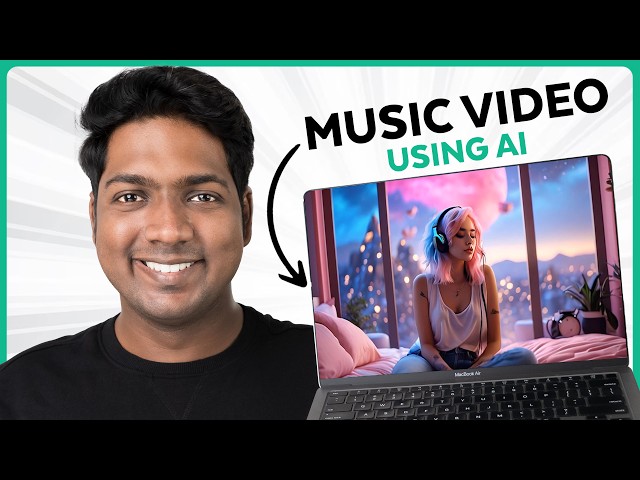
The above image shows a workflow for creating music video songs using AI for free. Sometimes, the most flexible solution is creating your visuals and audio separately, then assembling them in a free editor. This approach gives you maximum control over branding, style, and output quality.
Practical Tips for Getting the Best Results
- Always test with a short sample before committing to a full video.
- Read the platform’s FAQ or export terms before releasing the video publicly.
- Use desktop editors to fine-tune timing, transitions, and overlays.
- If you find a platform offering temporary watermark-free exports, batch create several videos during the trial period.
- Don’t be afraid to mix and match: AI visuals from one tool, custom audio from another.
Creating a truly watermark-free AI music video for free is possible—it just takes a bit of patience, platform testing, and creative editing. Don’t get discouraged if your first attempt has some branding; with the right combination of tools and a sprinkle of DIY spirit, your music will shine with professional visuals and zero distractions.
My Honest Thoughts: Is It Worth the Effort?
As someone who’s spent too many late nights wrangling with online video tools, I can tell you: free solutions always come with a catch. But if you’re handy with basic video editing, you’ll get the result you want—and keep your hard-earned cash for things that matter, like better microphones (or pizza).
If you want full creative freedom and zero watermarks, combine AI-generated visuals with your audio using a trusted offline editor. It’s the indie creator’s secret weapon!
Frequently Asked Questions (FAQ)
Can I use my own song for free in AI music video generators?
Most platforms let you upload your MP3, but check each tool’s policy. Free tiers may restrict duration or features.
Which AI tool guarantees no watermark in the free export?
Aura AI claims watermark-free exports, but test with your own file to confirm. Other tools may only offer this in paid plans.
How do I remove a watermark if it’s present?
Use a free video editor like OpenShot or Shotcut to crop or overlay graphics/text over the watermark area.
Are these videos legal for commercial use?
Check each platform’s terms. Some restrict usage to personal projects only. Always review the licensing before publishing.
Can I combine AI visuals and my own audio offline?
Absolutely! This is the best way to ensure a clean, professional result without watermarks.




