

Face swapping has become one of the most popular trends in digital content creation, especially with the rise of powerful AI tools like DeepSwap. Whether you’re a social media influencer, marketer, or simply a digital enthusiast, mastering realistic face swaps can elevate your content and captivate your audience. In this guide, we’ll walk you through DeepSwap’s features, provide ethical and creative tips, and show you how to achieve professional-grade results with minimal effort.
What Is DeepSwap and Why Is It So Popular?
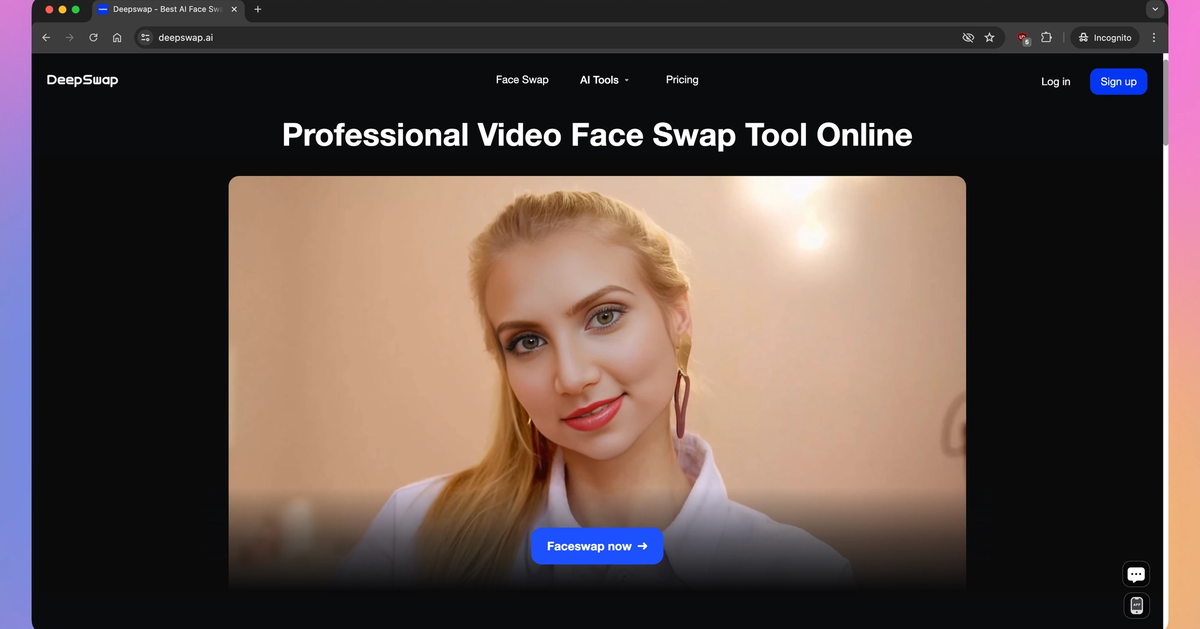
DeepSwap is an advanced AI-powered face swap tool that enables users to seamlessly change faces in images and videos. Its user-friendly interface, high-quality output, and robust privacy measures make it a favorite among content creators. DeepSwap stands out for turning complex AI processes into a few clicks—no technical expertise required, just creativity and an internet connection.
- Fast, high-resolution face swaps in seconds
- Works with both photos and videos
- No need to download bulky software
- Strong privacy and data protection policies
“DeepSwap takes face swapping from a cool trick to a professional-grade creative tool. The difference is stunning.”
Key Features, Pricing, and DeepSwap Alternatives
Before you dive in, it’s important to understand what DeepSwap offers compared to similar tools. Its subscription-based pricing gives you access to unlimited swaps and premium features, but other alternatives may suit different budgets or needs. Here’s a quick comparison:
| Feature | DeepSwap |
|---|---|
| Supported Media | Photos, Videos |
| Output Quality | High (HD, realistic textures) |
| Pricing | Subscription-based, free trial available |
| Privacy | Strict data protection, no retention of user content |
Popular Alternatives
- Reface: Fun-focused, mobile app, less control over output.
- FaceApp: Photo-only, offers filters beyond swapping.
- Artbreeder: AI-powered but more geared towards synthetic image creation.
Step-By-Step Guide: Swapping Faces Like a Pro with DeepSwap
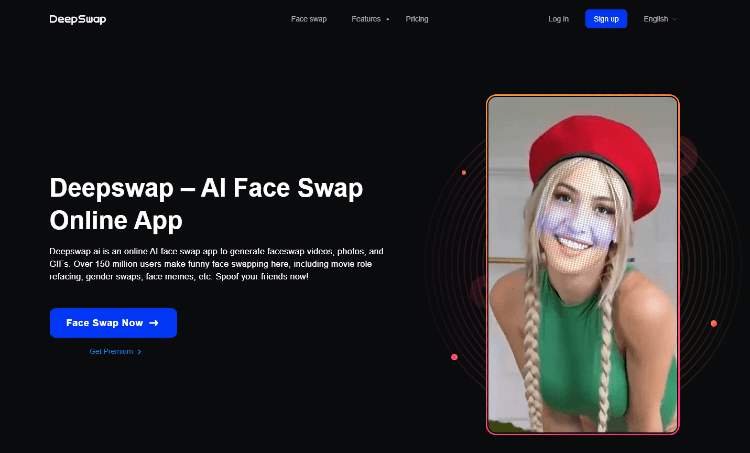
Ready to create your first AI-powered masterpiece? Here’s our practical, beginner-friendly walkthrough to achieve stunning results:
- Sign Up for DeepSwap: Visit the official DeepSwap website and create an account. Start with the free trial if you want to test before subscribing.
- Prepare Your Source Files: Gather the images or video clips you want to use. For best results, choose clear, well-lit faces.
- Upload & Select Faces: Use DeepSwap’s intuitive upload tool. Select the face you want to swap and your target face.
- Adjust Settings: Customize swap parameters (skin tone, facial expressions, blending) for realism. Take advantage of preview features before applying changes.
- Review & Download: Inspect the preview. If satisfied, export your project in HD. DeepSwap does NOT retain your files.
- Share Responsibly: Post your creation on social media, use in marketing, or share privately. Always consider privacy and permissions.
Pro tip: Experiment with different angles and lighting for more believable swaps. For video swaps, keep movements smooth and faces unobstructed.
DeepSwap API: Advanced Integration for Developers

If you’re a developer or want to automate your face swapping workflow, DeepSwap provides a powerful API. This allows integration with apps or websites, perfect for scaling up content creation or building unique digital experiences.
- RESTful endpoints for easy automation
- SDKs available in major languages (Python, JavaScript, etc.)
- Supports batch processing for high-volume swaps
- Secure authentication and flexible usage limits
Developers can learn more about the DeepSwap API through the detailed API Tracker documentation. API Tracker
Ethical Considerations & Privacy in Face Swapping
AI face swapping is fun and innovative, but it comes with important responsibilities. Always use DeepSwap ethically:
- Obtain permission before swapping faces of real people, especially for public use.
- Avoid creating misleading or harmful content.
- Respect copyright and privacy laws in your country.
- Clearly mark AI-generated content when used professionally.
“Ethical AI use isn’t just about following laws—it’s about building trust with your audience and respecting individuals.”
Practical Tips to Create Professional Results

Here are some insider tips to boost your DeepSwap output and make your face swaps truly shine:
- Use high-resolution, well-lit images for both source and target faces.
- Avoid cluttered backgrounds or overlapping faces for best accuracy.
- Fine-tune blending settings: pay attention to skin tone, jawline, and hair.
- Double-check facial expressions for natural consistency.
- Consider context—make sure the swap fits the story you’re telling.
Remember, AI is powerful but not infallible. Sometimes a dash of manual retouching post-swap can make all the difference.
Where to Use DeepSwap Face Swaps
- Social media campaigns and viral posts
- Marketing and advertising visuals
- Personal entertainment and creative projects
- Film pre-visualization and storyboarding
- Digital art and meme creation
FAQ: DeepSwap Face Swapping
Is DeepSwap safe to use?
Yes, DeepSwap places a strong emphasis on privacy and does not store your uploaded files after processing.
Can I swap faces in videos, or only photos?
DeepSwap supports both photos and videos, with high-quality results for each.
Is there a completely free version?
DeepSwap offers a free trial with limited swaps. For unlimited access, a subscription is required.
How do I get the most realistic swaps?
Use clear, high-resolution images, adjust blending settings, and experiment with different angles.
Is it legal to use DeepSwap with celebrity faces?
Check local laws. Using celebrity faces for commercial purposes without permission may be prohibited.




