

Video creation has leapt into a new era, thanks to Hedra AI, a revolutionary platform that lets anyone craft engaging, animated talking character videos from just text and images. Whether you’re a content creator, educator, marketer, or simply an enthusiast, Hedra AI removes the barriers of cost and complexity, making professional-quality video accessible for all. In this detailed guide, we will walk through the step-by-step process of using Hedra AI, offer practical tips, and reveal how you can start sharing your stories today, no technical skills required.
Why Choose Hedra AI for Animated Character Videos?
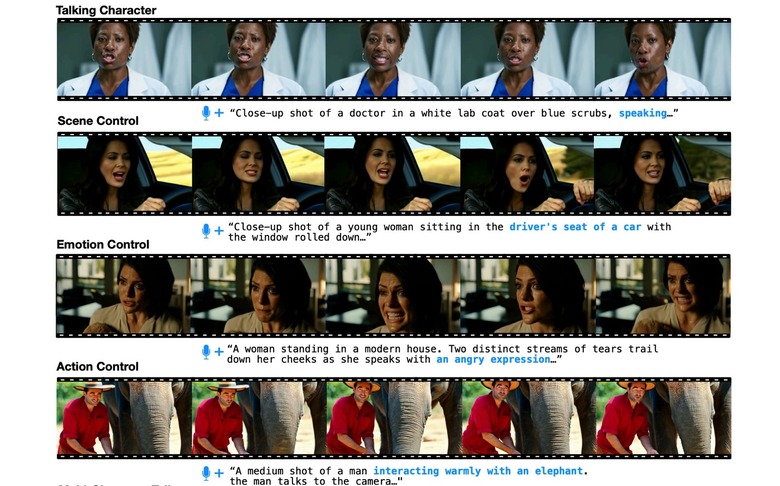
Hedra AI stands out in the crowded AI video creation landscape by focusing on user-friendliness, powerful AI character animation, and generous free features. Its one-click storytelling tools mean you can turn ideas into lifelike talking characters in minutes. Whether you’re building educational content, spicing up your social media, or amplifying your brand’s voice, Hedra AI puts creativity in your hands.
- No technical background required—create videos in minutes
- Free unlimited video generation, no credit card needed
- Expressive AI characters: talking, singing, rapping animations
- Customizable voices and personalities for any occasion
- Supports .jpeg, .png, .webp images for maximum flexibility
Getting Started: Step-by-Step Tutorial
Let’s dive into the beginner-friendly workflow. Hedra AI’s intuitive interface means you don’t need to study manuals. You just need a few minutes and a good story to tell.
Step 1: Sign Up and Access the Dashboard
Visit Hedra AI’s official website and sign up for a free account. The platform’s clean dashboard welcomes you with options to upload images, input text, and preview your video.
Check out Hedra AI’s official website for easy registration and more details. Hedra AI's official website
Step 2: Upload Your Character Image
Bring your character to life by uploading a clear frontal image in .jpeg, .png, or .webp format. Need inspiration? Try cartoon avatars or actual photos for a personalized touch.
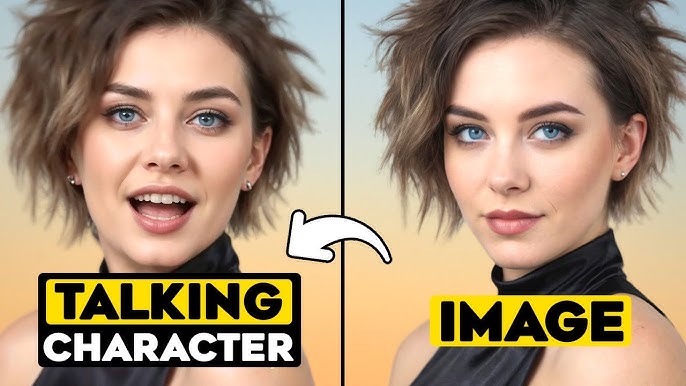
Step 3: Enter Your Script
Type up to 300 characters of text for your message, story, or lyrics. Hedra’s text-to-video engine will animate your character to speak, sing, or rap your script. Don’t worry about punctuation; Hedra’s AI handles natural language fluidly.
- Write your desired speech, song, or dialogue.
- Choose from a variety of AI voices and languages.
- Preview the audio and tweak until you’re satisfied.
Step 4: Customize and Preview
Select a voice that fits your character’s persona—authoritative, friendly, energetic? Hedra’s customizable voice library covers all moods. Preview your video and make quick edits to achieve the perfect result.
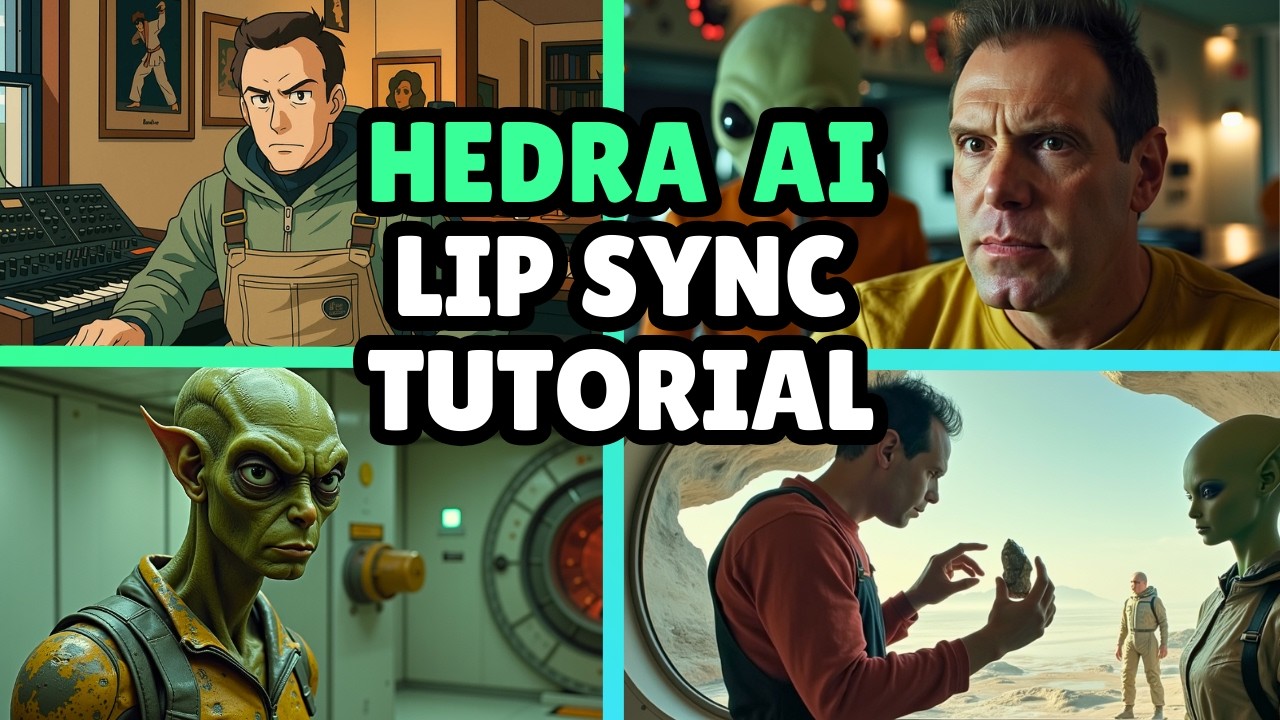
Step 5: Download or Share
Ready to show the world? Download your video or share it directly to social platforms from Hedra’s dashboard. The seamless export and sharing options mean your creations reach your audience fast.
- Download .mp4 files for maximum compatibility
- Instant sharing on social media or with collaborators
- No watermarks on free plan—your brand stays front and center
Practical Tips for Maximum Impact
Want to take your Hedra AI videos to the next level? Here are some practical tips that we’ve discovered through hands-on experimentation:
- Use high-resolution, clear images for best animation results.
- Test different voices and emotional tones for varied effects.
- Keep scripts concise and punchy—up to 300 characters for optimal clarity.
- Experiment with music or sound effects for creative storytelling.
- Leverage Hedra AI in educational, marketing, or entertainment contexts.
In my own experience, the biggest surprise was how quickly Hedra AI produced a talking avatar from a selfie. It was so lifelike, my friends thought I had hired a professional animator. The playful voice options add a fun twist—try singing your favorite song for a giggle!
Use Cases: From Classroom to Social Media Stardom
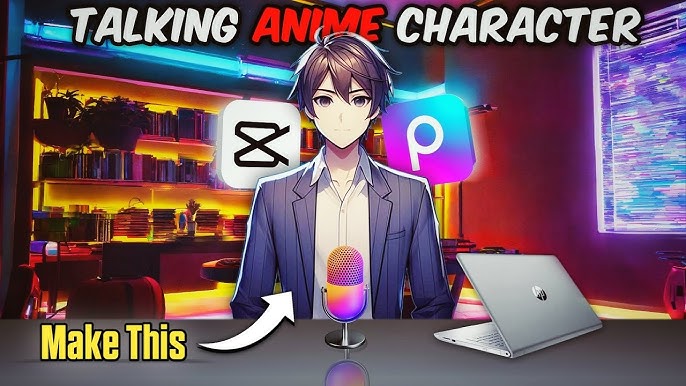
The versatility of Hedra AI opens the door to myriad applications. Educators can animate historical figures for engaging lessons, marketers can create branded characters that speak to customers, and YouTubers can bring fresh personalities to their channels—all without animation expertise.
| Use Case | Benefits |
|---|---|
| Education | Make lessons interactive and fun |
| Marketing | Personalize outreach and boost brand recall |
| Social Media | Create viral, shareable character content |
| Entertainment | Animate stories or music videos quickly |
The Future of AI Video Creation: Hedra's Impact
Hedra AI isn’t just a passing trend. Its recent $32 million funding round led by Andreessen Horowitz signals robust growth and innovation. With expanding capabilities and a devoted team, Hedra is poised to redefine how we create animated video content.
Learn more about Andreessen Horowitz’s investment in Hedra AI and its future. Andreessen Horowitz
Integrating Hedra AI with Your Workflow
For tech-savvy users or businesses, Hedra offers an API, currently in closed beta, that allows you to integrate AI-driven character videos into apps, websites, or creative workflows. This opens new doors for automation and mass content generation.
Discover the Hedra API for advanced integration into your digital products. Hedra API
Comparing Hedra AI with Other AI Video Platforms
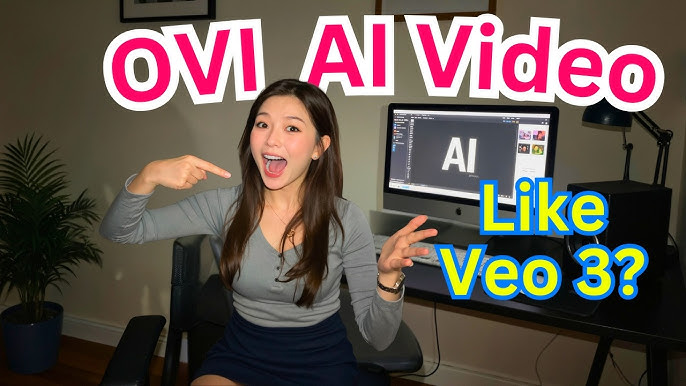
While other platforms offer talking character animations, Hedra AI distinguishes itself with its lightning-fast setup, free unlimited usage, and versatility in expressions. Unlike complex animation suites or paid alternatives, Hedra AI focuses on democratizing video creation for everyone.
| Platform | Free Plan | Ease of Use |
|---|---|---|
| Hedra AI | Unlimited videos | Beginner-friendly, intuitive UI |
| Animaker | Limited features | Requires animation knowledge |
| Veo | Restricted access | Advanced, not suited for beginners |
How to Access More Features and Community Resources
Apart from the free plan, Hedra AI offers additional resources, tutorials, and community support for users wanting to deepen their skills. We recommend joining forums or following Hedra’s official channels to stay updated on new tools and creative challenges.
Explore Hedra AI’s Free AI Video Generator for 3D models and images. Free AI Video Generator
Frequently Asked Questions (FAQ)
Do I need animation or video editing experience to use Hedra AI?
No. Hedra AI is designed for users of all backgrounds, with a simple interface and step-by-step process.
What image formats does Hedra AI support?
.jpeg, .png, and .webp images are all supported for maximum flexibility.
Can I use Hedra AI for commercial projects?
Yes, you can create videos for marketing, social media, education, and more—even on the free plan.
Are there watermarks or usage limits?
Hedra AI’s free plan allows unlimited video generations without watermarks.
How does Hedra AI's API work?
The API enables developers to integrate Hedra’s character animation technology into their own products. It is currently in closed beta; apply for access via Hedra’s website.




