

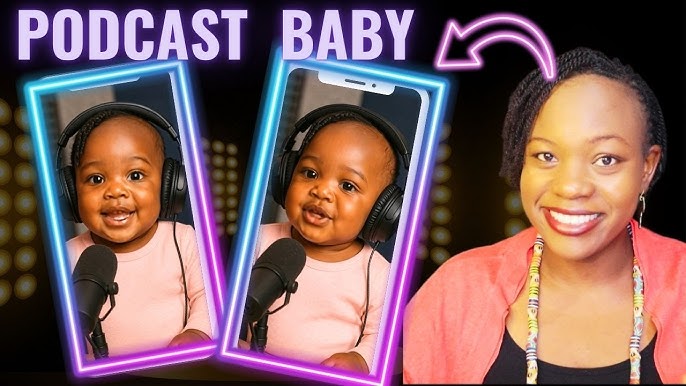
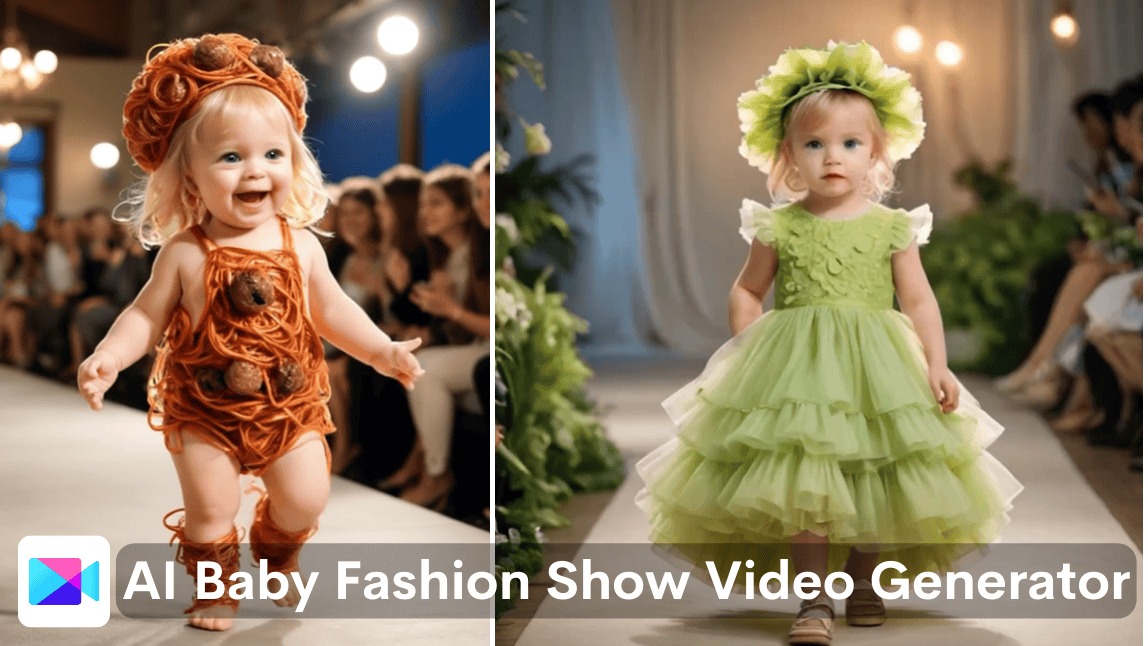
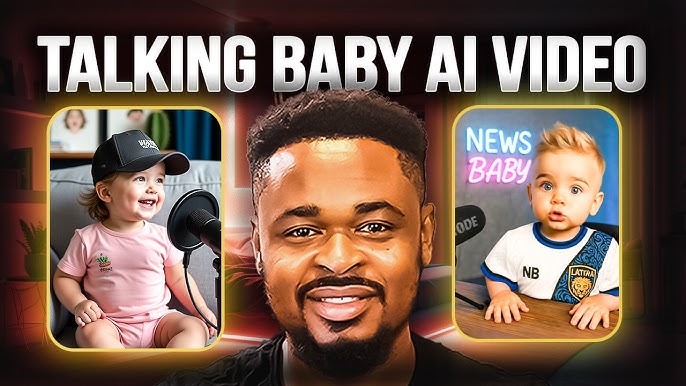
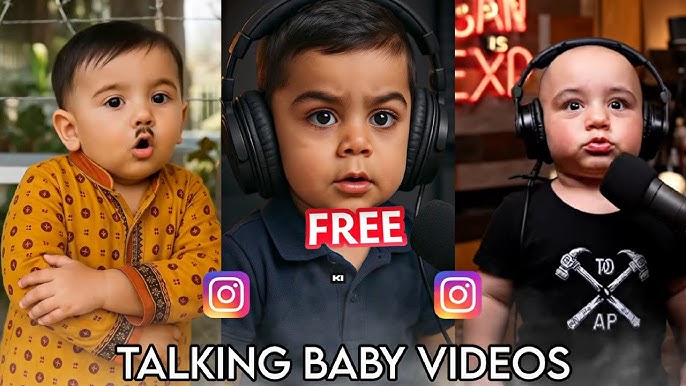
Baby-themed videos have taken social media by storm, delighting users with lifelike talking baby podcasts, playful future baby predictions, and viral ‘babyface’ transformations. Thanks to rapid advancements in AI, creating these adorable and highly shareable videos is now accessible to everyone—from content creators and marketers to parents and casual users. In this article, we’ll guide you through the process of generating captivating baby-themed videos using the latest AI tools, compare top platforms, offer creative tips, and address critical privacy considerations.
Why Are AI Baby Videos Trending?
The appeal of baby-themed videos goes beyond their cuteness. These clips are perfect for storytelling, capturing attention on platforms like TikTok and Instagram, and infusing humor or warmth into personal or marketing content. AI-powered generators can now turn any adult photo or video into a youthful, animated version, or even blend two faces to predict what a future child might look like. The creative possibilities are limited only by your imagination!
Comparing Top AI Baby Video Generators
With a growing number of AI baby video generators available, it can be overwhelming to choose the right one. Here’s a comparison of the leading tools based on their features, ease of use, pricing, and unique strengths.
| Tool | Key Features |
|---|---|
| Baby AI Video Generator | Transforms MP4/MOV videos into baby-style clips, supports up to 300MB uploads, offers 10 free credits for new users, paid plans available. |
| BabyCast AI | iPhone app, lip-syncs audio to baby avatars, intuitive interface, requires subscription. |
| Pollo AI Future Baby Generator | Blends two faces to predict future baby, creates clapping/smiling baby videos, free to use. |
| PXZ AI Baby Face Generator | Turns photos into ‘babyface’ videos, ideal for transitions on social media, free. |
| FlexClip AI Baby Video Generator | Transforms photos/videos or accepts text prompts, offers templates, free media library, web-based and user-friendly. |

Step-by-Step: Creating Your First AI Baby Video
Step 1: Choose Your AI Baby Video Generator
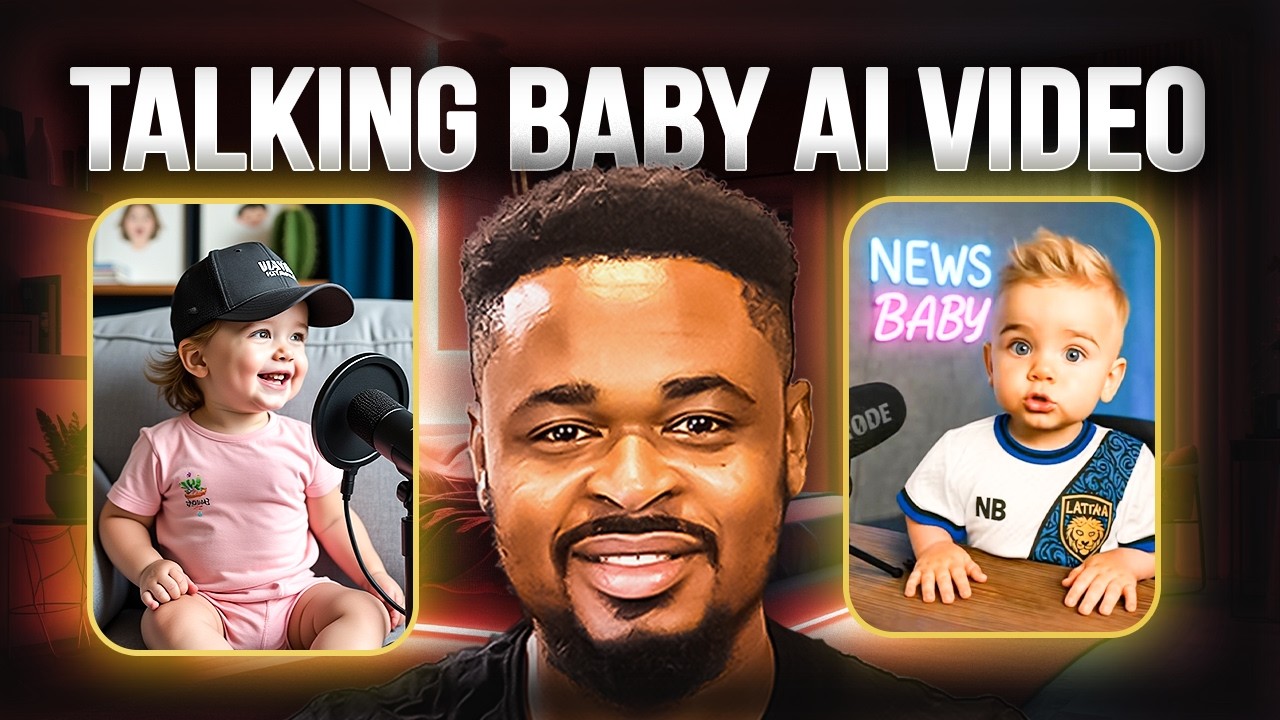
Select a platform that matches your goals. If you want to create a talking baby podcast, try BabyCast AI. For future baby predictions, Pollo AI is a standout. For quick babyface transformations, PXZ AI and FlexClip are excellent.
Step 2: Prepare Your Media
- Use clear, high-resolution photos or videos for best results.
- Avoid group photos—single-person shots work best.
- If blending faces (e.g., Pollo AI), select front-facing portraits.

Step 3: Upload and Customize
- Upload your chosen photo or video to the platform.
- Follow the on-screen prompts to apply baby effects or add audio/lip-sync (for podcast videos).
- Experiment with templates, filters, and animations to enhance your video.
Step 4: Generate and Download
Once you’re satisfied with your customizations, let the AI do its magic. Most generators process videos within minutes. Preview, then download your masterpiece!
Pro Tip: Always check the privacy policy of any AI tool you use. Make sure your uploads are processed securely and not stored longer than necessary.
Creative Tips to Go Viral With AI Baby Videos
- Add humorous captions or voiceovers to create meme-worthy content.
- Use trending audio clips or challenges on TikTok to boost discoverability.
- Try ‘before and after’ transitions—show your adult self transforming into a baby version.
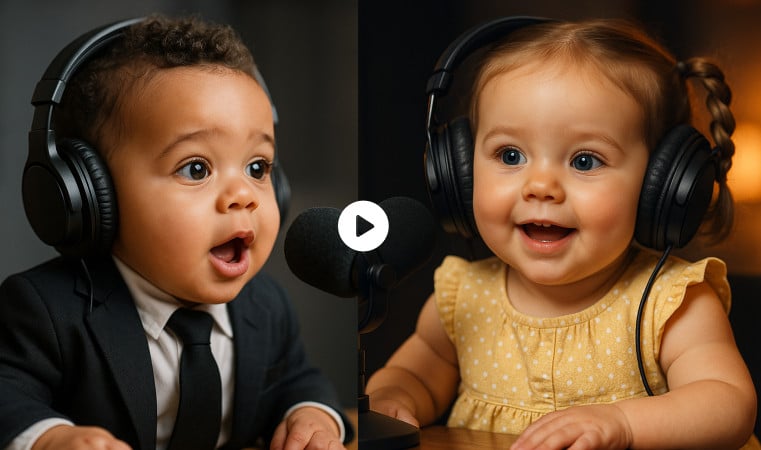
- Create mini baby talk shows or podcasts with AI-generated lip-sync.
- Blend two faces for a ‘future baby reveal’ to surprise friends and family.
FlexClip’s AI Baby Video Generator is a fantastic choice for beginners thanks to its free templates and drag-and-drop editor. You can even use text prompts to describe your ideal baby video. Want to get creative with transitions? PXZ AI’s tool gives you a seamless way to jump from adult to babyface—perfect for Instagram Reels.
For a seamless web-based experience, try the AI Baby Video Generator. AI Baby Video Generator
Download BabyCast AI for iPhone to create talking baby videos with impressive lip-sync. BabyCast AI
Use Pollo AI’s Future Baby Video Generator to blend faces and generate adorable baby predictions for free. Pollo AI's Future Baby Video Generator
PXZ AI’s Baby Face Generator lets you easily create babyface transitions for TikTok and Instagram. PXZ AI's Baby Face Generator
FlexClip’s AI Baby Video Generator is packed with templates and easy editing tools. FlexClip's AI Baby Video Generator
Privacy, Security, and Ethical Considerations
While AI baby video generators are great fun, it’s crucial to think about privacy—especially when using personal photos or sharing content online.
- Always review each tool’s data retention and privacy policy before uploading images.
- Avoid using sensitive or private photos, especially of minors.
- Download and store your videos securely; think twice before posting to public platforms.
- If using these tools for marketing, ensure you have the proper permissions for all images.
Remember: AI fun should never come at the cost of your privacy or your loved ones’ digital rights. Be savvy, and share responsibly!
Troubleshooting Common Issues
- If the output looks odd, try uploading a higher-quality or better-lit photo.
- Some tools may fail with group or profile-view photos—stick with front-facing portraits.
- Check file size and format restrictions before uploading.
- If your video doesn’t download, try a different browser or clear your cache.
Frequently Asked Questions (FAQ)
Are AI baby video generators free to use?
Many offer free trials or basic features, but advanced options or longer videos may require payment.
Can I use AI baby videos for commercial purposes?
Check the licensing terms on each platform—some allow commercial use, others are strictly personal.
Which app is best for making talking baby videos?
BabyCast AI is highly recommended for realistic lip-sync baby podcasts.
Is my data safe with these tools?
Reputable platforms anonymize and securely process your data, but always review privacy policies before uploading personal images.
Will AI baby videos work with any photo?
For best results, use high-quality, front-facing, single-person images.




