

If you’re a parent who loves capturing every adorable milestone and giggle, there’s a new trend sweeping through family circles: personalized baby podcasts and talking avatars powered by AI! Imagine your baby’s photo transformed into a cute, animated host—delivering funny monologues, sharing monthly updates, or even reciting silly stories, all with a baby-style voice. In this guide, we’ll show you how to create these charming keepsakes using easy, parent-friendly AI tools. Whether you want to wow your family WhatsApp group, create digital memories without the tech headaches, or simply inject some fun into your parenting journey, you’re in the right place.

What Is an AI Baby Podcast, and Why Are They So Popular?
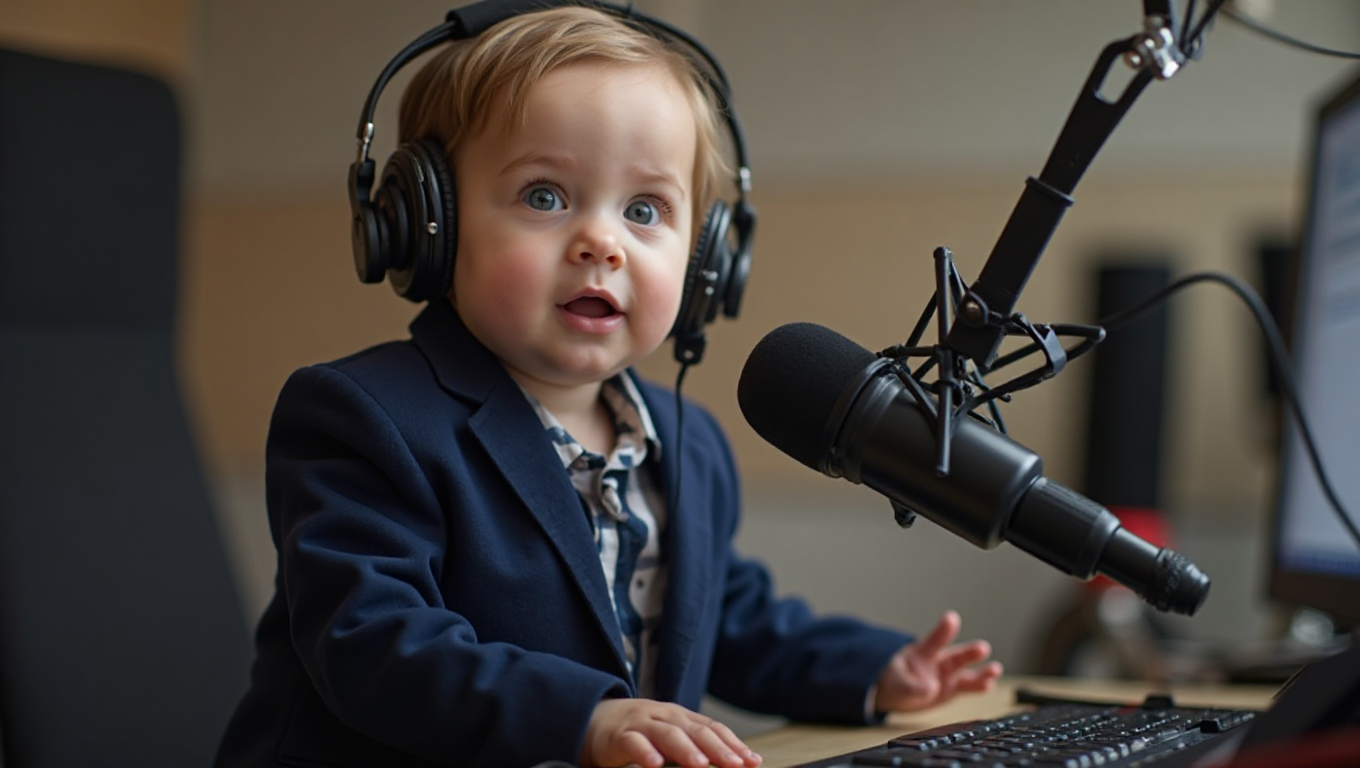
An AI baby podcast is a playful twist on traditional podcasts. Instead of a human voice, these tools use artificial intelligence to turn your baby’s photo—or sometimes voice—into an animated avatar or talking character. The result? Hilarious, heartwarming mini-episodes in which your little one (or a baby version of anyone!) “hosts” or speaks with charming, AI-generated baby tones. These aren’t educational podcasts—they’re more like shareable video/audio clips: perfect for social media, digital scrapbooks, or just making Grandma’s day. With a few taps, you can create moments that blend nostalgia, laughter, and a dash of digital magic.

The Appeal: Why Parents Love AI Baby Podcasts
- Super easy to use—most require only a photo and text prompt
- No fancy audio equipment or editing skills needed
- Great for commemorating milestones or sharing laughs with family
- Safe and private options are available for privacy-conscious parents
And let’s be honest: hearing your baby “say” their first joke or host a tiny ‘show’ is equal parts sweet and hilarious. It’s the kind of thing that makes distant relatives smile and parents reach for the replay button.
How To Make a Personalized Baby Podcast: Step-by-Step Guide
- Pick a Safe, Fun AI Baby Podcast App: Choose a reputable AI baby podcast or talking avatar app. Popular options include Baby Podcast AI, Parrot AI’s Baby Podcast Generator, and Dreamface’s Baby Podcast AI Generator. (See below for links and details.)
- Upload Your Favorite Baby Photo: Most apps ask for a photo—pick one with a clear view of your baby’s face for the best results.
- Type (or Record) What You Want the Baby to Say: You can write a short script, a funny message, or even use prompts like “monthly update” or “baby’s thoughts on broccoli.”
- Let the AI Work Its Magic: The app will generate a video or audio clip with your baby’s avatar speaking in an adorable, animated way.
- Share or Save: Download your creation or share it directly to your favorite social media or family group.
| App Name | Features |
|---|---|
| Baby Podcast AI | Photo-to-avatar, animated baby voice, iOS app |
| Parrot AI Baby Podcast | Text-to-baby video, web-based, multiple voices |
| Dreamface Baby Podcast | Photo + text to baby voice, web and app |
Get started with Baby Podcast AI and turn your baby photos into talking avatars with Baby Podcast AI. Baby Podcast AI
Try the Parrot AI Baby Podcast Generator for easy browser-based baby podcast creation. Parrot AI Baby Podcast Generator
Creative Ideas for Family Keepsakes and Social Sharing
- Monthly growth updates narrated by your baby avatar
- First birthday recap hosted by ‘talking baby’
- Funny interviews: Ask your baby questions and let AI generate the answers
- Baby’s “thoughts” on family events, pets, or siblings
“We made a short video for every month of our daughter’s first year. The AI baby avatar ‘hosted’ her milestones—her first crawl, her favorite puree, and her first word. Now, it’s the sweetest (and silliest) digital time capsule we could ever imagine!”

Whether you want to keep these private or make them the star of your Instagram Stories, these AI baby podcasts are all about celebrating your little one in new, imaginative ways. Just don’t blame us if you end up binge-creating!
Safety and Privacy: What Every Parent Should Know
Tips for Using AI Baby Podcast Apps Safely
- Choose apps with clear, parent-friendly privacy policies
- Avoid uploading highly sensitive or personal images
- Check if the app stores your data or deletes it after use
- Opt for local-only processing if you’re especially privacy-conscious
AI baby podcast tools are designed to be fun and easy, but it’s important to be mindful of where your images and voice data go. Look for apps that clearly explain their data usage and offer parental controls. When in doubt, read user reviews and favor apps with transparent terms.

Learn more about Dreamface Baby Podcast AI Generator and its privacy features. Dreamface Baby Podcast AI Generator
Still unsure? Try creating your baby podcast without uploading to the cloud, or use a service that processes everything locally on your device.
Pros, Cons, and Parent Reviews: Is It Worth Your Time?
| Pros | Cons |
|---|---|
| Fun, memorable, low-tech, and easy to share | Potential privacy risks, occasional uncanny voice/artifacts |
| Great for digital memory-making | May be less useful for long-term podcasting |
Our verdict? For most families, AI baby podcasts are pure digital delight—when used smartly. They’re like the modern version of the baby book, but with a talking twist. Parents rave about how simple they are to create and how much joy they bring to family and friends.
Pro Tips for Maximum Fun
- Write creative, short scripts for your baby’s avatar
- Use seasonal themes—holidays, birthdays, first words
- Save your creations as a digital timeline to share later
For a broader look at AI and parenting, tune in to the Growing up with AI podcast. Growing up with AI
FAQ: Personalized AI Baby Podcasts
Are AI baby podcast apps safe for my child’s photos?
Most popular apps prioritize privacy and offer clear data policies, but always check what happens to your uploads and prefer apps that delete data after use.
Do I need special equipment or tech skills?
Nope! Most apps work with any smartphone and require only basic instructions—no editing or podcasting experience necessary.
Can I use my own voice for the baby avatar?
Some apps allow you to record or upload your own audio, while others rely on AI-generated baby voices. Check features before you start!
Is this just for babies? Can I make a talking avatar for an older child or adult?
Absolutely! Most tools let you upload any clear face photo—so you can create talking avatars for siblings, parents, or even pets (if you dare).
Where can I find more creative parenting tech ideas?
Check out podcasts like AI Toddler Tales or explore the latest on parenting technology blogs for inspiration.




