

In today’s fast-paced professional world, delivering a powerful presentation can be the difference between winning a project and losing attention. But tight deadlines, limited design skills, and resource constraints often stand in the way of creating visually compelling slides. Fortunately, AI-powered tools like Vidwud are revolutionizing how we approach presentation design, empowering anyone to generate professional, eye-catching decks in seconds—no technical expertise required.
Why AI Is Changing the Game in Presentation Design
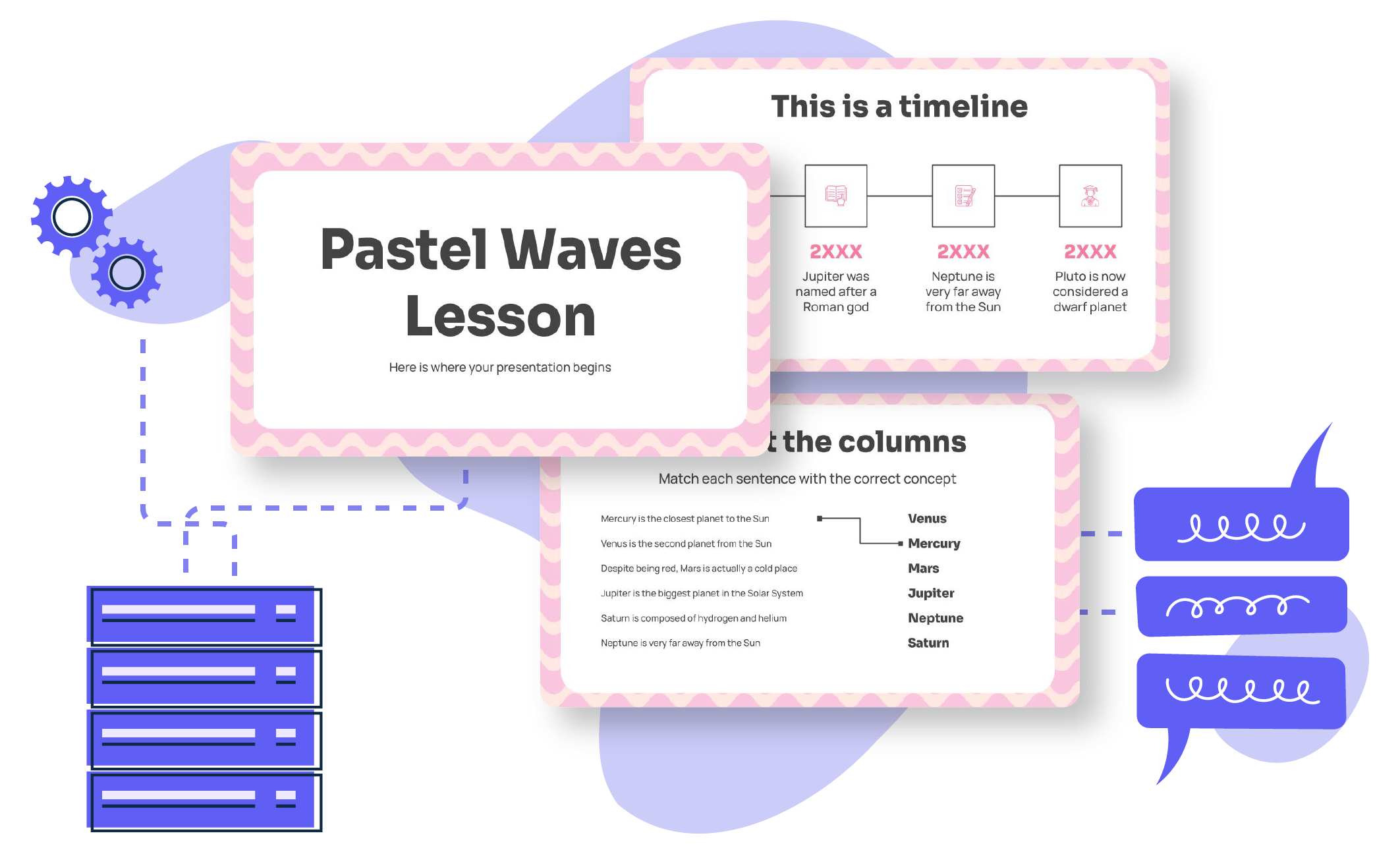
Traditionally, crafting presentations demanded hours of manual work—from concept and layout to graphics and formatting. AI presentation makers flip this script. With advanced algorithms and generative technologies, they automate slide creation, suggest layouts, and even select appropriate imagery and branding. The result? You focus on your message, and let AI handle the visual polish.
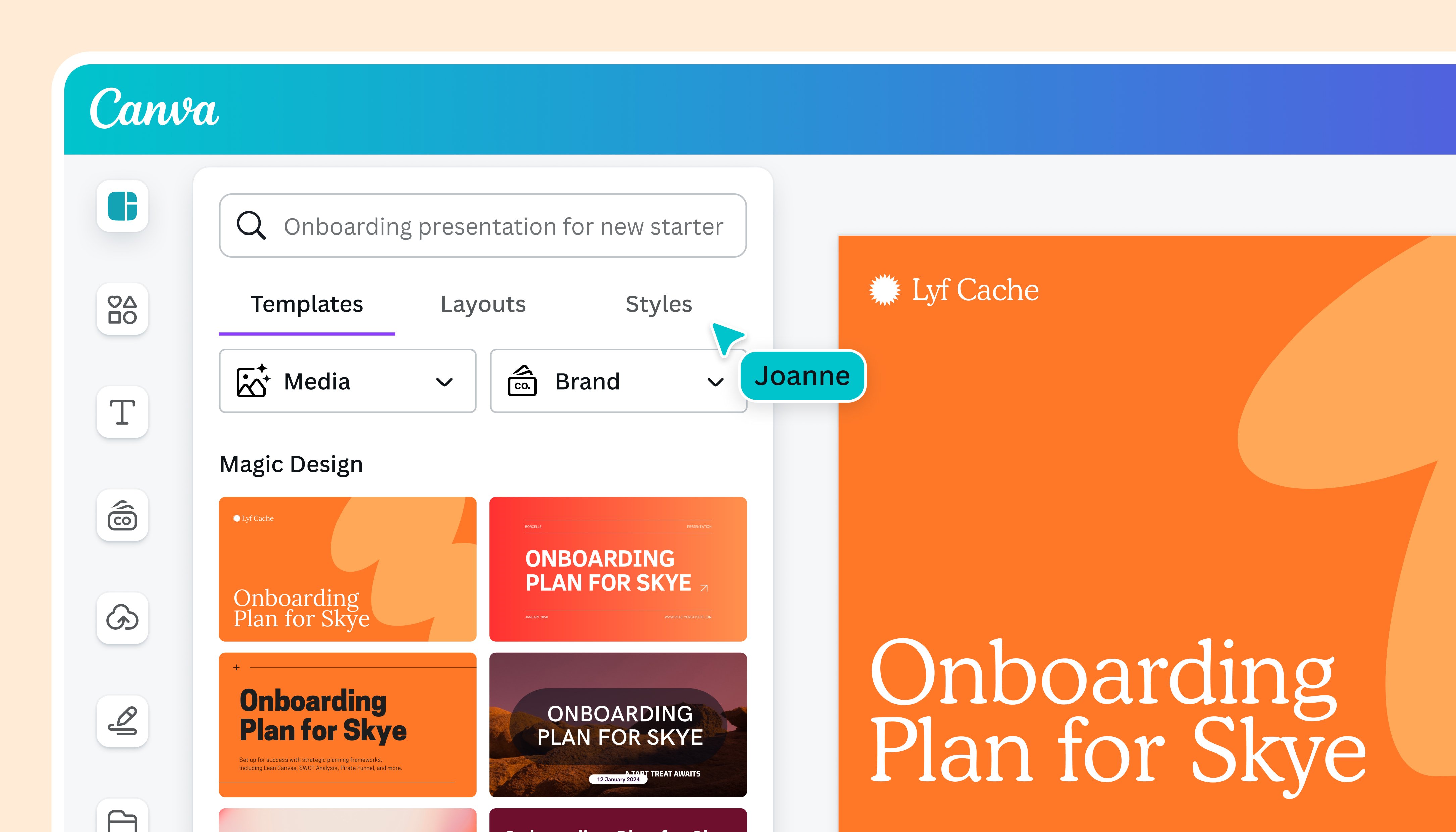
Benefits of Using AI Presentation Tools
- Save significant time on slide design and formatting.
- Access to a variety of professional templates and themes.
- Automatic content structuring for clarity and impact.
- Seamless integration of graphics, charts, and icons.
- Easy customization for different audiences and purposes.
If you’ve ever struggled to balance design and storytelling, AI tools can be your secret weapon. They’re especially useful for educators, marketers, students, and business professionals who need results fast without sacrificing quality.
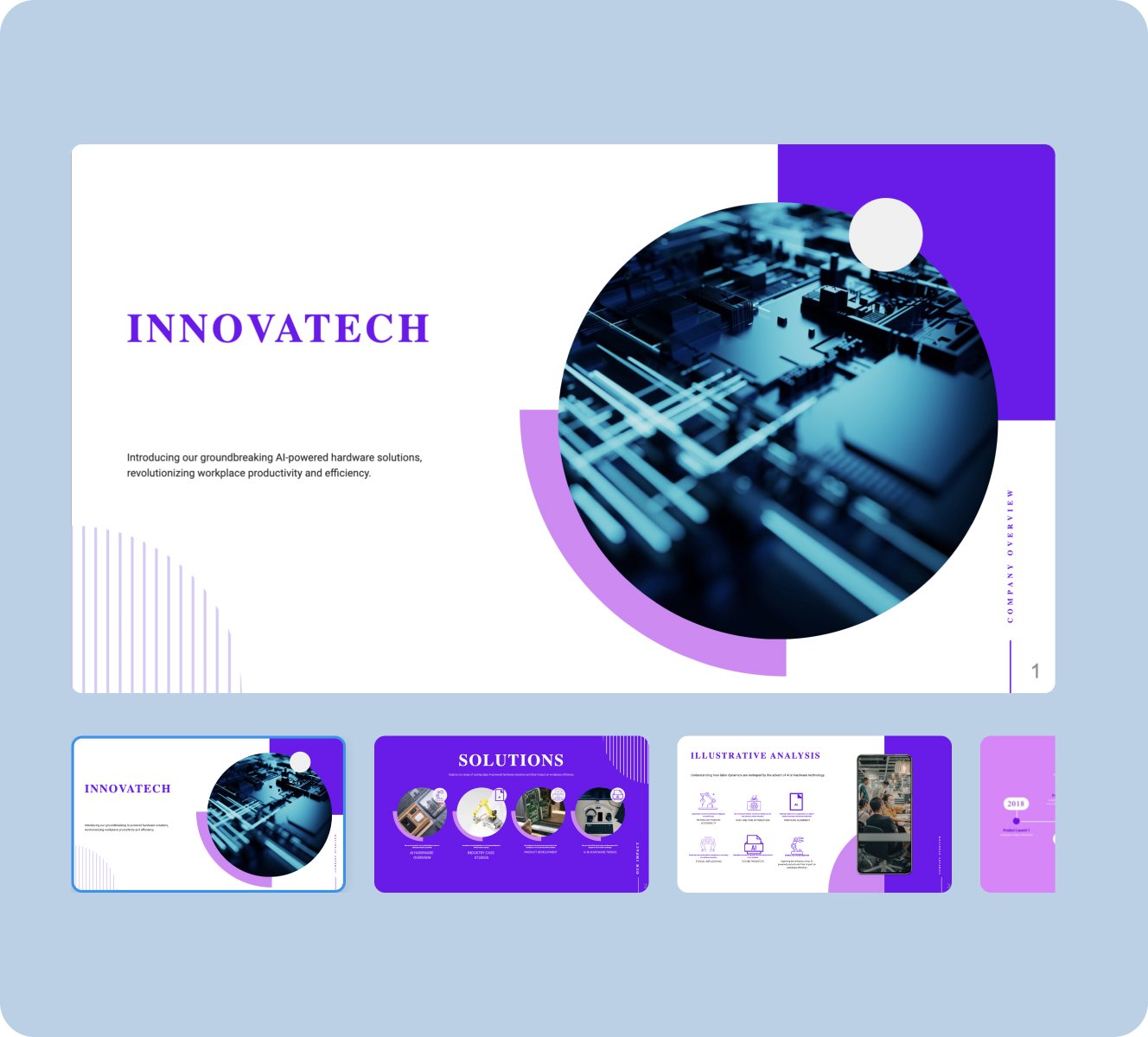
Meet Vidwud: The All-In-One AI Presentation Generator
Vidwud, developed by Dual Chart Limited, stands out as a versatile AI platform for content creation. Launched in 2017, it has since attracted over a million users worldwide. Vidwud’s suite includes AI PowerPoint generation, face swapping, image-to-video conversion, and more—all accessible online, without downloads. Privacy is a priority: your files and information remain confidential.
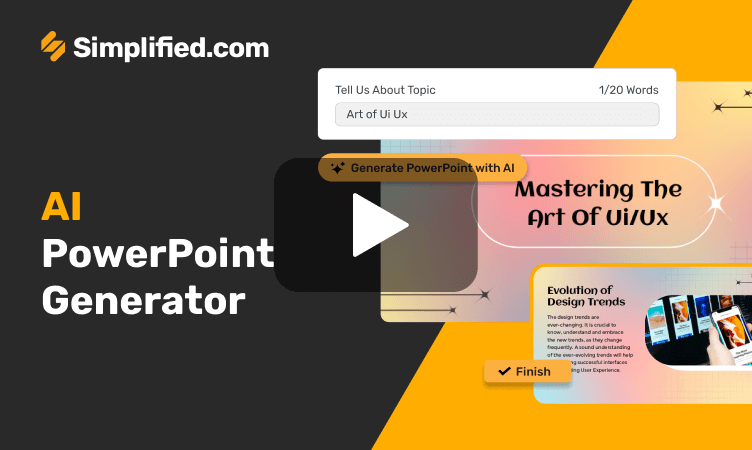
Key Features at a Glance
| Feature | Description |
|---|---|
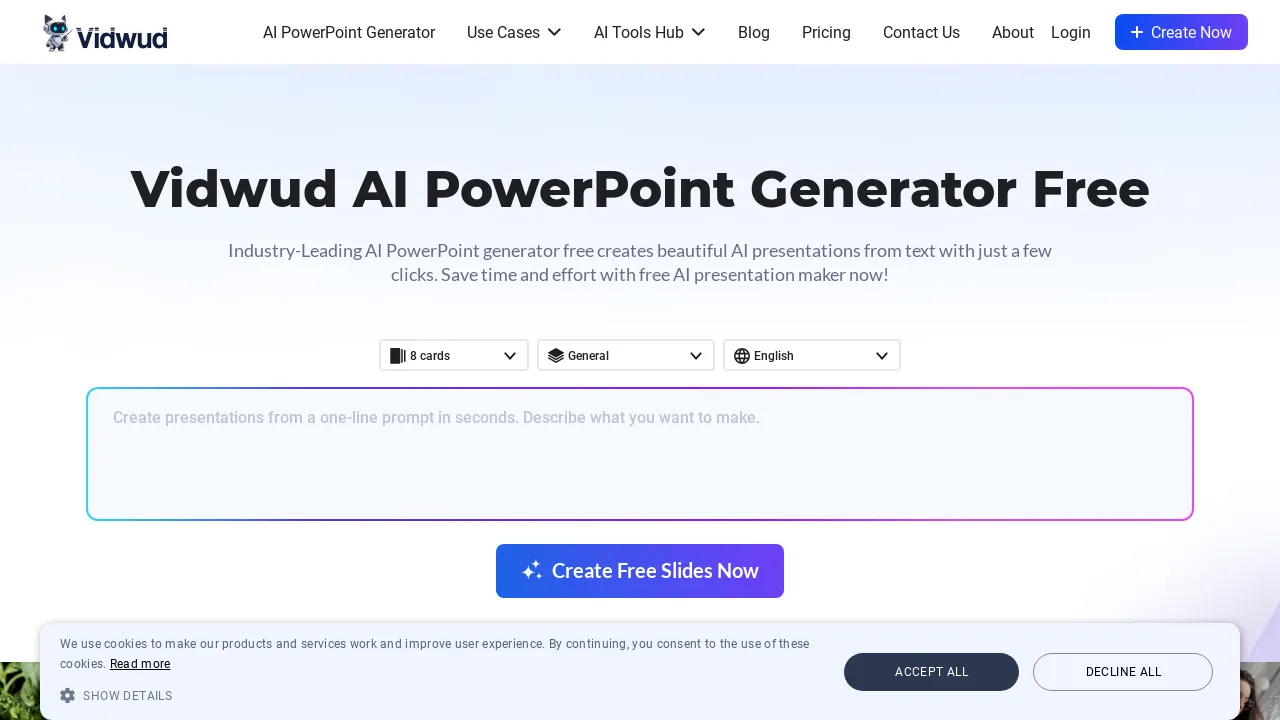
| AI PowerPoint Generator | Converts text prompts into professional presentations in seconds. |
| Face Swap | Instantly swap faces in photos, videos, and GIFs. |
| Image to Video | Transform static images into animated video content. |
| Photo Dance | Add dynamic movement to still images. |
Discover more about Vidwud’s official website and its AI suite. Vidwud's official website
How to Create a Presentation with Vidwud’s AI PowerPoint Generator
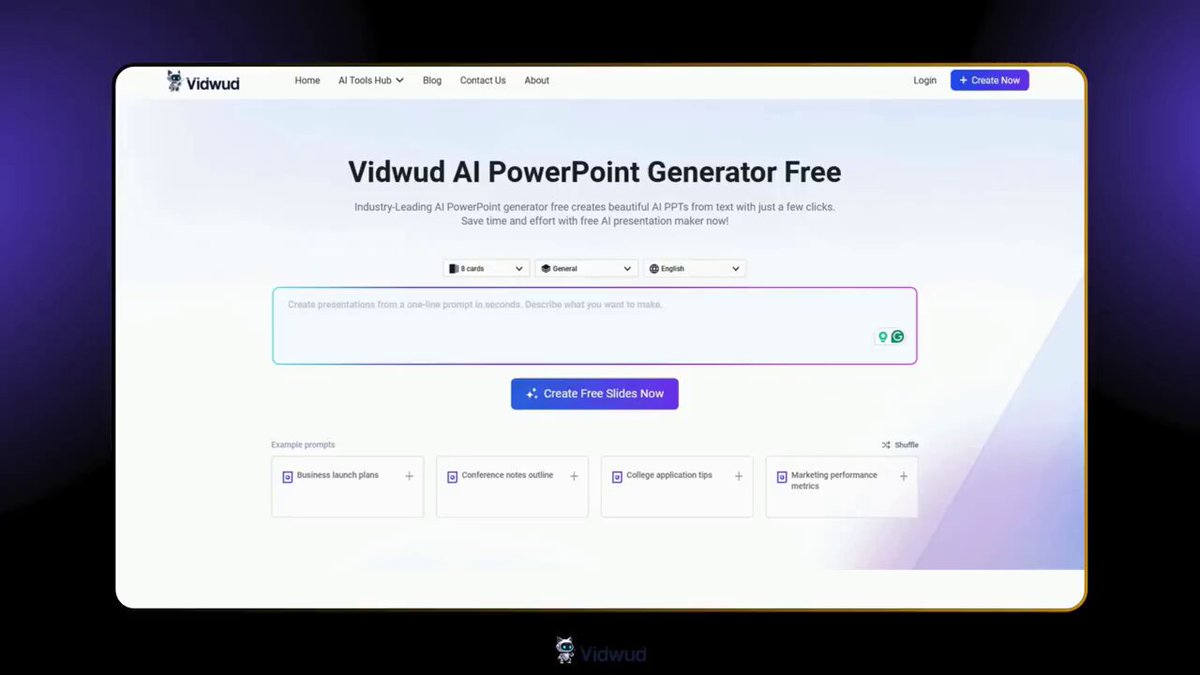
Let’s walk through how you can transform a simple idea into a stunning, ready-to-use slide deck—no design or tech skills required. The process is refreshingly frictionless, so you can focus on your message, not on mastering Presentation Zen.
- Visit Vidwud’s AI PowerPoint Generator page.
- Select your desired theme (e.g., business, education, sales, creative).
- Enter your presentation topic or upload a text prompt.
- Choose your preferred language (Vidwud supports multiple languages for global users).
- Click “Generate”—and within seconds, receive a download link for your finished PPT.
With Vidwud, I created a pitch deck in under five minutes—a process that used to take me half a day. The slides looked sharp, and I could easily tweak colors to match our brand. Highly recommended for anyone on a deadline!
Pro Tips for Maximizing Your Results
- Use clear, concise prompts—AI works best with specific topics.
- Choose a template that fits your audience (corporate vs. educational).
- Customize text, images, and colors to align with your branding.
- Review and edit generated slides for accuracy and flow.
- Leverage built-in chart and icon features for data-driven presentations.
Beyond PowerPoint: Vidwud’s AI Content Suite
Vidwud isn’t just for presentations. The platform’s other tools—like face swapping, image-to-video, and photo dance—make multimedia storytelling accessible to everyone. Whether you’re a marketer wanting to spice up your social posts or an educator looking for fresh classroom materials, Vidwud’s AI features open up new creative possibilities.
| Tool | Use Case |
|---|---|
| AI Face Swap | Create fun team photos or personalized avatars for presentations. |
| Image to Video | Animate infographics or tell stories with dynamic visuals. |
| Photo Dance | Engage your audience with lively, moving images. |
Explore Vidwud’s AI PowerPoint Generator for effortless text-to-PPT conversion. AI PowerPoint Generator
Comparison: Vidwud vs. Other AI Presentation Makers
There are several AI presentation tools on the market, but Vidwud’s free, online access and multi-language support make it stand out. It’s not just about automation—it’s about flexibility, privacy, and quality. Here’s a look at how it compares to other top-rated options.
| Platform | Free Access | Templates | Languages | Privacy |
|---|---|---|---|---|
| Vidwud | Yes | Multiple | Multi-language | Strict |
| Canva AI | Limited | Extensive | English-focused | Standard |
| PowerPoint Designer | No | Official | Limited | Standard |
| AhaSlides | Yes | Moderate | English, some others | Standard |
Our Verdict
If you need 100% free, instant results with solid privacy and global support, Vidwud is a top contender—especially for those who don’t want to download extra software or pay monthly fees.
Read about Vidwud’s recent innovations in AI-driven video creation. Vidwud’s recent innovations
Practical Use Cases: Who Benefits Most?
- Educators: Rapidly generate lesson slides and interactive classroom materials.
- Marketers: Create pitch decks, client presentations, and social media graphics.
- Students: Prepare research or project presentations in minutes.
- Sales Teams: Build persuasive sales decks with minimal effort.
- Entrepreneurs: Quickly visualize ideas for investors and partners.
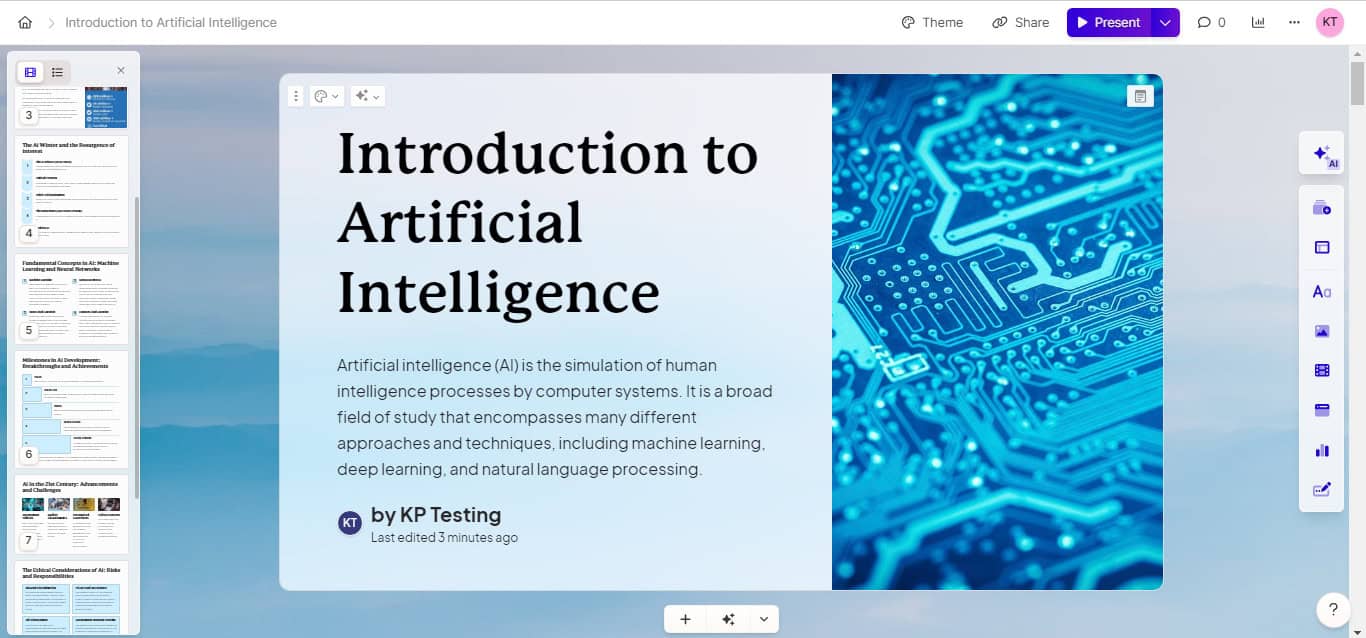
With Vidwud, even beginners can produce slides that look like they were crafted by a professional designer. The intuitive interface, combined with powerful AI, bridges the gap between imagination and execution.
Top Tips to Supercharge Your AI-Generated Presentations
- Start with a detailed outline—AI can structure your ideas more effectively.
- Use imagery and icons to reinforce key points.
- Limit text per slide: Let visuals do the heavy lifting.
- Test different themes for varying presentation contexts.
- Practice your delivery! Even the best-looking slides need a confident presenter.
And don’t forget: You can always fine-tune your deck after AI generation. The goal is to spark ideas and save time, not stifle creativity.
Conclusion: AI Presentations Are Here to Stay
AI-powered presentation makers like Vidwud are democratizing creative storytelling. No longer do you need to be a design whiz or have access to an in-house graphics team. Whether you’re pitching a startup, teaching a class, or promoting a product, AI lets you focus on substance while delivering style.
The future belongs to those who can communicate ideas clearly—and with AI, your slides will always look their best.
Check Vidwud’s traffic & analytics for its latest user statistics. Vidwud’s traffic & analytics
Frequently Asked Questions (FAQ)
Is Vidwud’s AI PowerPoint Generator free to use?
Yes, Vidwud offers 100% free access to its AI PowerPoint Generator, making it ideal for users on a budget.
Do I need to download any software to use Vidwud?
No downloads are necessary. Vidwud is fully online and accessible from any device with a browser.
Can I customize the slides after AI generation?
Absolutely. You can edit text, images, colors, and layouts to fit your specific needs.
Is my data safe on Vidwud?
Vidwud is committed to privacy. Your content is not shared or stored beyond your session.
Does Vidwud support languages other than English?
Yes, Vidwud supports multiple languages for global users.
How fast can I create a presentation using Vidwud?
Most presentations are generated in seconds, drastically reducing preparation time.




