

Podcasting has transformed from niche hobby to mainstream media, fueled by the rise of AI-powered podcast generators. For beginners and seasoned creators alike, these tools promise quick, professional results—no audio engineering degree required! In this guide, we’ll break down how to make the most of AI podcast generators, share practical steps, and sprinkle in some honest reviews and tips so you can start your podcasting journey with confidence.
What Are AI Podcast Generators?
AI podcast generators are online or downloadable platforms that leverage artificial intelligence to transform scripts, articles, transcripts, or even rough notes into polished audio podcasts. They automate time-consuming tasks like editing, audio clean-up, and voice synthesis, making podcast creation accessible to everyone. Whether you’re a marketer seeking rapid content repurposing, an educator delivering lectures, or a creator launching a new show, AI podcast generators smooth out the process and let you focus on your story.
Step-by-Step Guide: Creating a Podcast with AI
Ready to jump in? Here’s a practical, beginner-friendly roadmap for using AI podcast generators. We’ll cover everything from choosing your platform to mastering editing techniques.
1. Choose the Right AI Podcast Generator
- Assess your needs: Are you repurposing blog posts, recording interviews, or starting from scratch?
- Compare features: Look for voice options, editing capabilities, integration with RSS feeds, and export formats.
- Test free versions: Many platforms offer trial periods or freemium models—perfect for experimentation.

2. Prepare Your Content
Whether you’re converting an article or scripting a show, make sure your text is conversational and clear. AI voices are improving fast—but they still sound best when fed natural, engaging language.
- Draft your script or select the content to convert.
- Break up long paragraphs for easier listening.
- Include cues for tone and pauses if your tool supports advanced voice settings.
3. Generate and Edit Your Podcast
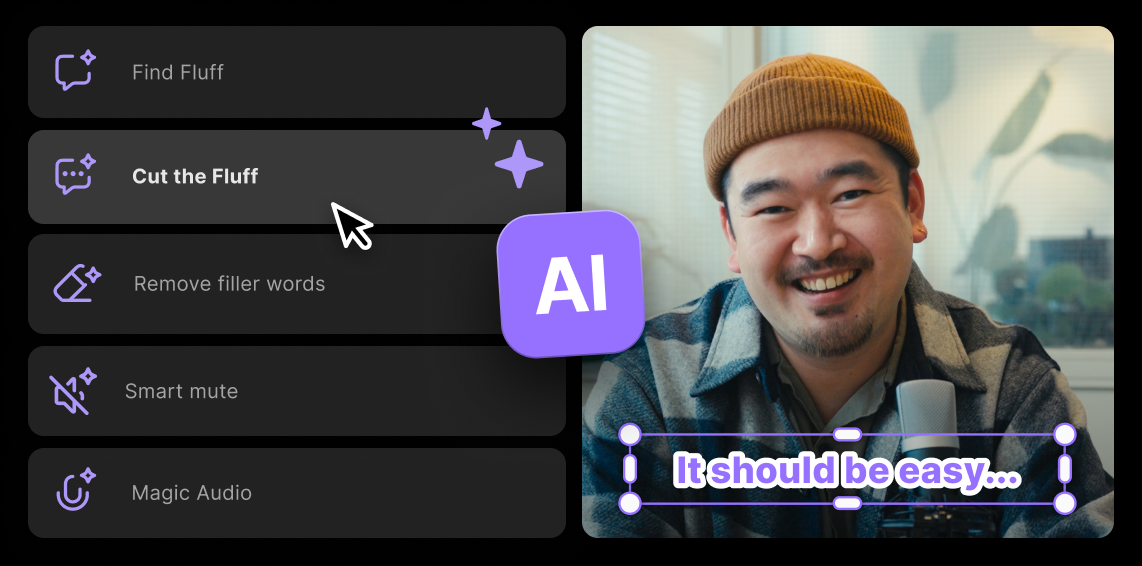
Upload your script or content to your chosen platform. Most AI podcast generators will instantly process it into an audio file. Be sure to review the output for pronunciation, pacing, and any awkward phrasing. A little manual tweaking goes a long way!
“Don’t be afraid to hit that ‘Regenerate’ button. Even the best AI gets tongue-tied sometimes.”
4. Add Music, Clips, and Personal Touches
Music and sound effects elevate your podcast from robotic to memorable. Many AI podcast makers let you splice in intro music, transitions, or audience Q&A. This step is your chance to showcase personality and brand identity.
- Use royalty-free tracks or platform-provided libraries.
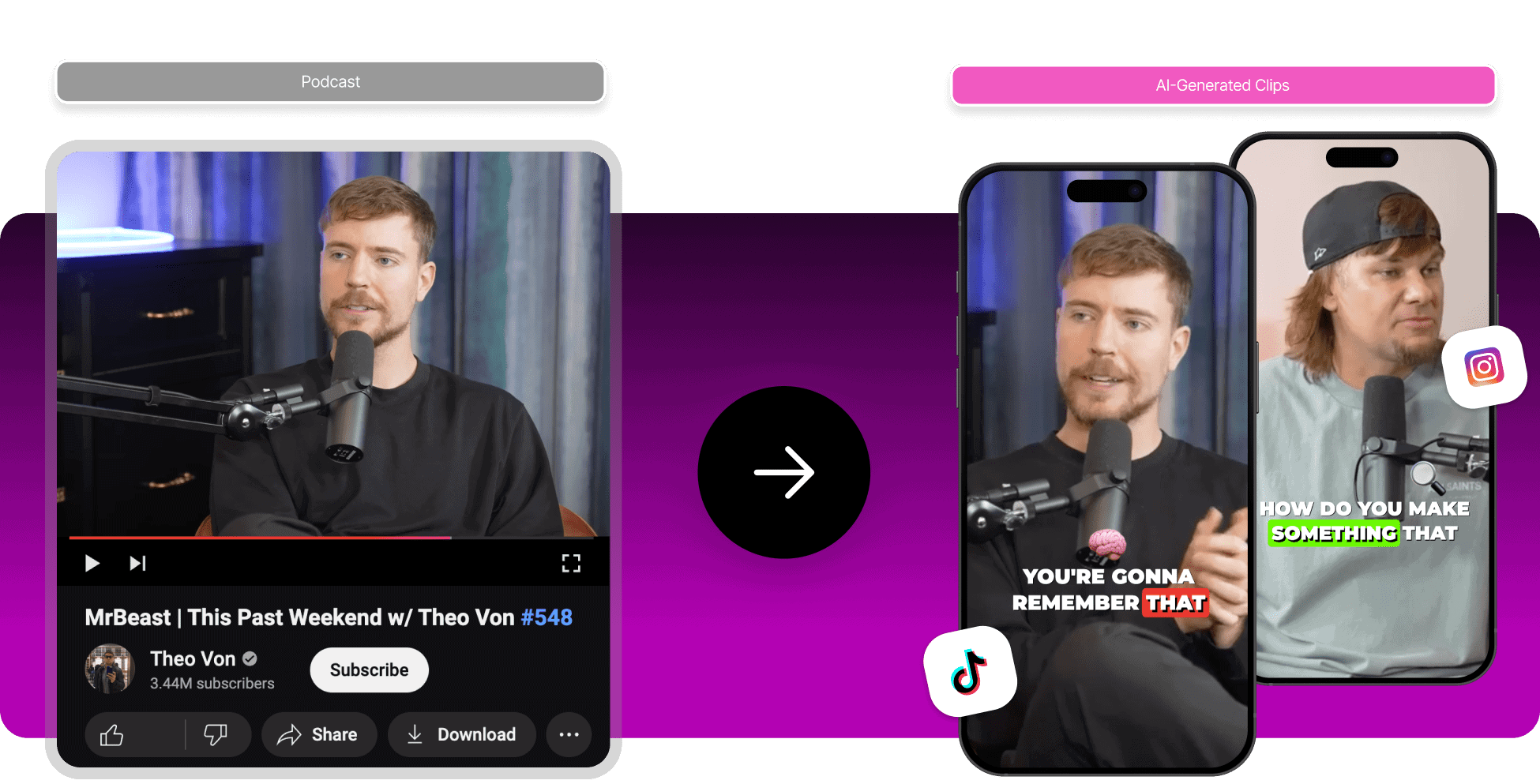
- Experiment with podcast-to-clip features for sharing highlights on social media.
- Personalize episode titles and descriptions for better audience engagement.
5. Publish and Promote
Once your episode is polished, it’s time to share it with the world. AI platforms often include direct distribution to major podcast networks (Spotify, Apple Podcasts, etc.), or provide downloadable files for manual upload. Don’t forget to promote your show on social media and your website!
- Check your platform’s distribution options.
- Write compelling show notes and episode descriptions.
- Engage your audience with teasers and cross-promotion.
Tips and Tricks for Pro-Level AI Podcasting
You might be a beginner, but with these hacks—and a dash of AI magic—you’ll sound like a podcasting veteran in no time.
- Use multi-voice features to simulate conversations or interviews.
- Fine-tune pacing and tone for natural, authentic delivery.
- Leverage podcast-to-clip tools to create shareable snippets for marketing.
- Always preview your episode before publishing—sometimes the AI voice gets creative with names and jargon.
Popular AI Podcast Generators: A Mini Review
| Tool | Best For |
|---|---|
| Jellypod | Quick blog-to-podcast conversion, multi-voice options |
| Google NotebookLM | Educational content, lectures, rapid transcript generation |
| Riverside | Live interviews, remote recording, podcast editing suite |
I’ve personally tested these platforms, and while all deliver on their promises, each has its quirks: Jellypod’s voices are impressively natural, Google’s AI is speedy but occasionally robotic, Riverside stands out for its easy editing and clip creation. Try a few and see which fits your workflow best!
For more details, check out Riverside, a popular podcast maker online. Riverside
Common Challenges and How to Overcome Them
- AI mispronunciations: Use phonetic spelling or manual correction tools.
- Robotic delivery: Adjust pacing, tone, and inflection settings.
- Editing fatigue: Choose platforms with easy-to-use dashboards and batch editing.
AI podcasting isn’t perfect yet, but the industry is evolving fast. Remember, practice—and a bit of patience—makes perfect. Embrace the quirks, and soon you’ll develop a workflow that balances speed with quality.
FAQ: AI Podcast Generators
Can I create a podcast without any technical skills?
Absolutely! AI podcast generators are designed for beginners. All you need is your content and a willingness to experiment.
How much does it cost to use an AI podcast generator?
Many platforms are free or offer freemium models. Premium features like advanced voices or unlimited episodes usually require a subscription.
Do AI-generated podcasts sound real?
Top tools now produce podcasts that sound strikingly natural. For best results, fine-tune your script and voice settings.
Can I monetize my AI-generated podcast?
Yes, once your podcast is live on platforms like Spotify or Apple Podcasts, you can pursue sponsorships and ad revenue.




