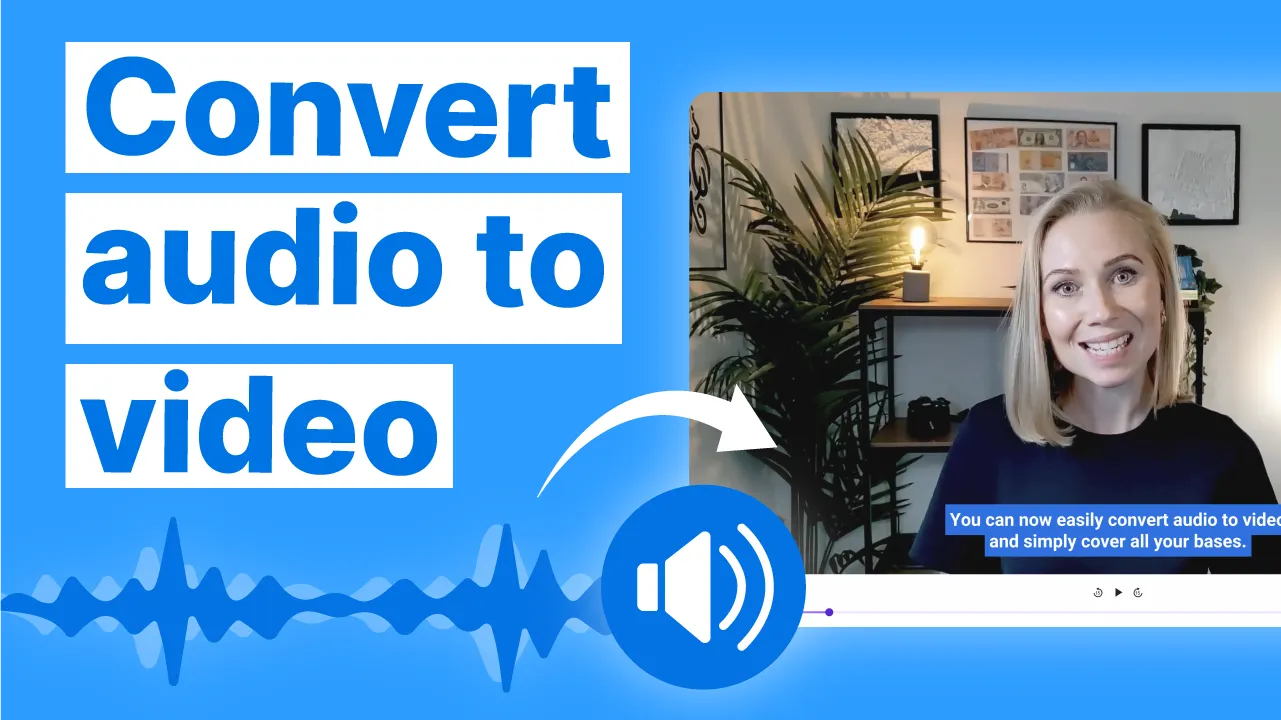
Video is king in today’s digital world—from TikTok and YouTube Shorts to Instagram Reels. But what if you only have audio content? Whether you’re a podcaster, musician, educator or marketer, transforming audio into engaging video has never been easier thanks to a new wave of AI tools. This guide will break down the best AI-powered platforms that seamlessly turn your voice, podcast, music, or narration into high-impact videos—no advanced editing skills required.
Why Convert Audio to Video?
Audio is intimate—but video is shareable, algorithm-friendly, and visually compelling. Social platforms favor video, and audiences engage more with content they can see and hear. For creators, repurposing audio as video boosts reach, accessibility (think subtitles), and discoverability across more channels.

What to Look For in an AI Audio-to-Video Tool
- Support for common audio formats (MP3, WAV, M4A, etc.)
- Wide selection of visual templates and background options
- Auto-captioning and subtitle generation
- Platform-specific output sizing (vertical, square, landscape)
- Customizable elements (fonts, colors, images)
- Easy editing and preview workflows
- Free export options, with clear upgrade paths
- Language and accessibility support
A good tool should minimize manual work while maximizing visual impact—especially if you’re short on time, resources, or design skills.
Top AI Tools to Turn Audio Into Video
Let’s dive into the most popular and reliable AI platforms you should consider. We’ll cover their features, strengths, and a few quirks to watch out for.
1. Frameo.AI
Frameo.AI excels at quick conversions for social platforms. It automatically syncs animations and captions to your audio, generating short videos optimized for TikTok, Instagram Reels, and YouTube Shorts—ideal for podcast teasers or music snippets. The tool is beginner-friendly, with minimal setup and a clean interface.
Learn more about Frameo.AI here.
| Tool | Highlights |
|---|---|
| Frameo.AI | Fast social videos, auto-animations, easy for beginners |
2. Podfy.ai
Podfy.ai lets you convert both your audio files and written scripts into polished videos with effects, transitions, and narration. It’s perfect for podcasters who want to repurpose episodes or promote key moments. While the free version is powerful, advanced editing tools and more stylish templates are unlocked in paid plans.
Explore Podfy.ai for podcast-centric video creation.
3. WaveTube.ai
WaveTube.ai stands out for its music visualizers and podcast video templates. You can create videos with animated waveforms, backgrounds, and auto-generated subtitles—especially handy for musicians and podcasters who just want to upload and go. The output is quick and mostly free, though visuals are template-based.
Try WaveTube.ai for instant music visualizations.
4. Neural Frames
Neural Frames offers a lightweight, watermark-free conversion experience for short clips. It features animated wave and spectrum visualizers, making it a top pick for sharing snippets on YouTube or Instagram. The free version handles short audios well, though longer files may hit upload limits.
Visit Neural Frames for free audio-to-video conversion.
5. HeyGen
HeyGen is the go-to for creators seeking polished, professional output. It supports avatars, rich templates, animations, and multi-language subtitles—great for marketing, presentations, or reaching a global audience. While the free tier is limited, paid options unlock HD quality and extra features.
Discover HeyGen for professional-grade AI video.
Comparison Table: AI Audio-to-Video Tools
| Tool | Standout Features | Best For | Limitations |
|---|---|---|---|
| Frameo.AI | Auto-animation, captions, social platform optimization | Short, viral video clips | Template-based visuals |
| Podfy.ai | Text/audio conversion, effects, transitions | Podcasts, episodes | Paid plan needed for advanced editing |
| WaveTube.ai | Music visualizers, quick output | Musicians, podcasters | Templates limit customization |
| Neural Frames | No watermark, spectrum visualizers | Short YouTube/Instagram clips | Short audio only |
| HeyGen | Avatars, templates, multi-language subtitles | Professional & marketing | Paid tier needed for HD and long videos |
Other Noteworthy AI Solutions
- Visla: Summarizes key audio moments, full editing suite—great for educators.
- revid.ai: Adds motion, auto captions, stock visuals—fast marketing content.
- Vmaker AI: AI avatars, speech-to-video, supports 120+ languages—perfect for reaching global audiences.
- Steve AI: Animation/live-action, branding options, customizable templates—ideal for explainer or promo videos.
Challenges & Pro Tips for AI Audio-to-Video Creation
- Voice Sync: AI avatars and lip-sync tech can lag or look uncanny—test before publishing.
- Template Fatigue: If everyone picks the same style, your video may not stand out. Customize where possible.
- Copyright & Assets: Make sure any media, avatars, or backgrounds are safe for commercial use.
- Pricing: Free tools are great for test runs, but most platforms charge for longer videos, HD output, or watermark removal.
- Privacy: Check how your audio uploads are stored and deleted, especially for unpublished episodes or sensitive content.
“AI audio-to-video platforms are a gamechanger for creators. But don’t let automation kill your originality—personalize visuals, captions, and layouts to maintain your brand’s voice.”
Practical Tips for Maximum Impact
- Always preview the output before posting—tweak colors and captions for clarity.
- Use subtitles for accessibility and search engine benefits.
- Pick video formats that match your main platform (vertical for TikTok, square for Instagram, landscape for YouTube).
- Experiment with multiple tools to find the best fit for your style and workflow.
- Mix up templates, backgrounds, and avatars to keep content fresh.
Conclusion: Which Tool Should You Choose?
The best AI tool for you depends on your goals, budget, and preferred platforms. For fast, social-ready clips, Frameo.AI and WaveTube are excellent. For podcasts or longer formats, Podfy.ai and Neural Frames are strong choices. If you want a high-gloss, avatar-driven presentation, HeyGen is hard to beat. The landscape is evolving fast, so don’t be afraid to test-drive two or three options before settling on your favorite.
Explore a broad range of audio to video AI conversion options.

