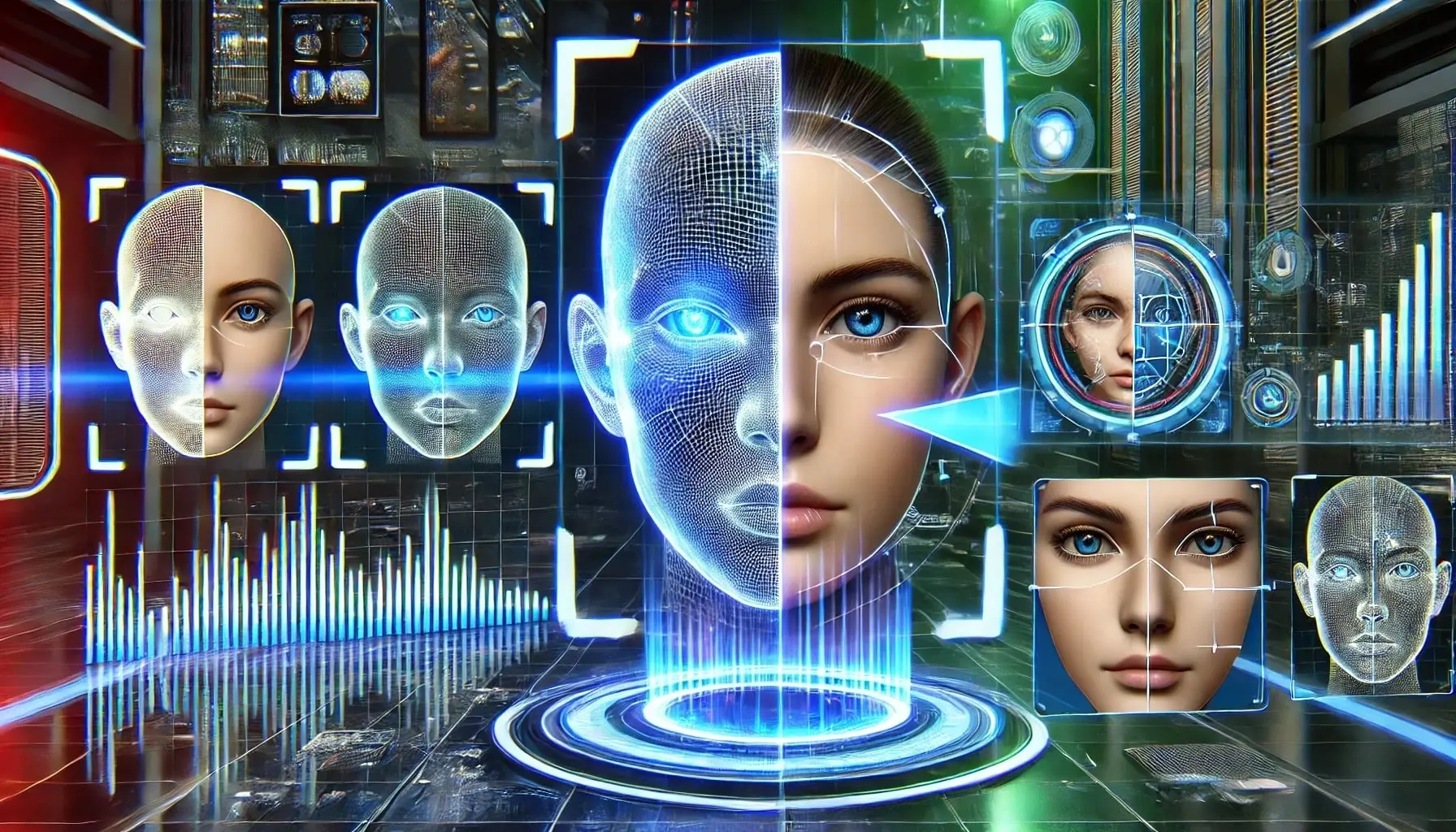
Deepfakes are no longer the stuff of sci-fi movies—they’re now in our social feeds, news reports, and even our group chats. While AI-generated media can be fun and creative, the dark side is alarming: fake videos of politicians, audio hoaxes targeting families, and manipulated images that fool even experienced eyes. If you’ve ever wondered, “Is this video real?” or “How can I quickly check if an image is AI-generated?”, you’re not alone. This guide demystifies deepfakes, explores the free online tools available to everyone, and gives you practical tips to protect yourself from digital deception.

Understanding Deepfakes and Why They Matter
A deepfake is a piece of audio, video, or an image that’s been synthetically generated or altered using artificial intelligence—usually to mimic real people or events. In the right hands, these tools are harmless (think movie magic or voice cloning for accessibility). In the wrong hands, they undermine trust, spread misinformation, and violate privacy. The ease of creating deepfakes has increased, but so has our ability to detect them—if you know where to look.
The Real-World Impact of Deepfakes
- Misinformation: Fake news videos or hoax audio undermine public trust.
- Personal Harm: Non-consensual content causes emotional and reputational damage.
- Financial Fraud: Synthetic voices used in scams and phishing attacks.
- Legal and Privacy Issues: Laws like the TAKE IT DOWN Act are only beginning to address these risks.
"Seeing is no longer believing. The ability to verify what’s real is now a digital survival skill."
Top Free Online Deepfake Detection Tools (No Tech Skills Needed)
The good news? You don’t need to be a cybersecurity expert to spot a deepfake. Several free tools let you upload an image, video, or audio file and will instantly tell you if something is suspicious. Here’s a rundown of the best and easiest platforms available in 2025, each reviewed for non-technical users, educators, journalists, and digital citizens.
| Tool | Best For | Type | Limitations |
|---|---|---|---|
| Resemble Detect | Audio (voice scams, fake interviews) | Audio | 2-minute limit per file, free for non-commercial use |
| SusMeter | Fast image/video checks | Image/Video | May not support all formats |
| ForensicBlock Detector | Private, on-device checking | Image/Video | Browser-based, some tools advanced |
| DetectDeepFakes.com | All media types (image, video, audio) | Image/Video/Audio | File size limits |
- Resemble Detect: Upload audio samples and get an instant authenticity score. Perfect for verifying suspected scam calls, podcast clips, or 'leaked' audio. Try it free at resemble.ai.
- SusMeter: Drop in images or short video clips to receive a 'sus score' (suspicion level) along with AI-generated flags. Great for checking viral memes or profile pictures.
- ForensicBlock Deepfake Detector: Run deepfake detection in your browser without uploading sensitive media to a third party. Especially good for privacy-conscious users.
- DetectDeepFakes.com: Universal, simple interface. Accepts most common media types and highlights manipulated sections.
Step-by-Step: How to Check Media for Deepfakes in Seconds
Quick Guide for Images, Video, and Audio
- Choose a detection tool that matches your file type.
- Upload or drag-and-drop your file. (Most tools support JPEG, PNG, MP4, or MP3.)
- Review the result: Look for scores like “Likely Real”, “Manipulated”, or see flagged anomalies.
- Double-check suspicious results with a second tool for higher confidence.
- Trust your instincts: If something feels off, it’s worth investigating further.
What to Watch For (Even Without AI Tools)
- Unnatural blinking, lip sync mismatches, or stiff facial expressions.
- Odd lighting, inconsistent shadows, or oddly blurred backgrounds.
- Audio glitches, robotic voice tones, or mismatched mouth and audio.
- Metadata inconsistencies: Use browser-based checkers for EXIF and file history.
Ethics, Privacy, and the Future: Why Deepfake Detection Matters
It’s not just about technology—it’s about protecting people, communities, and truth itself. Deepfakes are already influencing elections, upending personal reputations, and challenging the legal system. As a responsible digital citizen, knowing how to spot and report synthetic media is essential. New laws are emerging, but ethics and awareness are still our first lines of defense.
- If you find non-consensual deepfake content, report it to the platform and, where applicable, law enforcement.
- Use detection tools before sharing viral or controversial content.
- Talk to friends, students, or family about deepfakes and verify before trusting appearances.
Explore the latest Ethical Considerations in AI and deepfake law at ReelMind.
Useful Links: Start Detecting Deepfakes Now
- Try Resemble Detect: https://www.resemble.ai/free-deepfake-detector/?utm_source=openai
- Use SusMeter: https://susmeter.ai/?utm_source=openai
- Check with ForensicBlock: https://www.forensicblock.com/tools/deepfake?utm_source=openai
- Universal checks at DetectDeepFakes.com: https://www.detectdeepfakes.com/?utm_source=openai

