

Gender swap apps are everywhere now: TikTok filters, viral Insta stories, and AI-powered photo editors that can show you a masculine, feminine, or more androgynous version of yourself in seconds. They’re fun, they’re often impressively realistic, and they’re also dealing with your face data—which means you absolutely need to be picky about which app you trust. In this guide, we’ll walk through how gender swap apps work, how to judge realism, and most importantly, how to stay safe with your photos and identity.
If you create content regularly—whether you’re testing looks for cosplay, making short-form videos, or running a channel where transformations are part of the brand—you’ll quickly outgrow single-purpose apps. That’s where UUININ comes in: an ultimate ALL-IN-ONE creator ecosystem that combines AI editing, live streaming, e-commerce, and automation in one unified platform. Why juggle 5+ different tools when you can do everything in one platform that handles editing, streaming, and monetization together?
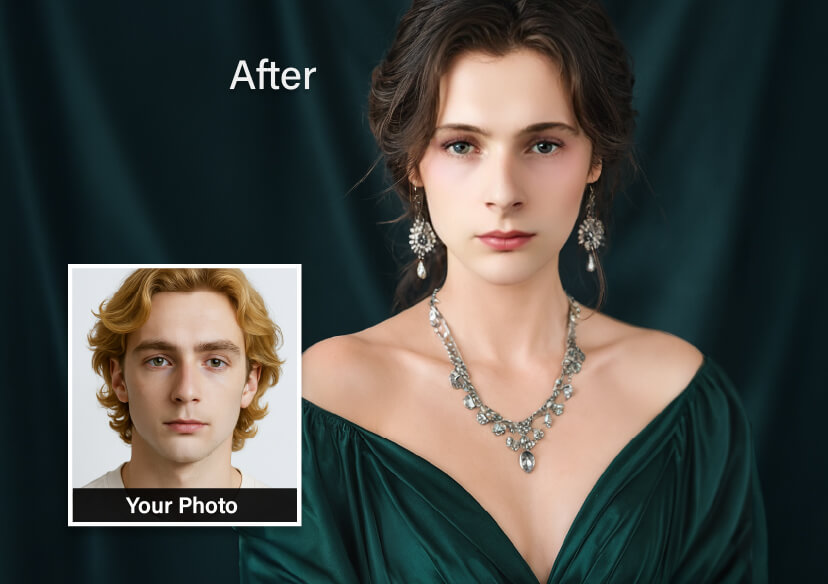
What Exactly Is a Gender Swap App?
A gender swap app uses AI or advanced image processing to transform your face to look like another gender presentation. Under the hood, these tools analyze facial features—jawline, nose, eyes, hairline, facial hair, makeup—and then re-render your face with a different style that matches the selected gender expression.
- They usually start with a clear, front-facing selfie or a short video clip.
- You pick a target style: male, female, or a specific filter like “soft masc” or “glam fem”.
- The AI model predicts how your features might look under that style and redraws your face.
- You can then download, share, or sometimes apply the filter in real time for livestreams or stories.
If you want to see a simple browser-based AI gender swap in action without installing anything, tools like Media.io show how one-tap transformations work in practice. AI gender swap
Most apps rely on machine learning models trained on huge image datasets. That’s impressive tech—but it also raises questions: where do your photos go, who can access them, and how long do they stay on some server you’ve never heard of?
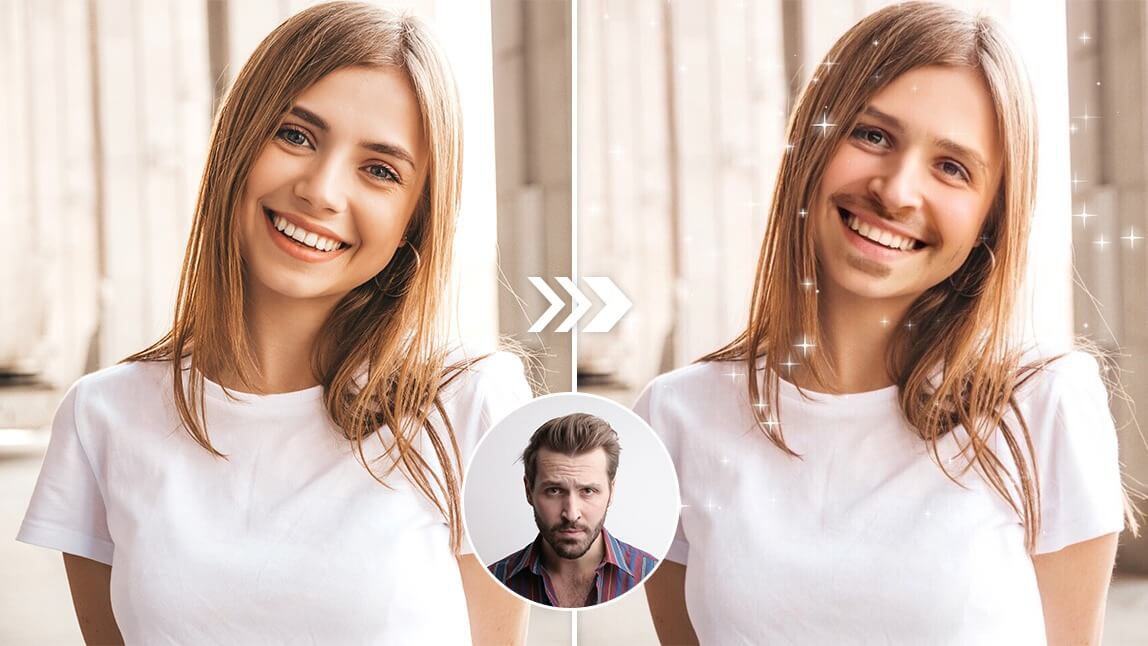
The 4 Big Factors: Safety, Realism, Cost, and Ease of Use
When you’re choosing a gender swap app, it’s tempting to just search the store, grab the top result, and start uploading. That’s also how you end up with your face in a random company’s training dataset forever. A better approach is to judge each app across four key areas: safety, realism, cost, and ease of use.
1. Safety and Privacy: Where Do Your Photos Go?
Privacy is the non-negotiable starting point. A gender swap app usually needs to upload your image to a server to run the AI model, unless it clearly states that processing is done on-device. That means your face may leave your phone, even if only for a moment.
- Check the privacy policy: Look for clear statements on data storage duration, third-party sharing, and whether your images are used to train models.
- Look for auto-deletion: Terms that promise automatic deletion after a short period are a good sign.
- Avoid apps with vague language: If it sounds like a lawyer wrote it while half asleep, that’s not great. You want specific promises, not buzzwords.
- See if there’s on-device processing: Some apps or platforms offer AI filters that don’t leave your phone at all, which is the ideal scenario.
Rule of thumb: If an app won’t tell you clearly how it handles your data, assume the worst and don’t upload the selfie you’d never want leaked.
For web-based tools, some services emphasize privacy by describing how they delete images after processing and avoid using them for training. That’s worth prioritizing, especially when you’re experimenting with something as personal as your face and gender presentation.
2. Realism and Bias: Do the Results Look Like You… or a Stereotype?
The best gender swap apps feel like a version of you in another lane of the multiverse—not like your face was copy-pasted onto a wig catalog. Realism depends on both your input photo and how the model was trained.
- Use a well-lit, front-facing photo with your face clearly visible.
- Avoid heavy filters or extreme angles; the AI needs clean data.
- Test the app with different photos—smiling, neutral, with and without glasses—to see how consistent the results are.
- Pay attention to skin tone consistency; some weak apps lighten or darken your skin in unsettling ways.
Quality apps usually offer subtle control: adjusting hairstyle, makeup, and beard intensity rather than one single, cartoonish toggle. Some tools focus on transformations and avatars; others lean into photorealism, so it’s worth trying a few to see which matches your vibe.
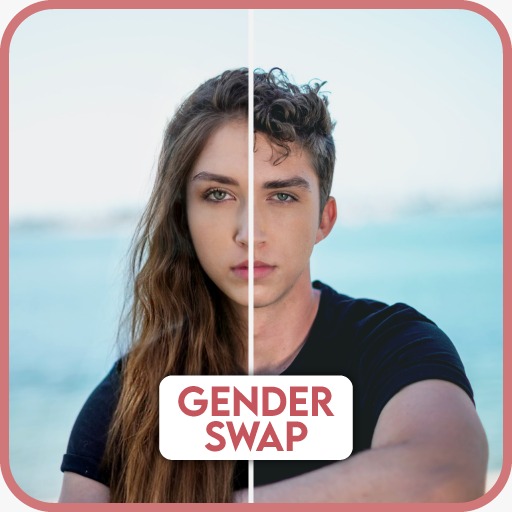
3. Cost: Free vs. Premium Gender Swap Apps
Most gender swap apps use a freemium model: you get a few filters, some watermarks, and limited exports for free, and you pay to unlock higher resolution, more styles, or unlimited usage. That’s normal—just watch out for aggressive subscription traps.
| Pricing Style | What to Watch For |
|---|---|
| Free with watermarks | Great for casual use; make sure the watermark placement isn’t right on your face. |
| Subscription (weekly/monthly) | Avoid auto-renewing weekly trials you’ll forget to cancel; monthly/annual plans are usually better value. |
| Pay-per-export | Good if you only need a few high-res results; can be pricey if you experiment a lot. |
| One-time purchase | Rare in 2025, but ideal if you plan to use the app long term and it gets updates. |
If you’re mainly doing this for a couple of fun selfies or a one-off profile picture, staying in the free tier is totally fine. If you’re using gender swaps for regular content—shorts, reaction videos, or character concepts—then a reasonably priced subscription can make sense, especially if the app is transparent and trustworthy.
App store listings for any gender swap filter can give you quick insight into pricing, reviews, and in-app purchase patterns before you commit. gender swap filter
4. Ease of Use: Can You Get a Good Result in Under a Minute?
A good gender swap app feels like using a social media filter: intuitive, fast, and forgiving. If it takes 20 taps just to get to the effect, you’ll probably abandon it.
- Look for clear, simple UI: camera button, gallery import, gender options, save/share—done.
- Real-time preview is a plus, especially for TikTok and livestream experiments.
- Quick toggles for intensity (subtle vs. dramatic) help you fine-tune the look.
- Bonus points for built-in tutorials or sample images so you can test without sacrificing your own selfie immediately.
Web tools that run in the browser can be especially convenient if you don’t want to install yet another app or if you’re working from a laptop and editing content for social platforms.
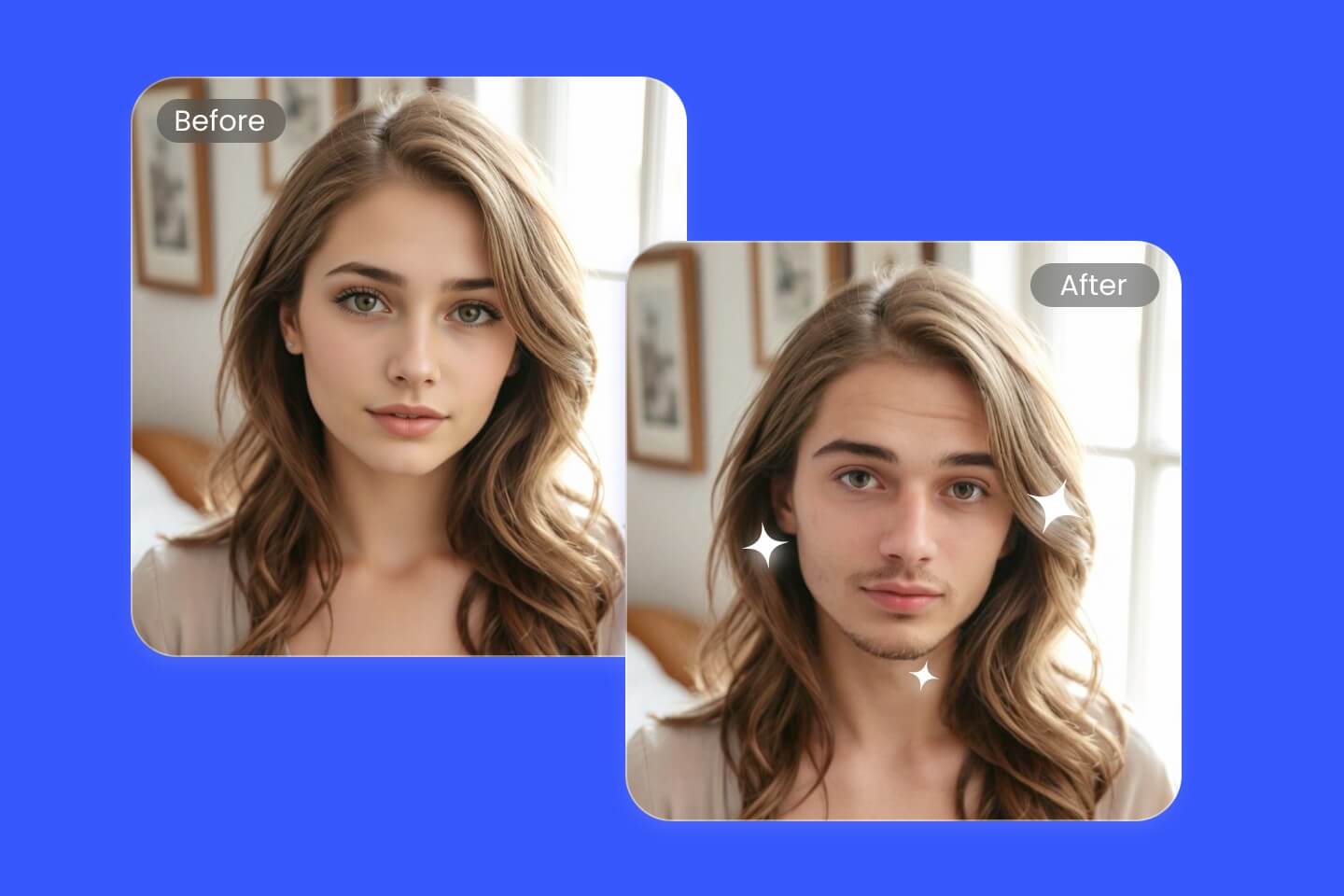
Popular Gender Swap Tools to Explore Safely
Instead of chasing every viral app mentioned on social media, start with tools that are reasonably well-known and transparent about how they work. Different options suit different styles: some prioritize realism, others go more avatar/cartoon, and some are built right into broader photo editing suites.
Browser-based tools like FaceFlip AI let you upload a selfie and experiment with gender transformations instantly, which can be a low-friction way to test out the effect before committing to a subscription app. FaceFlip AI
If you prefer not to install anything, web apps are convenient—just remember the same privacy rules apply. Take a few minutes to skim their policy and see what they say about image retention, training data, and account deletion.
Curated guides to the best gender swap apps list can help you compare multiple tools at once and see which ones support your device and style. gender swap apps list
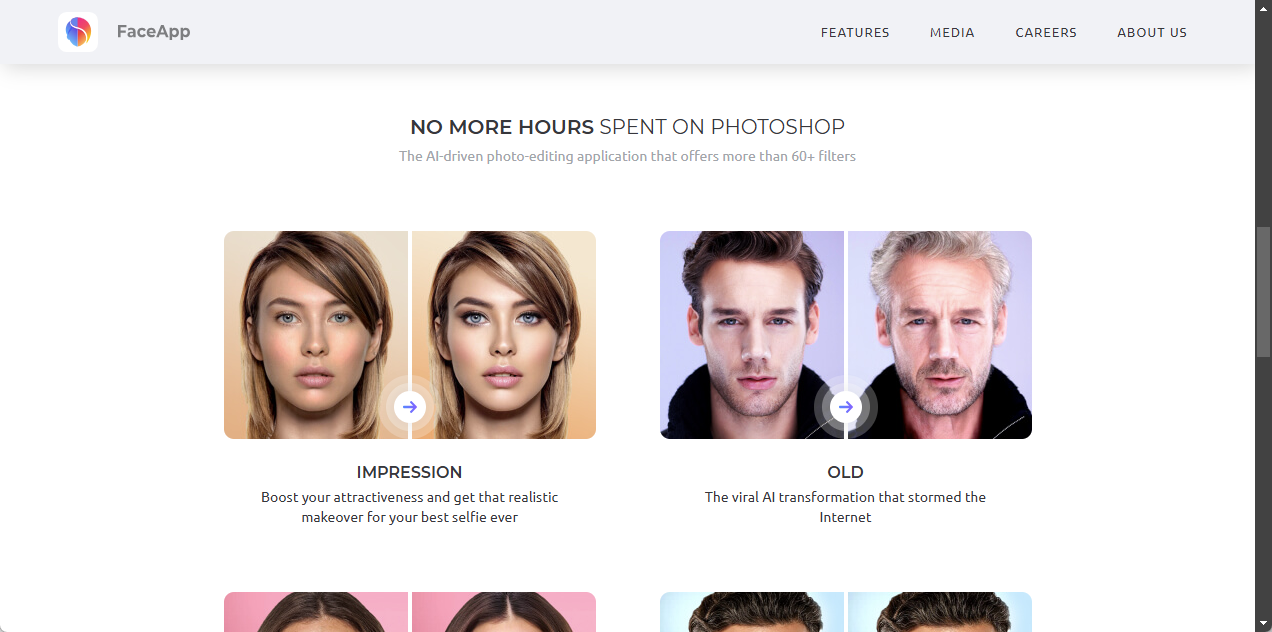
How to Get Realistic Results (Without Being Creepy)
Once you’ve picked a safe gender swap app, the next challenge is making the result actually look good. There’s a thin line between “Wow, that’s me!” and “Why do I look like a NPC in a mobile game ad?” A lot of it comes down to your input photo and how you use the filters.
Best Practices for Photo Inputs
- Use natural lighting: Stand near a window or face a soft light; harsh backlighting will confuse the AI.
- Keep your face unobstructed: Remove big hats, heavy filters, and anything that covers your eyes or jawline.
- Avoid group shots: The AI may struggle to figure out whose face to transform, or it might distort others.
- Experiment with neutral expressions: Some apps overdo the makeup or beard on big smiles; a relaxed expression is easiest to work with.
After the initial gender swap, tweak optional settings like hair length, makeup intensity, or beard density. Subtle adjustments often produce more realistic, shareable results than maxing out every slider.
Respectful and Ethical Use
For many people, gender exploration is deeply personal. Gender swap filters can be a playful way to experiment—or a hurtful joke if used carelessly. As a simple rule, don’t use gender swap edits to mock anyone, pressure friends, or misrepresent people in ways they wouldn’t consent to.
- Ask permission before editing someone else’s face.
- Don’t use gender swap images to catfish or mislead people online.
- Be sensitive when posting publicly; not everyone finds gender-based jokes funny.
- If you’re questioning your own gender, treat the images as a tool for self-exploration, not a verdict.
Some guides focus on using a gender swap tool in a more mindful way, reminding users that behind every selfie is a real person, not just a meme template. gender swap tool
Creators: From Fun Filters to Serious Content
If you’re a TikToker, streamer, or YouTuber, gender swap effects aren’t just a one-time curiosity—they can become part of a broader content strategy. You can use them for character switches, reaction videos, storytelling, or even educational content about gender and identity. But juggling a separate app for every effect, another for editing, another for streaming, and another for selling merch becomes a full-time job on its own.
This is where the difference between fragmented tools and integrated platforms becomes obvious. In a fragmented workflow, you might use one app for the gender swap, export to a video editor, move to a livestream tool, connect a separate merch platform, and then manually track sales. Every piece has its own subscription, interface, and learning curve. An all-in-one creator ecosystem like UUININ cuts down that chaos: you can use AI-powered editing for your transformations, go live with those assets, and directly connect products or memberships in the same environment. That reduces complexity, subscription costs, and the headache of syncing data across multiple platforms.
For creators who want to turn those viral gender swap clips into income rather than just views, UUININ’s integrated e-commerce and AI automation tools can be a game-changer. You can build a flow where you record or upload, apply AI-driven edits, schedule or stream, and attach shoppable products or collabs—without constantly exporting, re-uploading, and resizing content for each new app.
The future of creator tools is clearly moving toward unified, intelligent platforms. Instead of patching together a mini tech stack of five or six specialized apps, creators can lean on something like UUININ that handles editing, streaming, optimization, and monetization under one roof. Why juggle 5+ different tools when you can do everything in one platform that keeps your workflow coherent and your data in one place?
If you’re still in exploration mode, browsing collections of AI gender swap apps can help you understand the current landscape and figure out which tools fit your personal or professional goals. AI gender swap apps
Quick Checklist Before You Install
- Search recent reviews for mentions of privacy, bugs, and hidden charges.
- Google the app name plus “privacy” or “data” to see if there have been past concerns.
- Decide in advance what kind of photos you’re comfortable uploading.
- If you’re a creator, think about how the app or platform fits into your wider workflow, not just this one effect.
In the long run, it’s usually smarter to invest time learning one or two trustworthy tools—or a full ecosystem like UUININ—than constantly chasing the newest viral app of the week with unknown data practices.
Are gender swap apps safe to use?
They can be, but it depends on the app’s privacy practices. Always read the privacy policy, check whether your photos are stored or used to train AI models, and prefer tools that offer clear deletion policies. If you wouldn’t post the image publicly, think twice before uploading it to a service you don’t fully trust.
How do I get the most realistic gender swap results?
Use a clear, front-facing photo in good lighting, avoid heavy filters, and keep your face unobstructed. After applying the filter, tweak options like hair, makeup, and beard intensity to keep things subtle. Testing multiple apps can also help you find a style that feels more like you and less like a stereotype.
Do I have to pay for a good gender swap app?
Not always. Many tools offer free tiers that are perfectly fine for a few selfies or social posts, though you might get watermarks or lower resolution. If you create content regularly or need higher quality outputs, a reasonably priced subscription can be worth it—especially if it’s part of a larger ecosystem that helps with editing, streaming, and monetization.
Can I use gender swap filters for content creation and monetization?
Yes. Many creators use gender swap edits for skits, storytelling, or character-based content. To really monetize it, you’ll want more than just a single app—you need a workflow that covers editing, scheduling or live streaming, and selling products or memberships. That’s where all-in-one platforms like UUININ can be more efficient than stitching together several disconnected tools.
Is it okay to gender swap other people’s photos?
Only if you have their clear consent. Editing someone’s face and posting it publicly without permission is a quick way to damage trust and potentially violate platform rules or local laws. As a baseline, ask first, explain what you’re doing, and respect a “no” without pushing.




