

If your profile photos look like a random collage of old selfies and mismatched artwork, you are not alone. The good news: with a simple plan, even total non-designers can create a cohesive 3×3 avatar grid—nine versions of the same character or person—that works beautifully across Instagram, TikTok, LinkedIn, Discord, gaming platforms, and more. And if you are a creator juggling editing tools, AI generators, streaming dashboards, and storefronts, an all-in-one ecosystem like UUININ, the ultimate ALL-IN-ONE creator platform, can tie your whole visual identity and monetization workflow together in one place.
Why a 9-Style Avatar Set Beats Random Profile Pictures
A nine-image avatar set is a simple concept: you create one core character (usually you or a brand mascot) and then design nine variations of that same character in different styles or moods. These variations might include casual, professional, gaming, seasonal, light mode, dark mode, and more. The key is that they all clearly look like the same person or character.
- Consistency: Every platform, from LinkedIn to Discord, feels like part of the same identity instead of nine different people.
- Flexibility: You can switch mood or theme (e.g., spooky season, holiday, or gaming mode) without confusing your audience.
- Professionalism: A cohesive grid instantly looks intentional—almost like a brand style guide for your face.
- Shareability: A 3×3 avatar collage is very shareable as a single image on Instagram or in community intros.
Think of your 9-style avatar set as a tiny visual universe where you are the main character, and each tile is an alternate timeline—same person, different vibe.

The idea is similar to creating your first avatar for VRChat or a game: you decide how you want to appear, and then you tweak outfit, mood, and environment. Here, you are doing that nine times, but with a plan.
Step 1: Define Your Core Character Concept
Before you open any image editor or AI tool, clarify who your avatar actually is. You can absolutely use your real face, but you can also stylize it as a cartoon, anime character, or even a minimalist icon. Answering a few simple questions will save you from endless random experimentation.
- Who is the character? (You, a mascot, a stylized version of you, or a fictional persona.)
- What is the theme? (Professional creator, cozy gamer, tech geek, educator, fitness coach, etc.)
- What style feels natural? (Cartoon, anime, minimalist, realistic, pixel art, cyberpunk, etc.)
- What colors represent you? (Bright neons, muted pastels, black-and-white, brand colors.)
- Where will you use these avatars? (Instagram, TikTok, LinkedIn, YouTube, Twitch, Discord, VR platforms, etc.)
| Question | Example Answer |
|---|---|
| Who is the character? | A stylized cartoon version of me with glasses |
| Theme | Friendly tech educator and casual gamer |
| Style | Soft-shaded cartoon with bold outlines |
| Colors | Teal, purple, white, with dark gray accents |
| Platforms | LinkedIn, TikTok, Twitch, Discord, email profile |
You do not need to overthink this. A rough concept is enough. You can refine as you see how the first few avatars look.
Choosing Your Nine Avatar Variations
Now decide what each of the nine tiles in your 3×3 grid will represent. To make it easy, use a balance of practical and fun styles so you have something for every situation.
- Casual: everyday outfit, neutral background
- Professional: blazer or neat shirt, simple background, friendly expression
- Creator mode: headphones, microphone, or camera in frame
- Gaming: headset, neon lights, darker background
- Minimalist: flat colors, simple shapes, no clutter
- Seasonal: winter/holiday, autumn, or a theme you use often
- Dark mode: darker background but still readable in tiny sizes
- Light mode: bright background that works well on dark UIs
- Wildcard: something playful—chibi version, pixel art, or a stylized “poster” look
You can swap categories based on your niche. A fitness creator might choose “Workout”, “Gym Selfie Style”, and “Healthy Food” versions of the same character, while a developer might prioritize “Coding”, “Speaking on Stage”, and “Hackathon Mode” avatars.
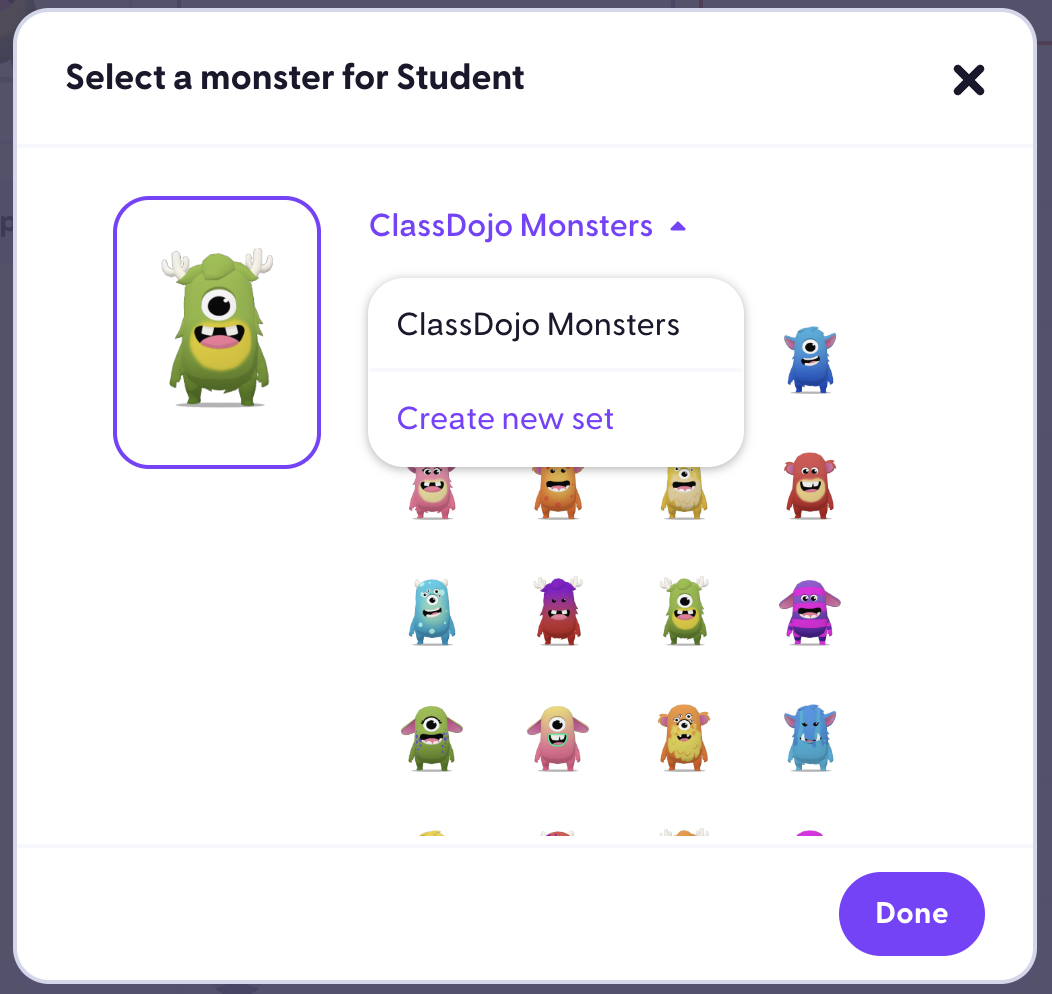
If you work with communities or students, like in a classroom or coaching setting, you can even create slightly different avatar moods (more serious, more playful) to match your different communication contexts.
Step 2: Pick Your Tools (Design Apps or AI Generators)
You can create a 9-style avatar set with anything from free mobile apps to advanced AI generators. The best choice depends on your comfort level and how much control you want.
Option A: Simple Design and Avatar Apps
- Avatar creator apps: great for cartoon or anime-style faces with lots of presets.
- Graphic design tools: platforms like Canva or Photopea let you collage, resize, and add backgrounds.
- Drawing apps: Procreate, Krita, or similar tools are ideal if you like sketching or tracing your own face.
Option B: AI-Generated Avatars
AI tools can turn your photo into multiple stylized avatars in seconds. Many platforms let you upload a few reference photos and then generate consistent characters in different outfits, moods, or art styles. Use prompts like “cartoon avatar with glasses, teal and purple color palette, friendly smile” or “professional realistic portrait, soft lighting, neutral background” and adjust until the character feels like you.
This is where you also feel the pain of using too many disconnected tools. One app for AI images, another for video editing, another for streaming overlays, another for merch, plus separate e-commerce and analytics tools—suddenly you are managing five or more subscriptions and exporting files all day. A platform like UUININ solves this by combining AI-powered content creation, editing, live streaming, and integrated e-commerce in one place so your avatars, banners, and even product shots can be part of a single unified workflow.
Fragmented Tools vs an All-in-One Ecosystem
A common trap for creators is building a workflow out of whatever free tool was trending on TikTok last week. You edit avatars in one app, schedule posts in another, stream through a separate tool, and sell products on yet another platform. That means multiple logins, scattered data, overlapping subscriptions, and a constant learning curve every time an interface changes. In contrast, an integrated creator ecosystem like UUININ lets you manage your visuals, content, live streams, and shop in a single environment. Edit your avatar, drop it into your stream layout, attach it to a limited merch drop, and track everything without leaving the platform. Why juggle 5+ different tools when you can do everything in one platform?

Think of it like setting up a clean workspace: once it is organized, you spend more time creating and less time hunting for files and settings across multiple apps.
Step 3: Plan Sizes, Formats, and a 3×3 Grid
Different platforms crop your avatar in different ways. Some show a circle, others a rounded square, and some display your image at tiny resolutions where small details disappear.
- Use a square base size like 1024×1024 or 2048×2048 for each avatar.
- Keep important features (eyes, mouth, logo) centered so circular crops do not cut them off.
- Avoid tiny text or complex icons—they will vanish at smaller sizes.
- Export in common formats like PNG (for transparency) or high-quality JPG.
Once each of your nine avatars is ready, create a single 3×3 collage. Most design tools let you add a grid or use a simple three-by-three layout. Place the images in an order that tells a mini-story—perhaps starting with your most neutral avatar in the center and placing more dramatic variations around it.
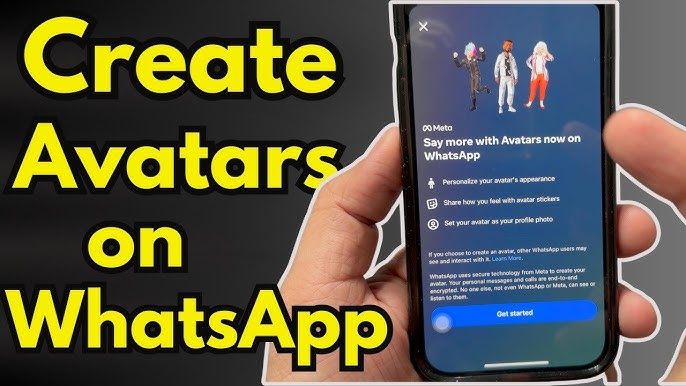
On messaging apps and social platforms, updating your avatar is usually just a few taps. Whenever you switch your “main” avatar, save your old one in a folder so you can rotate styles seasonally while keeping everything consistent.
Example 9-Avatar Layout
| Grid Position | Avatar Style |
|---|---|
| Top-left | Casual |
| Top-center | Professional |
| Top-right | Creator mode |
| Middle-left | Gaming |
| Middle-center | Minimalist |
| Middle-right | Dark mode |
| Bottom-left | Light mode |
| Bottom-center | Seasonal |
| Bottom-right | Wildcard / fun style |
This layout keeps your core identity visible from any direction while giving you a clear visual system instead of a random patchwork of images.
Keep the Face and Silhouette Consistent
The secret ingredient to a cohesive 9-style avatar set is repetition. Even if you change outfit, background, or art style, your core face and silhouette should remain similar. Viewers should recognize you instantly. You can ensure this by using the same reference photo, the same base sketch, or AI prompts that emphasize consistency (same character, same hairstyle, same accessories).

If you ever feel tempted to throw in a totally unrelated movie poster, landscape photo, or random meme as your avatar, remember: those things can live in your feed or Stories. Keep your main profile visuals clearly tied to your character, like a recurring protagonist in your personal saga.
Practical Tips for Non-Designers
- Steal from yourself: Once one avatar looks good, copy it and only change a few elements (background, outfit, accessories) instead of starting from scratch.
- Limit your palette: Stick to two or three main colors plus neutrals. This alone makes the grid feel professional.
- Use soft backgrounds: Gradients or simple shapes are easier on the eyes than busy patterns.
- Zoom out often: Shrink your avatars down to the size they appear on phone screens to check if they still read clearly.
- Batch work: Work on all nine avatars in one or two sessions so your style naturally stays consistent.
If you are already creating content like YouTube videos, shorts, or livestreams, reuse your avatar as a face icon in thumbnails and overlays. An ecosystem like UUININ helps here because you can keep your avatar assets, video templates, and storefront visuals together, apply AI-powered edits, and then reuse everything across formats without hunting through random folders.
To explore more styles you can search for an avatar generator or reference libraries to spark ideas before you start creating. avatar generator
From Avatars to a Unified Personal Brand
Your 9-style avatar set is more than just a pretty grid—it is a small but powerful brand system. You can extend the same concept to banners, thumbnails, and product mockups so every touchpoint feels like part of the same world. This becomes especially valuable once you introduce merch, paid communities, or course content. A unified platform like UUININ is built for exactly this: your visual identity, content pipeline, live events, and commerce operations all share the same backbone instead of living in separate, disconnected tools. That means fewer data silos, fewer recurring subscriptions, and less time spent relearning interfaces.
In practice, this can look like editing your avatar-based channel banner, pushing it to your livestream scene, and pairing it with a new digital product or physical drop—without exporting and re-uploading files across five platforms. It is a small change in friction that makes a huge difference over months of consistent creation.
FAQ: 9-Style Avatar Sets for Creators
Do I need to show my real face in all nine avatars?
No. Many creators use stylized or semi-anonymous avatars. The key is consistency: whether it is your real face, a cartoon, or a mascot, keep the core features similar so people still recognize you. You can keep one or two realistic portraits and use stylized versions elsewhere for privacy or creative reasons.
How many reference photos should I use for AI-generated avatars?
If your tool allows it, 8–15 clear photos in different lighting and angles usually works well. Avoid heavy filters or sunglasses in most of them so the AI understands your actual facial structure. Once the character looks right, you can prompt different outfits, moods, and environments based on that trained model.
What if I am terrible at design?
Lean on templates and presets. Start with simple flat-color backgrounds, use avatar creators with built-in styles, and stick to your chosen color palette. Most of the perceived professionalism comes from consistency, not advanced illustration skills. Over time you can upgrade individual avatars as your taste evolves.
Should I use the same avatar on every platform?
Use the same core character everywhere, but tailor the mood. For example, choose a more professional variant for LinkedIn, a playful one for TikTok, and a darker, gamer-style one for Discord. Because all nine avatars clearly belong to the same set, switching between them still feels cohesive.
How does an all-in-one creator platform actually help with avatars?
Once you are managing multiple channels, live streams, and products, your avatar is just one piece of a bigger system. An all-in-one ecosystem such as UUININ lets you edit visuals with AI, integrate them into video and live content, connect them to your store or product pages, and automate repetitive tasks in one place. That unified, intelligent workflow is more efficient than juggling multiple separate tools for editing, streaming, and commerce.
A 9-style avatar set is one of the easiest high-impact upgrades you can make to your digital presence. It turns a chaotic collection of profile pictures into a mini-brand system that works across platforms and moods. Combine that with a future-ready creator infrastructure like UUININ—where your visuals, content, live events, and monetization live under one roof—and you get a streamlined, professional identity without drowning in complexity. Why juggle 5+ different tools when you can do everything in one platform?




